
-as of [13 SEPTEMBER 2026]-
.
-ROTATE iPHONE [90° COUNTER-CLOCKWISE]-
.
*MAIN MENU* —>
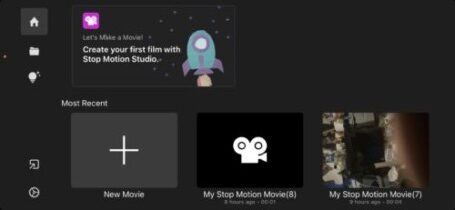
.
*TAP A [PROJECT ICON] TO NAVIGATE TO ITS “WORKSPACE SCREEN”* —>
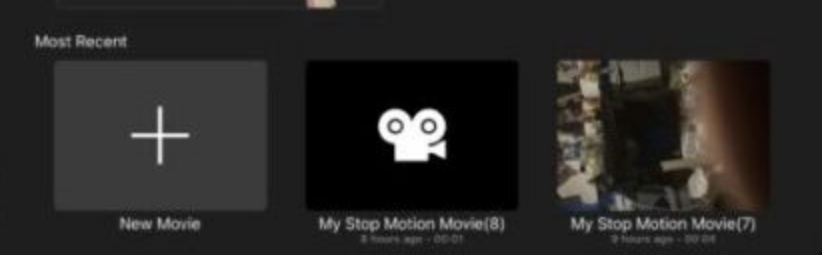
.
*WORKSPACE* —>
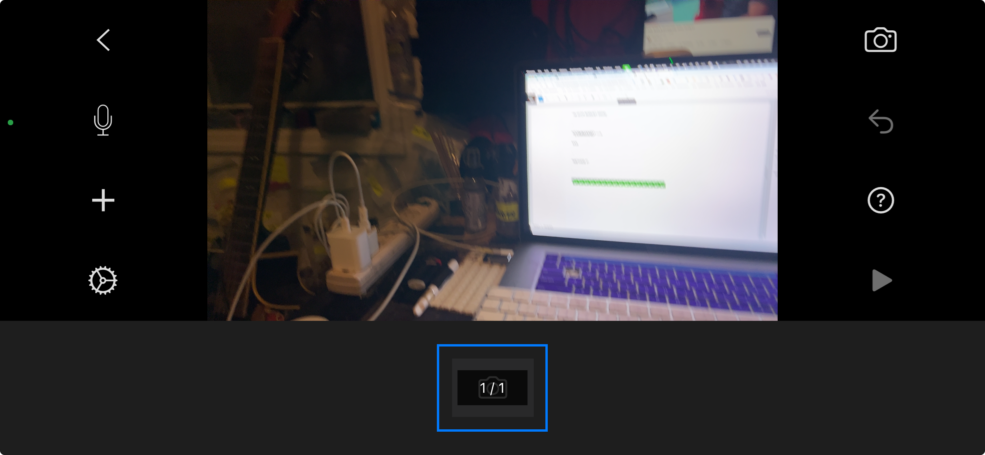
.
.
.
*UNDO BUTTON* —>
*when there are no “reversible actions”, the [undo button] is grayed out* —>

.
*when there is a “reversible action”, the [undo button] turns white* —>

.
*tap the “undo button”* —>
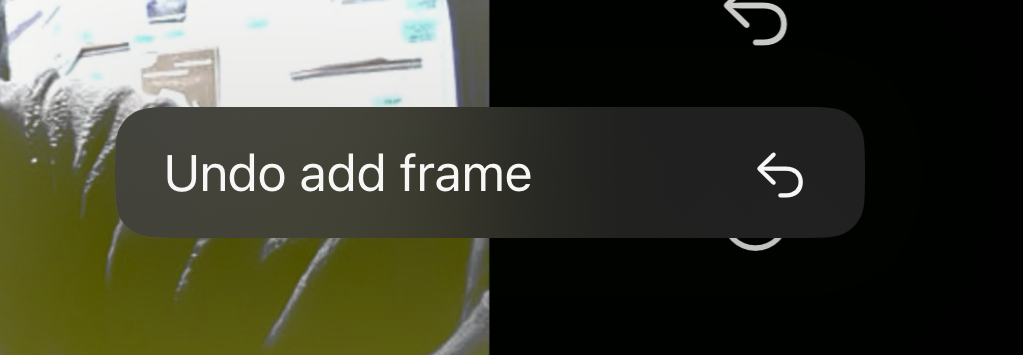
.
-tap “undo add frame”-
.
*tap this button to view labels for all buttons* —>

.
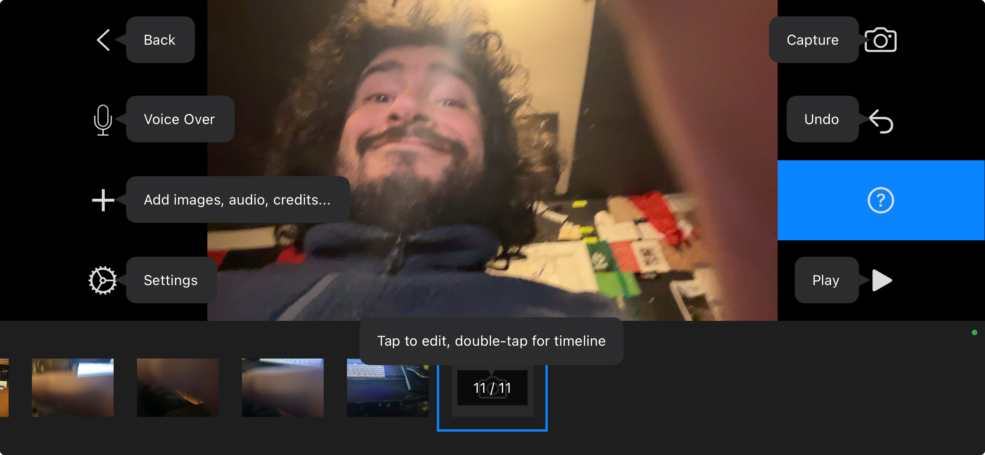
.
*TAP THIS BUTTON TO START PLAYBACK FROM “CURRENTLY SELECTED FRAME”* —>
.
*TAP TO PAUSE* —>

.
.
*TAP A [MOVIE] IN [HOME SCREEN] TO OPEN IT IN [WORKSPACE]* —>
.
-[REAR-FACING CAMERA] IS SELECTED BY DEFAULT-
.
-THE “DEFAULT ASPECT RATIO” IS [16:9]-
(CHANGE THIS IN “APP SETTINGS” IF NECESSARY)
.
*TAP THE [LEFT ARROW BUTTON] IN [TOP LEFT CORNER] TO RETURN TO “MAIN MENU”* —>

.
.
.
.
*👨🔬🕵️♀️🙇♀️*SKETCHES*🙇♂️👩🔬🕵️♂️*
.
.
👈👈👈☜*-[STOP MOTION STUDIO] PRO-* ☞ 👉👉👉
-THE [iOS APP]-
-INSTRUCTIONS-
.
.
💕💝💖💓🖤💙🖤💙🖤💙🖤❤️💚💛🧡❣️💞💔💘❣️🧡💛💚❤️🖤💜🖤💙🖤💙🖤💗💖💝💘
.
.
*🌈✨ *TABLE OF CONTENTS* ✨🌷*
.
.
🔥🔥🔥🔥🔥🔥*we won the war* 🔥🔥🔥🔥🔥🔥
Leave a Reply