
.
-as of [30 JULY 2026]-
.
.
*SYSTEM SETTINGS*
.
.
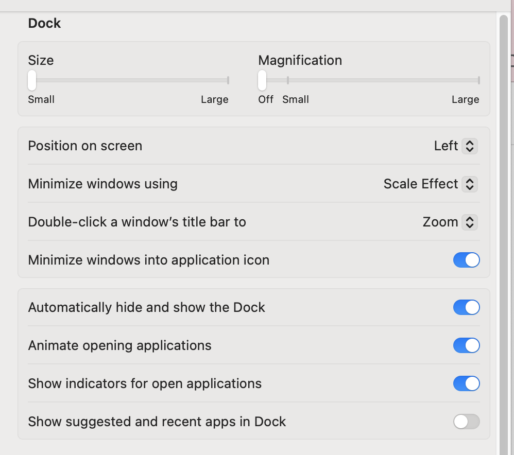
*SIZE*
(‘small’ —> ‘large’)
(the slider DOES NOT move in increments)
(and there is no way to ‘restore default size’)
.
*SMALLEST* —>

.
*LARGEST* —>

.
*MAGNIFICATION*
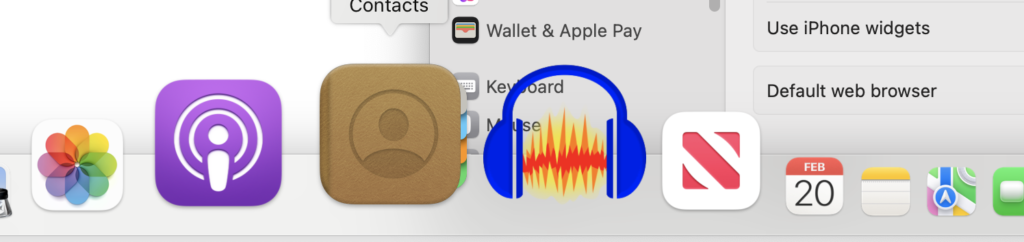
(the size of ‘dock icon’ increases when you hover over it)
(‘off’ —> ‘small’ —> ‘large’)
.
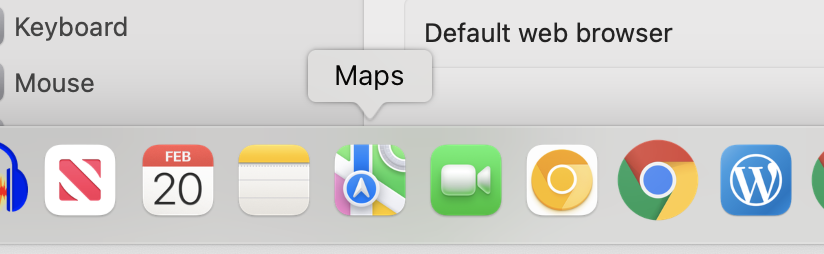
*SMALLEST* —>
(imperceptible)
.
*LARGEST* —>
.
*POSITION ON SCREEN* —>
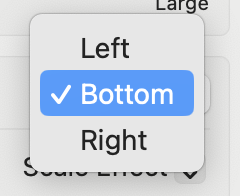
(i choose ‘bottom’ because the left side of my screen has a ‘black bar’ running down it)
(and the ‘pointer’ moves to the ‘ipad’ if i move it to ‘right side’ of macbook screen)
.
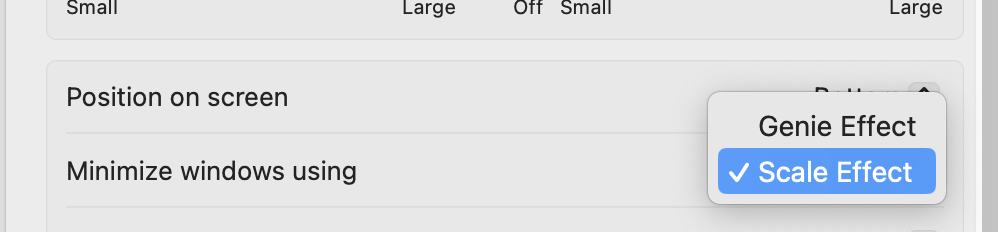
*MINIMIZE WINDOWS USING* —>
.
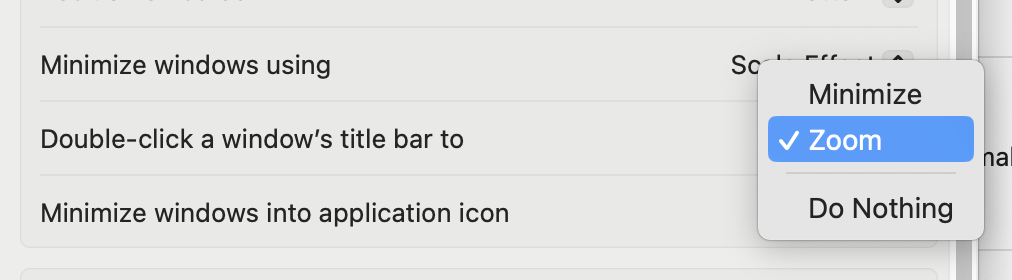
*DOUBLE-CLICK A WINDOW’S [TITLE BAR] TO* —>
.
*MINIMIZE [WINDOWS] INTO [APPLICATION ICON]* —>

.
*AUTOMATICALLY HIDE/SHOW THE [DOCK]* —>

.
*ANIMATE OPENING [APPLICATIONS]* —>

.
*SHOW [INDICATORS] FOR [OPEN APPLICATIONS]* —>

.
*SHOW [SUGGESTED/RECENT APPS] IN [DOCK]* —>

.
*SET THE [BOTTOM RIGHT CORNER] AS A [HOT CORNER]*
(and assign it to open ‘mission control’)
(the pointer should not move to the ipad when you drag it to the corner)
(USE [F3] to enter/exit ‘mission control’)
(the dock automatically opens when you enter [mission control])
(click the ‘finder icon’ in the dock to ‘shift focus to’ [finder])
(since finder is always ‘open’)
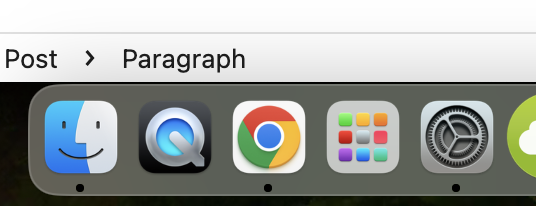
*if there are no [finder windows] open, clicking the ‘finder icon’ in dock opens a new [finder window] with the same [size/position/selection] as the [finder window] you last closed*
*IF THE APP IS NOT CURRENTLY OPEN, CLICK ITS [DOCK ICON] TO [OPEN IT]*
*IF THE APP IS ALREADY OPEN, CLICK ITS [DOCK ICON] TO [SHIFT FOCUS] TO THE APP*
*[open applications] will have a [black dot] underneath their [dock icon]* —>
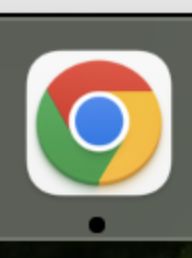
([finder dock icon] will always have a [black dot] underneath it)
(even if there are no open [finder windows])
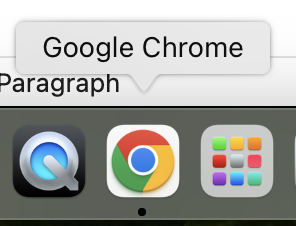
*HOVER [MOUSE POINTER] OVER A [DOCK ICON] TO VIEW [APPLICATION NAME]* —>
.
*’DESKTOP’ + ‘SCREEN SAVER’*
*2 TABS*
.
.
.
.
*👨🔬🕵️♀️🙇♀️*SKETCHES*🙇♂️👩🔬🕵️♂️*
.
.
👈👈👈☜*”SYSTEM SETTINGS* ☞ 👉👉👉
*macOS*
.
.
💕💝💖💓🖤💙🖤💙🖤💙🖤❤️💚💛🧡❣️💞💔💘❣️🧡💛💚❤️🖤💜🖤💙🖤💙🖤💗💖💝💘
.
.
*🌈✨ *TABLE OF CONTENTS* ✨🌷*
.
.
🔥🔥🔥🔥🔥🔥*we won the war* 🔥🔥🔥🔥🔥🔥