
-as of [30 AUGUST 2026]-
*remote camera*
-to be used in conjunction with [(stop motion studio) pro] desktop app–
.
*ON [MACBOOK PRO]* —>
“SHOW STOP MOTION”
.
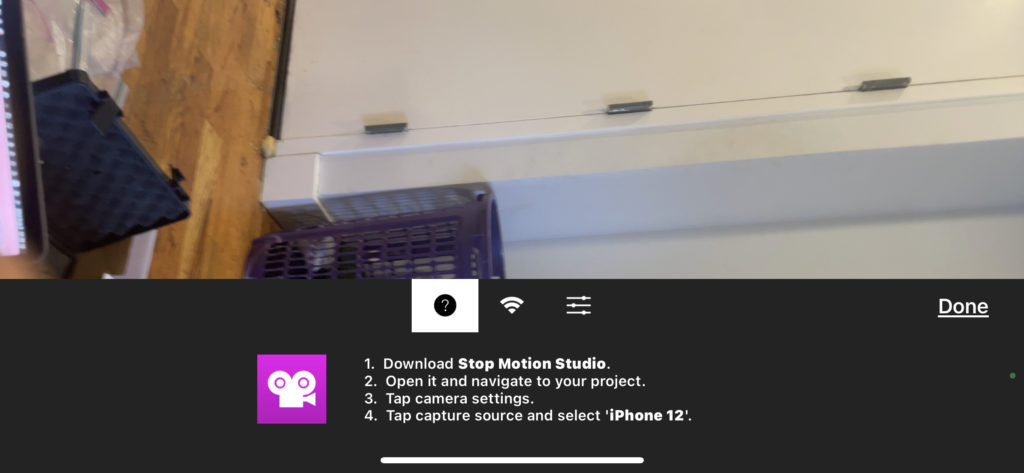
*ON [iPAD] / [iPHONE]* —>
“SHOW REMOTE CAMERA”
.
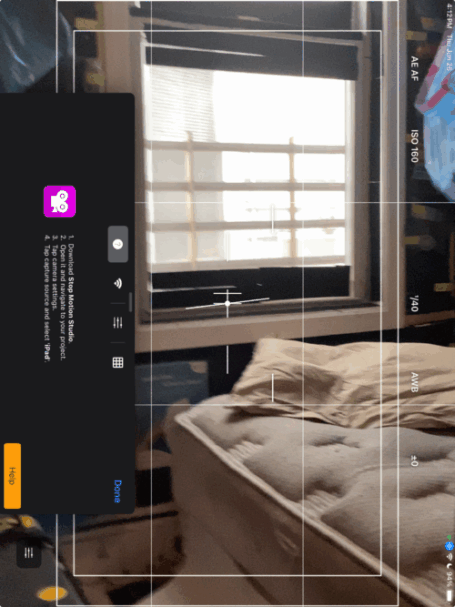
*IF THE [iPAD FRAME] IS VERTICALLY MOUNTED, YOU HAVE TO ROTATE THE DEVICE 90° COUNTER-CLOCKWISE TO READ THE MENU* —>
.
.
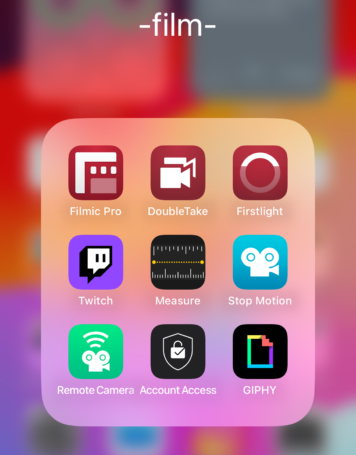
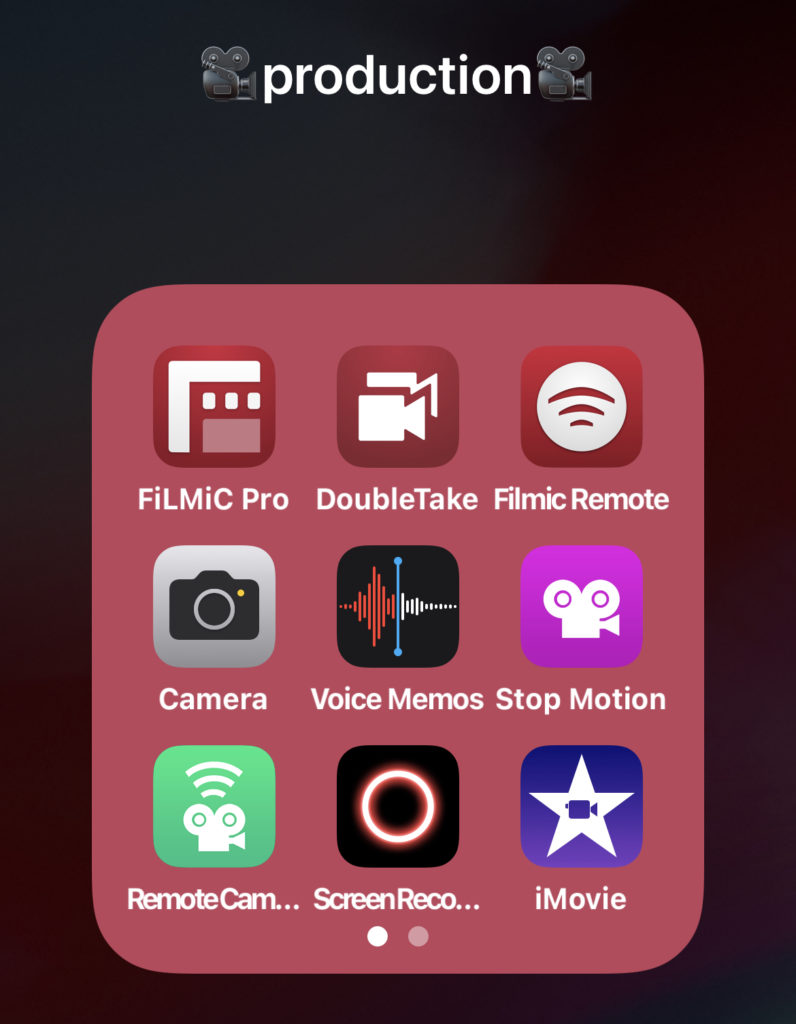
*’PRODUCTION’ iPHONE FOLDER* –>
.
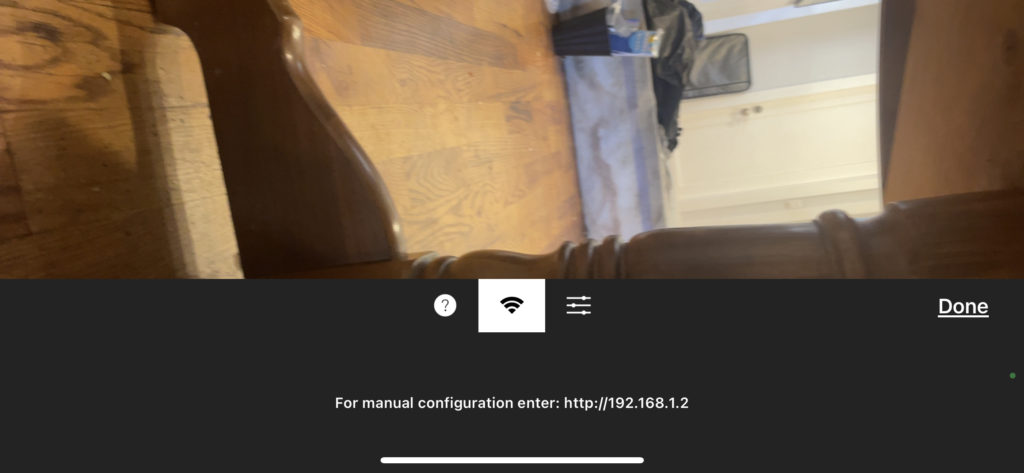
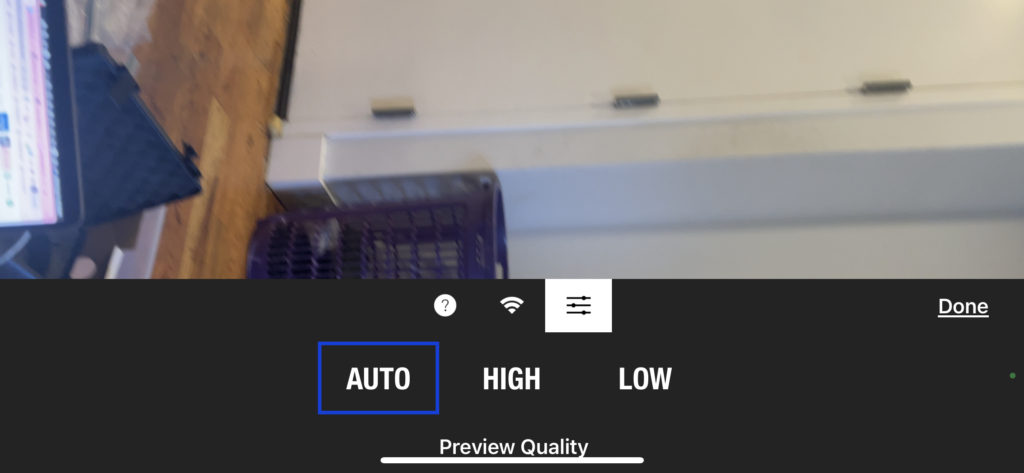
*HOME SCREEN* –>
.
.
.
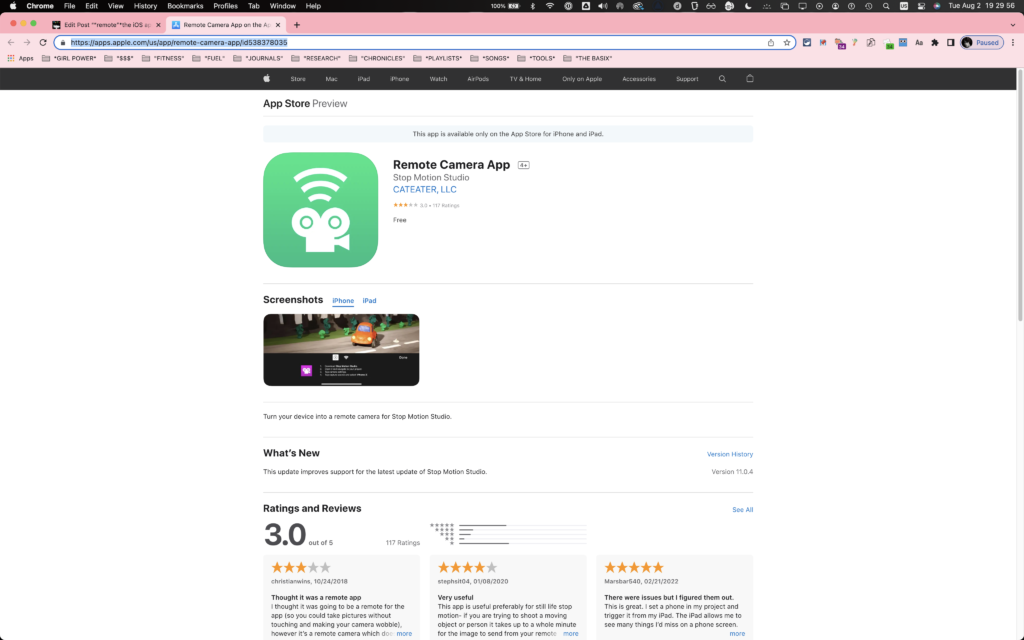
.
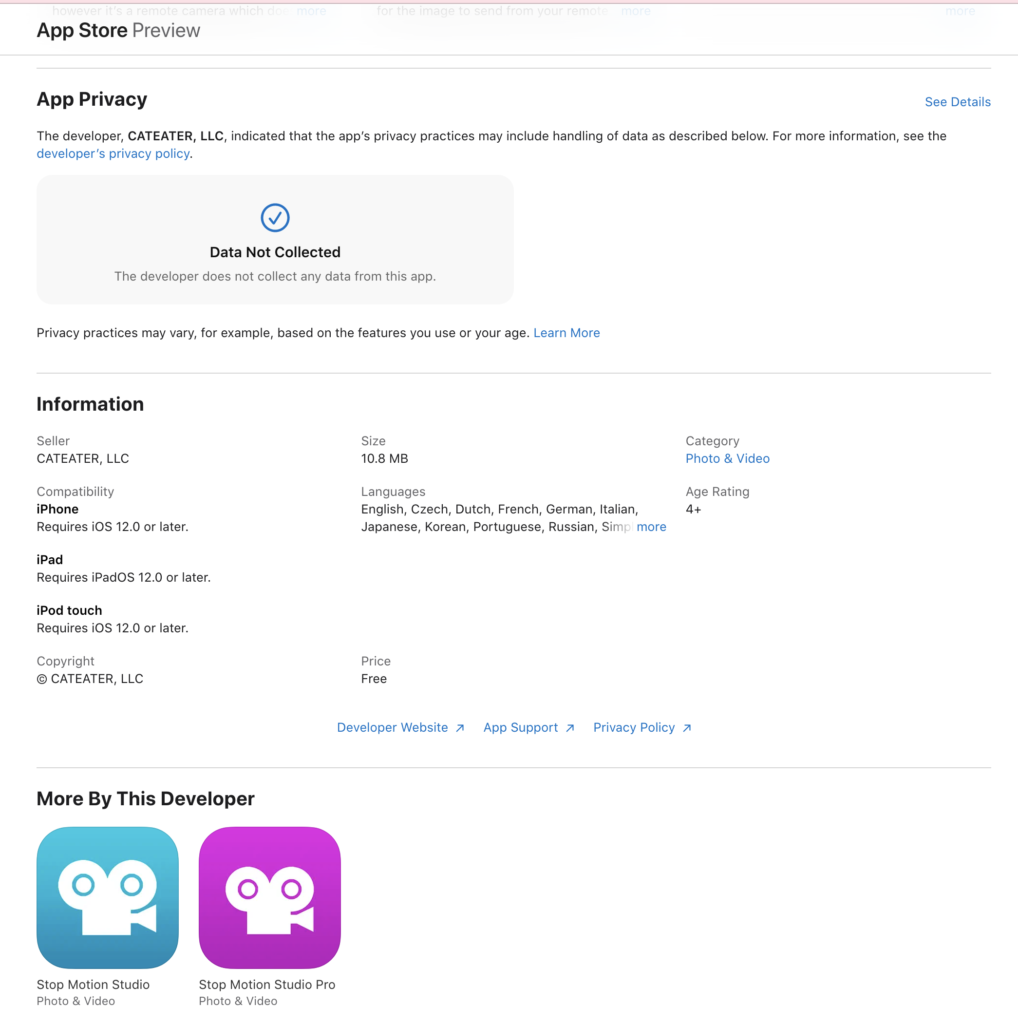
.
.
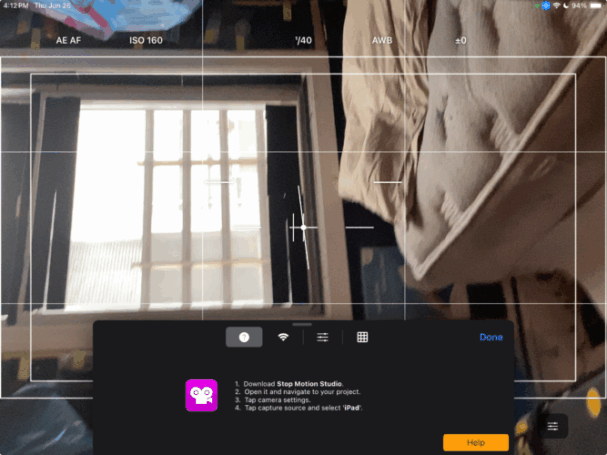
-TAP “DONE” AT BOTTOM OF SCREEN–
.
-ROTATE 90° [COUNTER-CLOCKWISE]-
-SO THAT YOU ARE SHOOTING IN [LANDSCAPE MODE]–
.
.
The Remote Camera app transform another mobile device into a remote camera for Stop Motion Studio
This functionality allows you to leverage the camera capabilities of your secondary device while controlling it remotely through Stop Motion Studio on your primary tablet or desktop computer
.
How to Set Up:
Download and Install the Remote Camera App:
Obtain the Remote Camera for Stop Motion Studio from the respective app store and install it on the secondary device intended for use as a remote camera
.
Launch the Remote Camera App:
Open the Remote Camera app on the secondary device.
You can utilize multiple remote camera devices simultaneously, with each device appearing individually in the camera list
Connect to Stop Motion Studio:
While in capture mode within Stop Motion Studio on your primary device, access the capture settings menu by tapping the capture settings button .
From the capture source menu , select the appropriate remote camera device.
Please allow up to a minute for Stop Motion Studio to detect the remote camera.
If the camera does not appear, consider restarting the app
.
.
.
*👨🔬🕵️♀️🙇♀️*SKETCHES*🙇♂️👩🔬🕵️♂️*
.
.
.
.
💕💝💖💓🖤💙🖤💙🖤💙🖤❤️💚💛🧡❣️💞💔💘❣️🧡💛💚❤️🖤💜🖤💙🖤💙🖤💗💖💝💘
.
.
*🌈✨ *TABLE OF CONTENTS* ✨🌷*
.
.
🔥🔥🔥🔥🔥🔥*we won the war* 🔥🔥🔥🔥🔥🔥