
.
-as of [20 JULY 2026]-
.
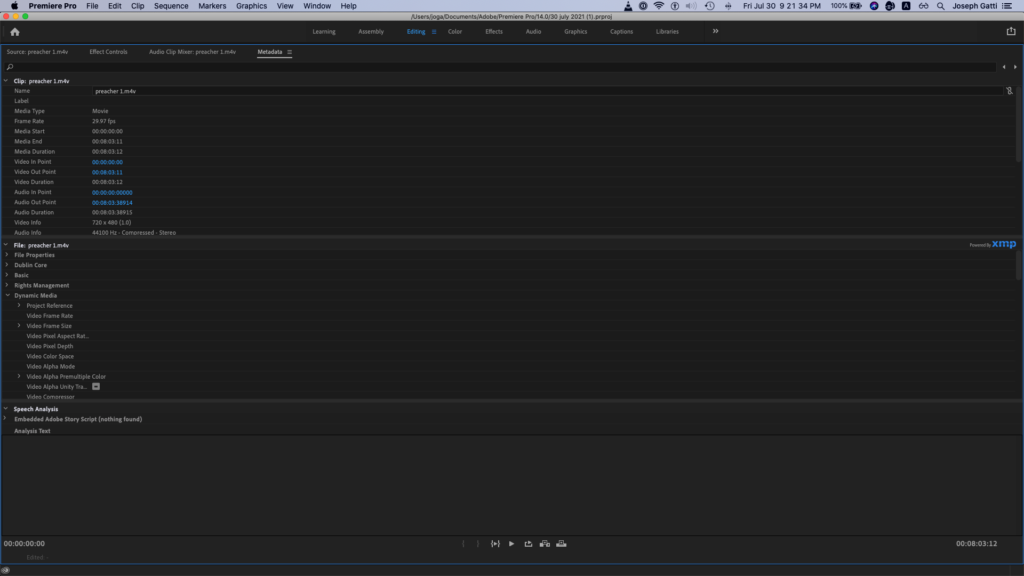
-you can click on a ‘video clip’ from another panel and the ‘meta-data panel’ will give you a reading-
.
.
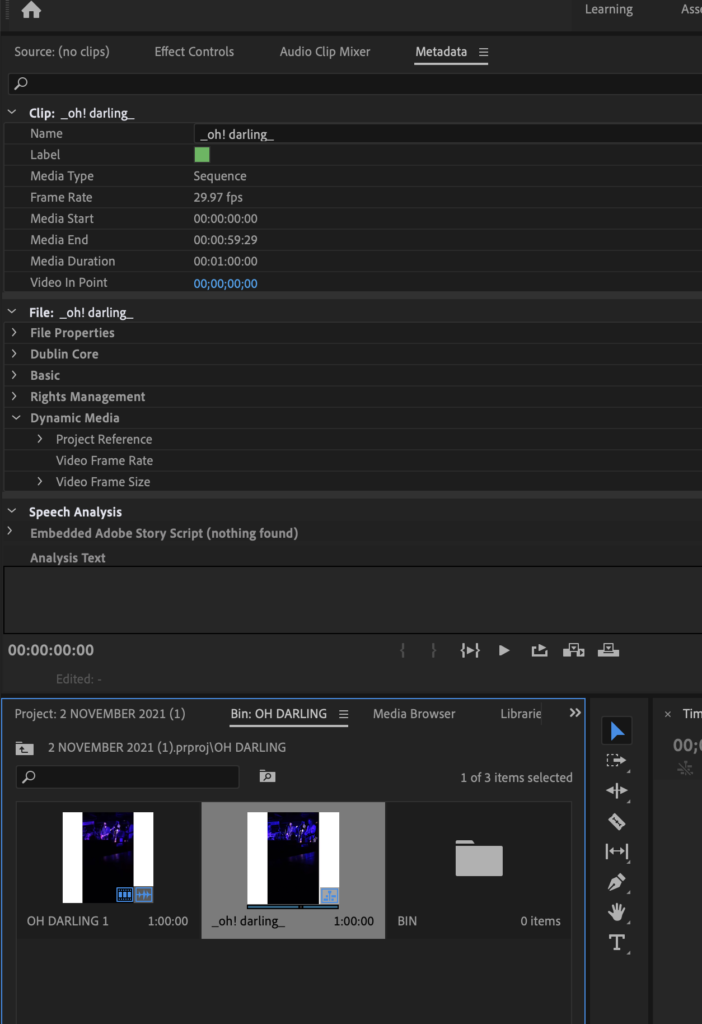
*click on the ‘triangle button’ to the left of ‘clip name’ to show/hide ‘drop-down menu’* —>
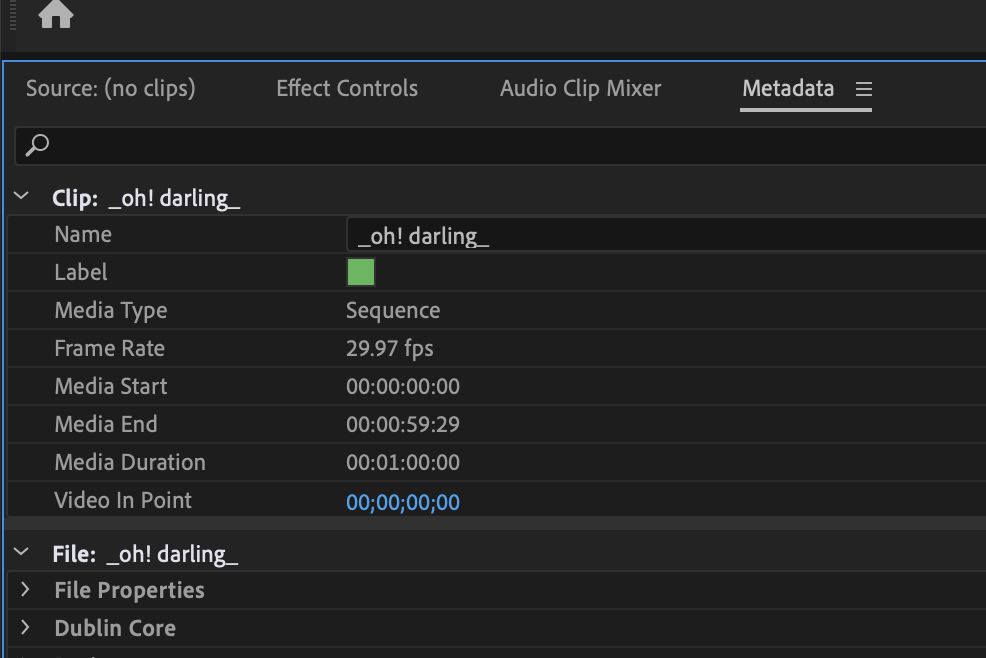
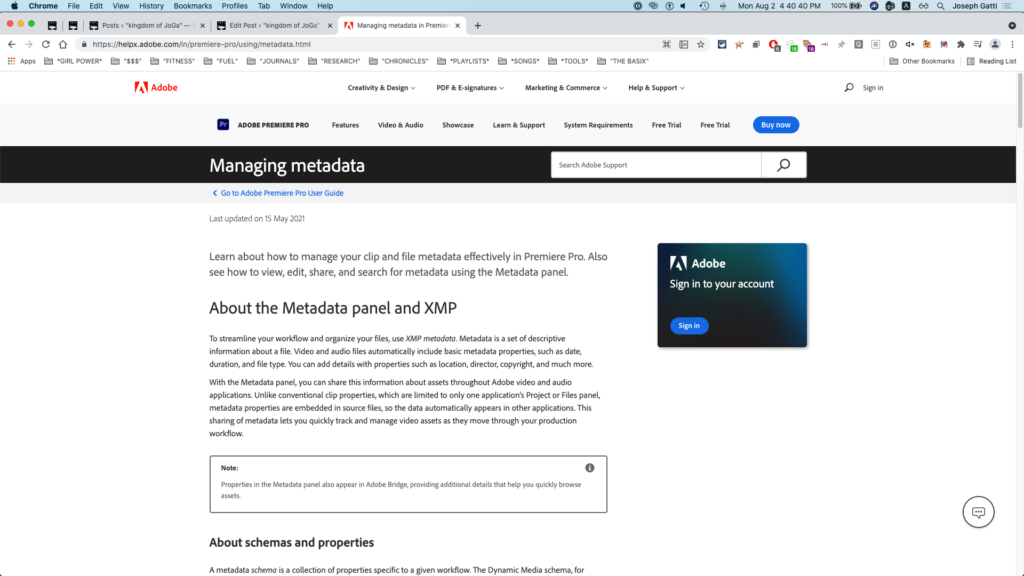
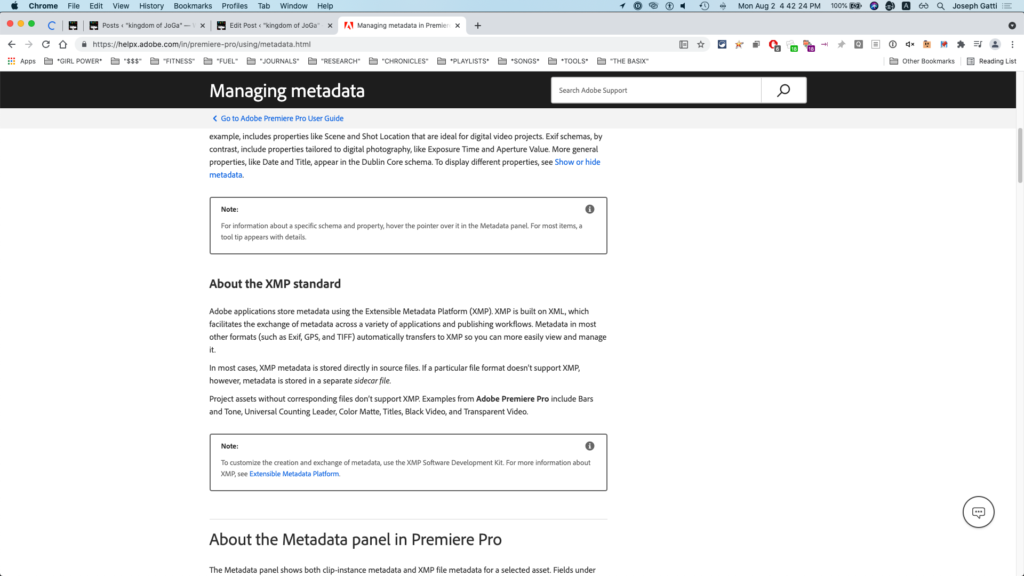
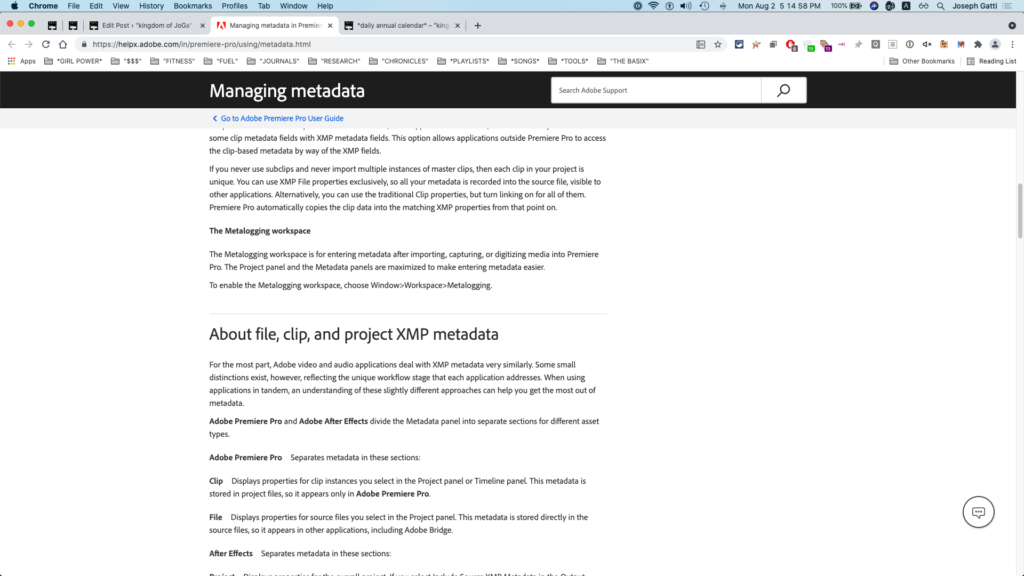
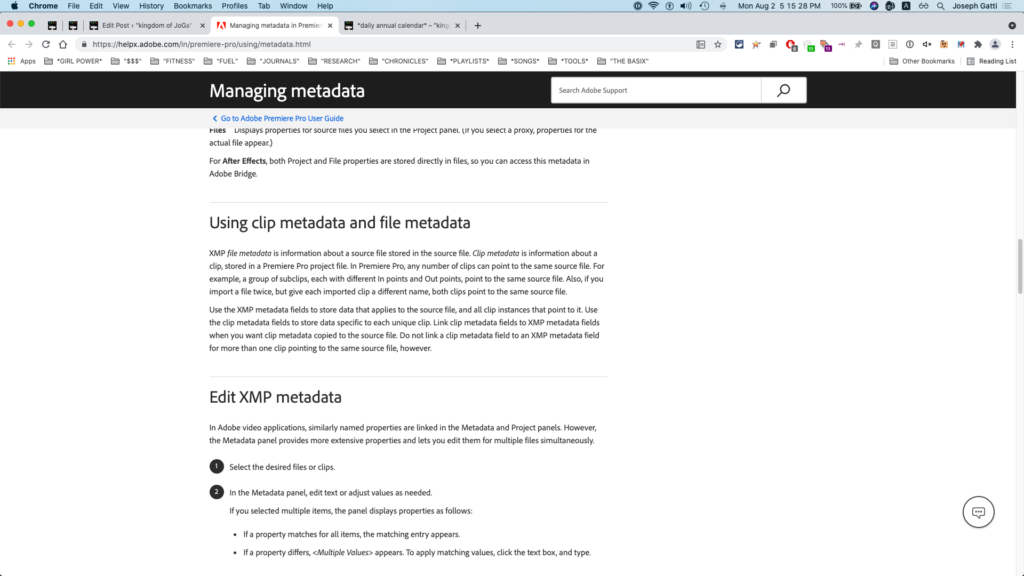
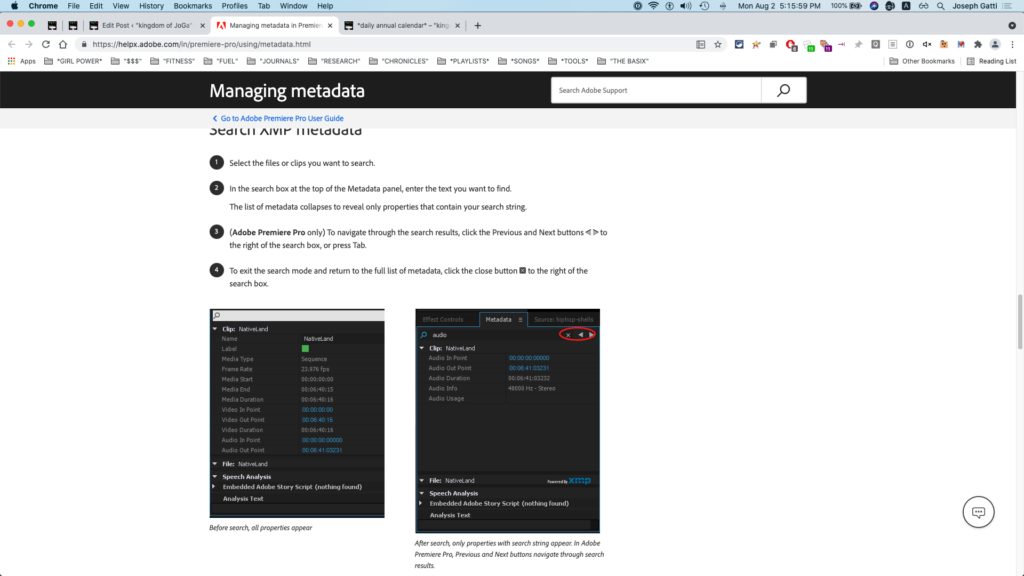
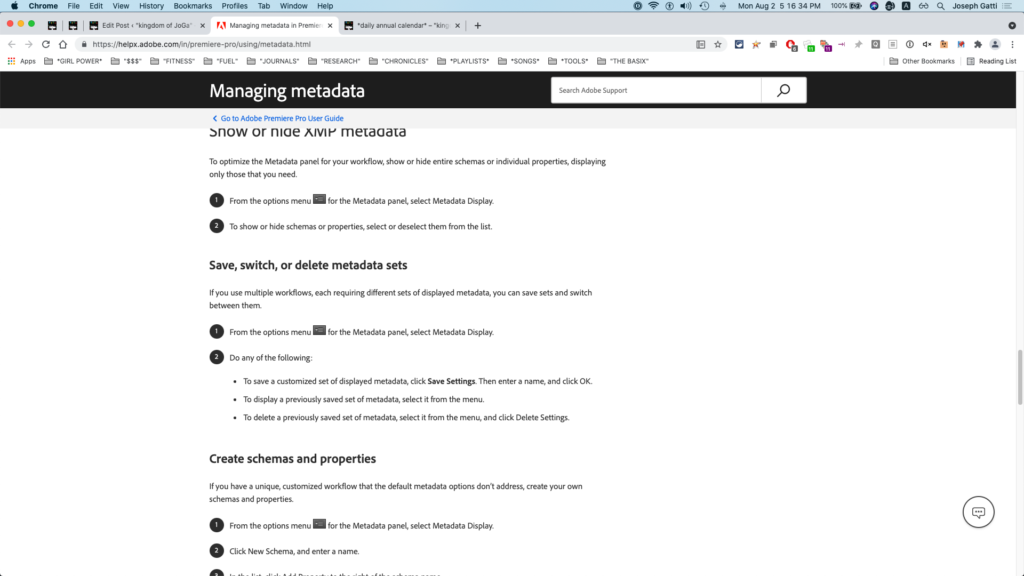
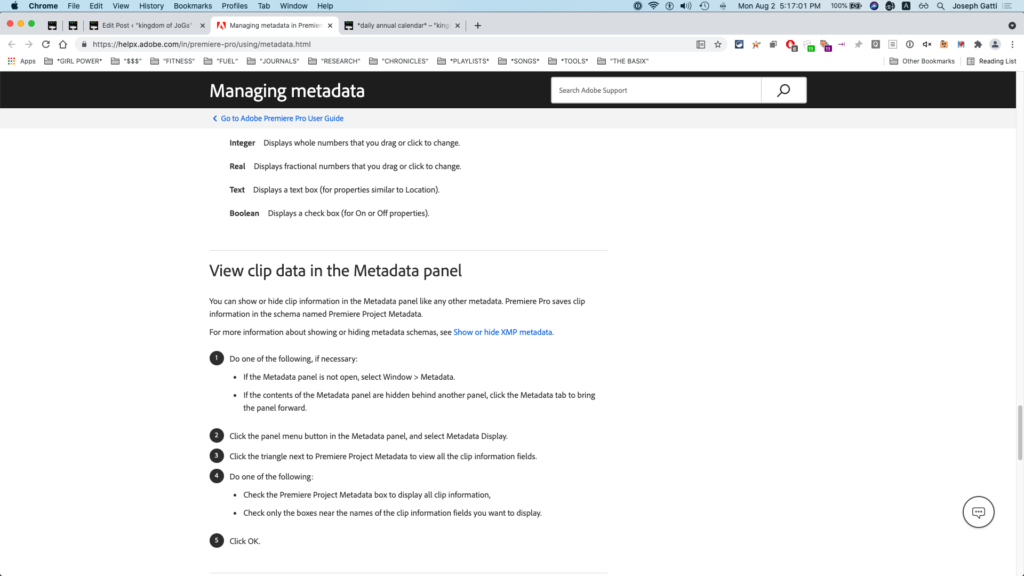
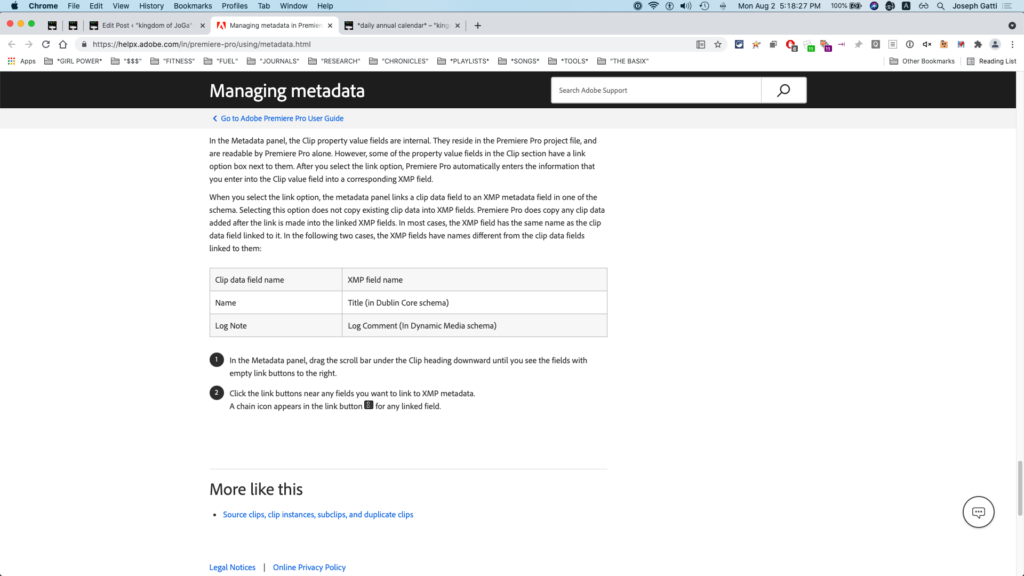

*top menu bar*
*windows* –> “metadata”
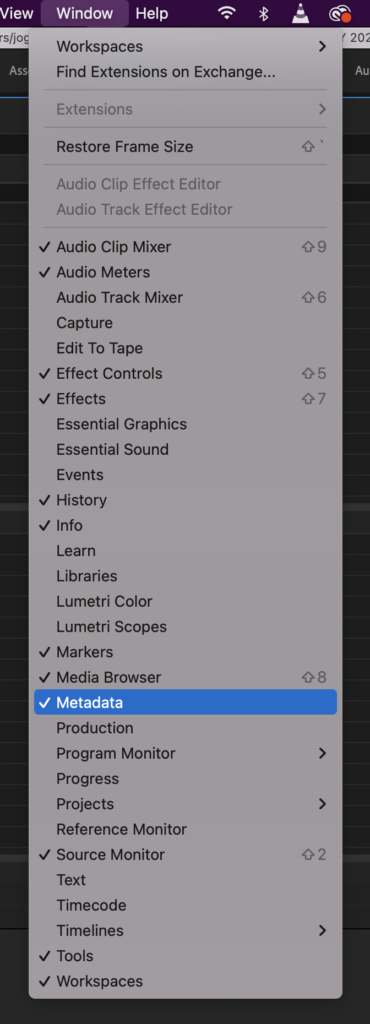
(no keyboard shortcut?)
(assign one)
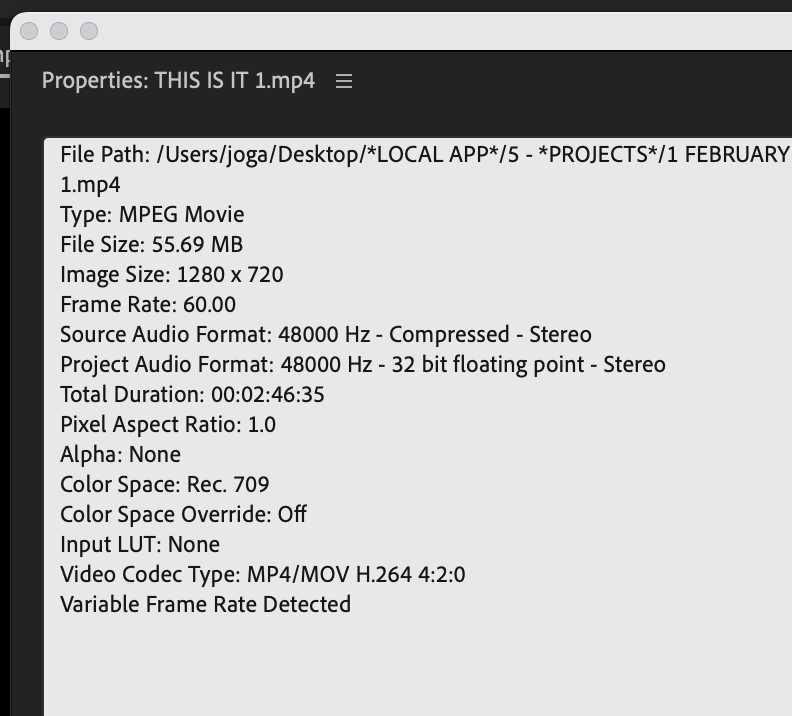
(in ‘project panel’, you can just hover your ‘pointer’ over the ‘file icon’ in ‘list view’ to get this ‘pop-up’…)
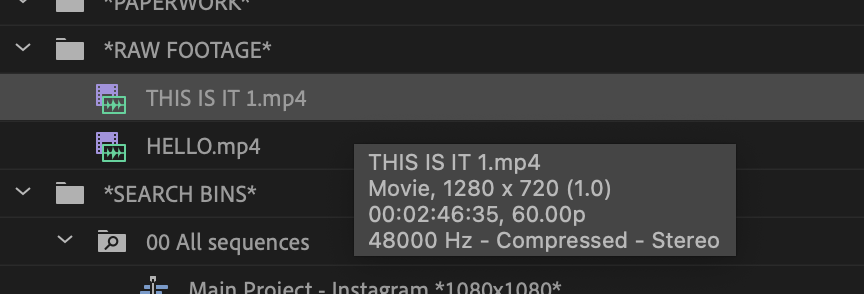
*file name* –>
“THIS IS IT”
*file extension* –>
.mp4
*file type* –>
“movie”
(audio + video)
(‘container format’)
*display resolution* –>
1280 x 720
*you can also get ‘file information’ straight from ‘finder’*
*just select a file*
*to show/hide a ‘right preview column’* –>
[SHIFT] + [COMMAND] + [p]
*to open an ‘information floating window’* –>
[COMMAND] + [i]
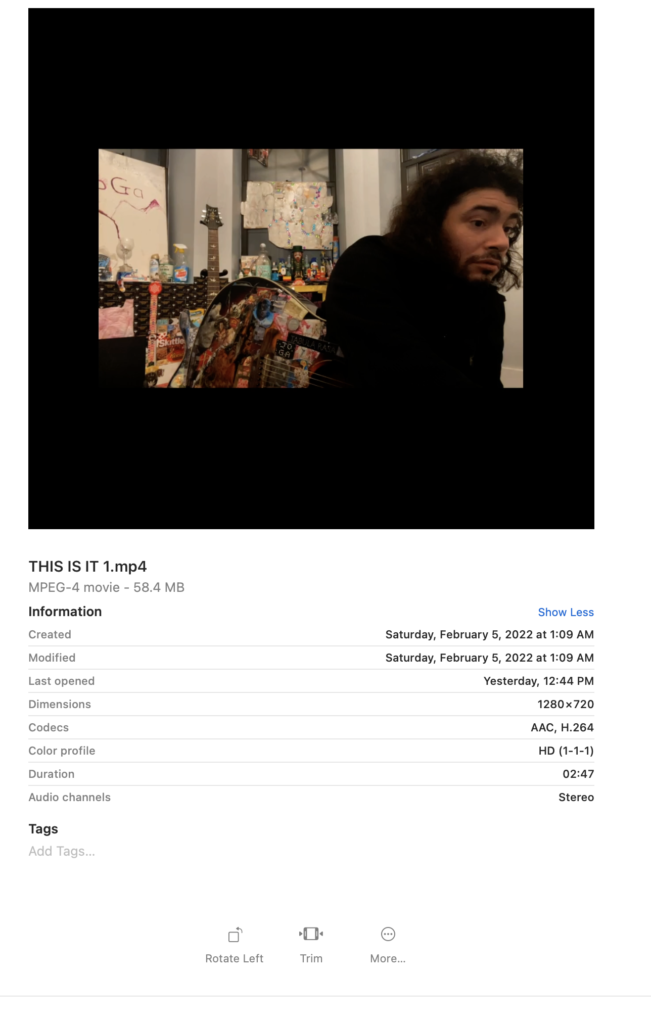
*file name* –>
“THIS IS IT”
*file extension* –>
.mp4
*file type* –>
‘MPEG-4’
*file size* –>
58.4 MB
*date created* –>
Saturday
‘day’ of the ‘week’
(in letters)
(first letter capitalized)
comma
space
‘February’
‘month’ of the ‘year’
(in letters)
(first letter capitalized)
‘5’
‘day’ of the ‘month’
(in numbers)
*comma*
*space*
‘2022’
‘year’
(in numbers)
at
‘1’
(‘hour’ of the ‘day’)
(12 hour AM / 12 hour PM)
*colon*
09
(‘minute’ of the ‘hour’)
*(last) modified*
*last opened*
*dimensions* –>
1280 x 720
.
-codex–
“advanced audio coding”
(aka “advanced video coding”)
.
(ICC)
*HD (1-1-1)*
.
*duration* –>
01:34
(‘1 minute’ / ’34 seconds’)
.
*audio channels* –>
*STEREO*
(2)
(left / right)
.
*encoding software* –>
macOS 12.1 (21C52)
(your operating system)
.
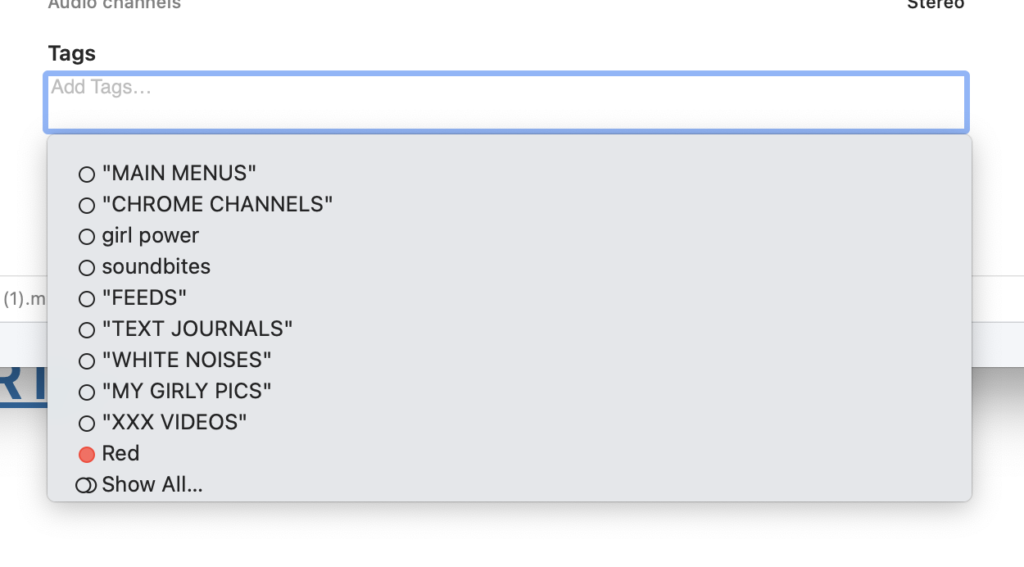
*you can type in a ‘tag’ from the ‘right preview column’*
*just click into this ‘textbox’* –>
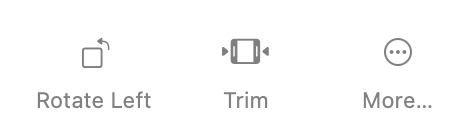
*ROTATE LEFT*
(flips your dimensions)
*TRIM*
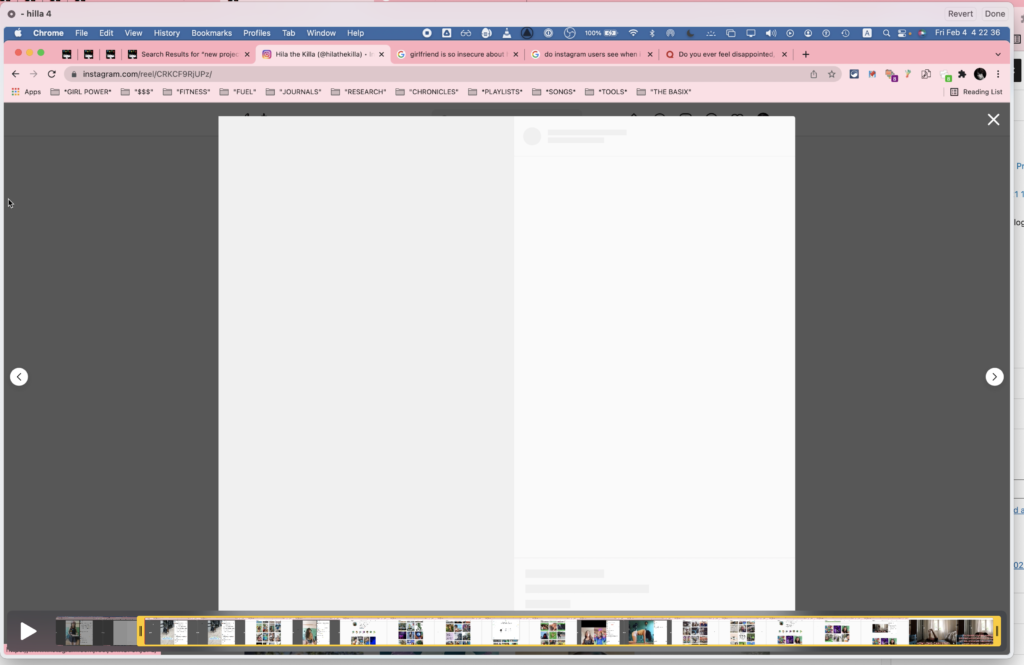
*upper right hand corner* –>
*when you click ‘done’* –>
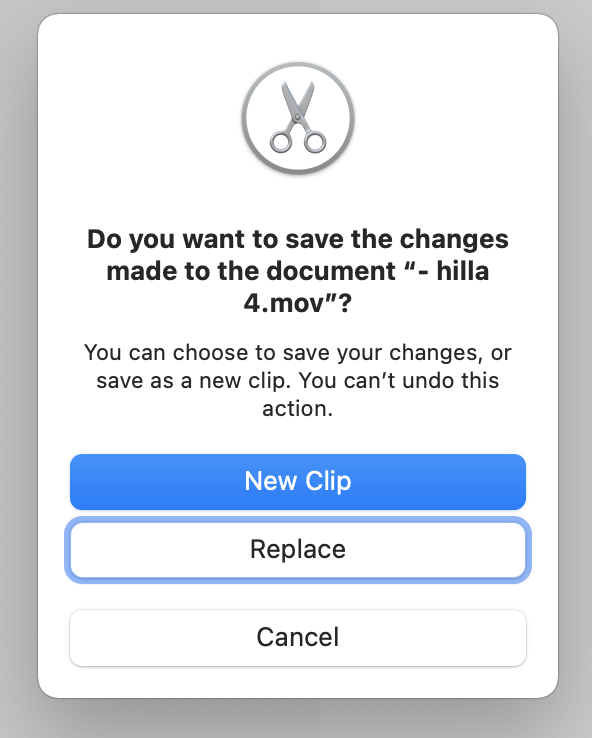
*if you click ‘new clip’, you then select where you want to save the ‘new clip’* –>
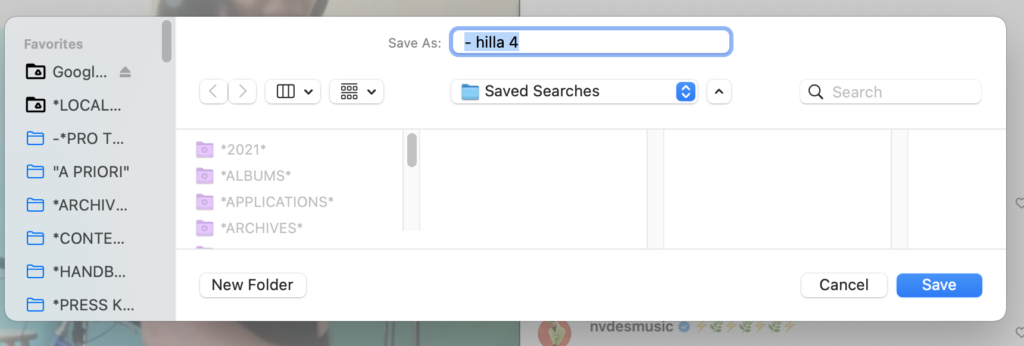
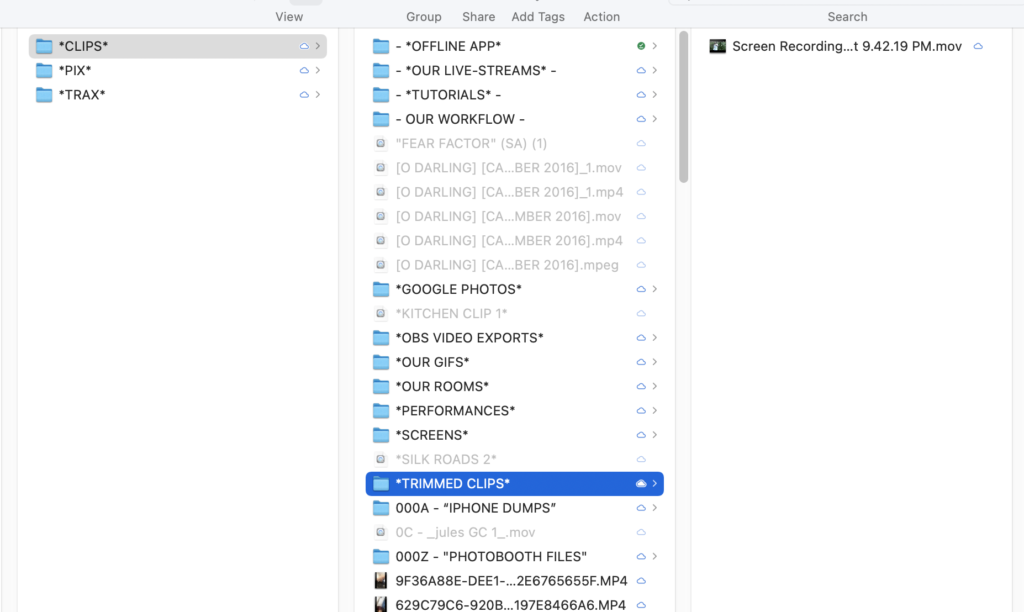
*create a folder on your ‘google drive’ for ‘trimmed clips’ (in CLIPS FOLDER) and save it there*
*click ‘more’*
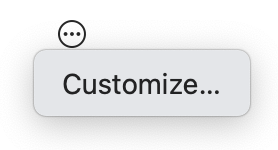
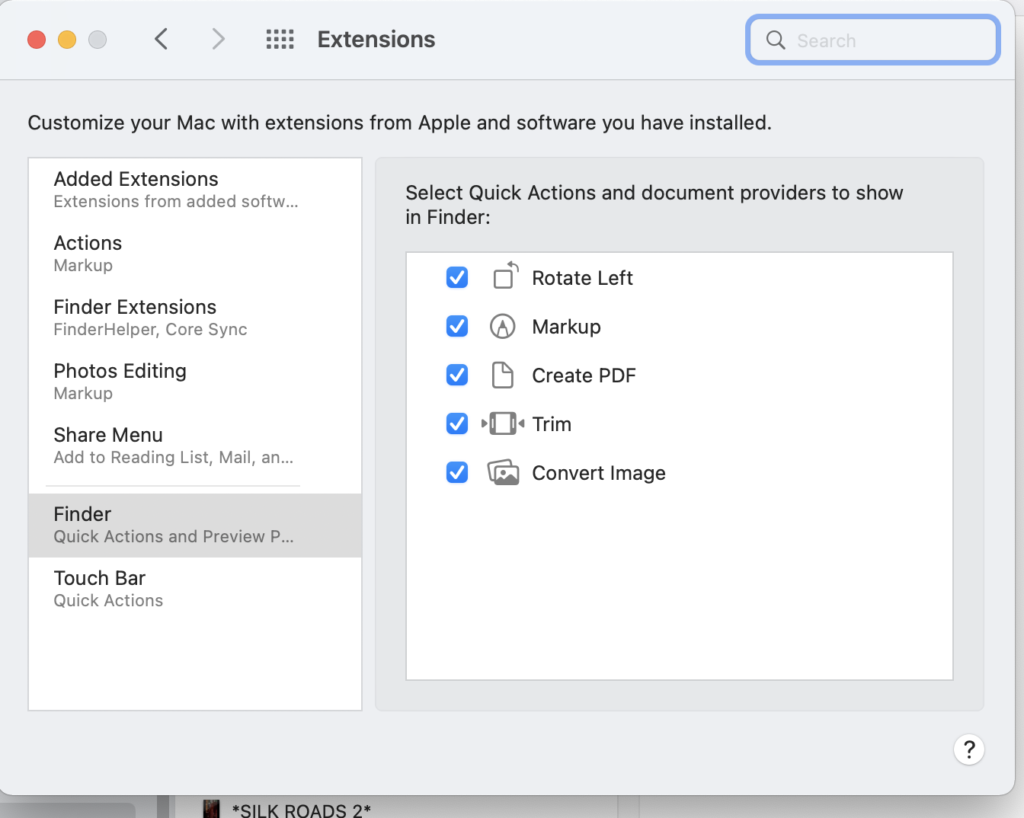
*click ‘customize’* to access your ‘extensions system preferences’* –>
*TIMELINE* –>
*select a clip by clicking on it*
(or press ‘d’ while your ‘pointer’ is hovered ‘over’ it)
*CHOOSE ‘EDITING’ WORKSPACE*
(top center row)
*you can change ‘panel sizes’ by clicking on any ‘panel border’ and dragging it ‘towards’ or ‘away’*
(re-set the ‘edit workspace panel configuration’ by double-clicking the ‘editing tab’ in ‘top center row’)
*go ‘full screen’*
(hover your ‘mouse pointer’ over any ‘panel’ and press ` key)
“grave accent”
(to return to ‘original panel size’, press the ` key again)
(or just double-click the ‘panel heading button’)
.
.
.
*👨🔬🕵️♀️🙇♀️*SKETCHES*🙇♂️👩🔬🕵️♂️*
.
.
👈👈👈☜*“[PREMIERE PRO] PANELS”* ☞ 👉👉👉
.
.
💕💝💖💓🖤💙🖤💙🖤💙🖤❤️💚💛🧡❣️💞💔💘❣️🧡💛💚❤️🖤💜🖤💙🖤💙🖤💗💖💝💘
.
.
*🌈✨ *TABLE OF CONTENTS* ✨🌷*
.
.
🔥🔥🔥🔥🔥🔥*we won the war* 🔥🔥🔥🔥🔥🔥