
-as of [18 APRIL 2026]-
.
Use the Menu bar to access File, Edit, View, Stacks, Label, Tools, Window, and Help and click any of these to view available application-specific drop-down menu options
.
*TOP MENU BAR* –>

.
*9 DROP-DOWN MENUS*
*ADOBE BRIDGE 2021*
*FILE*
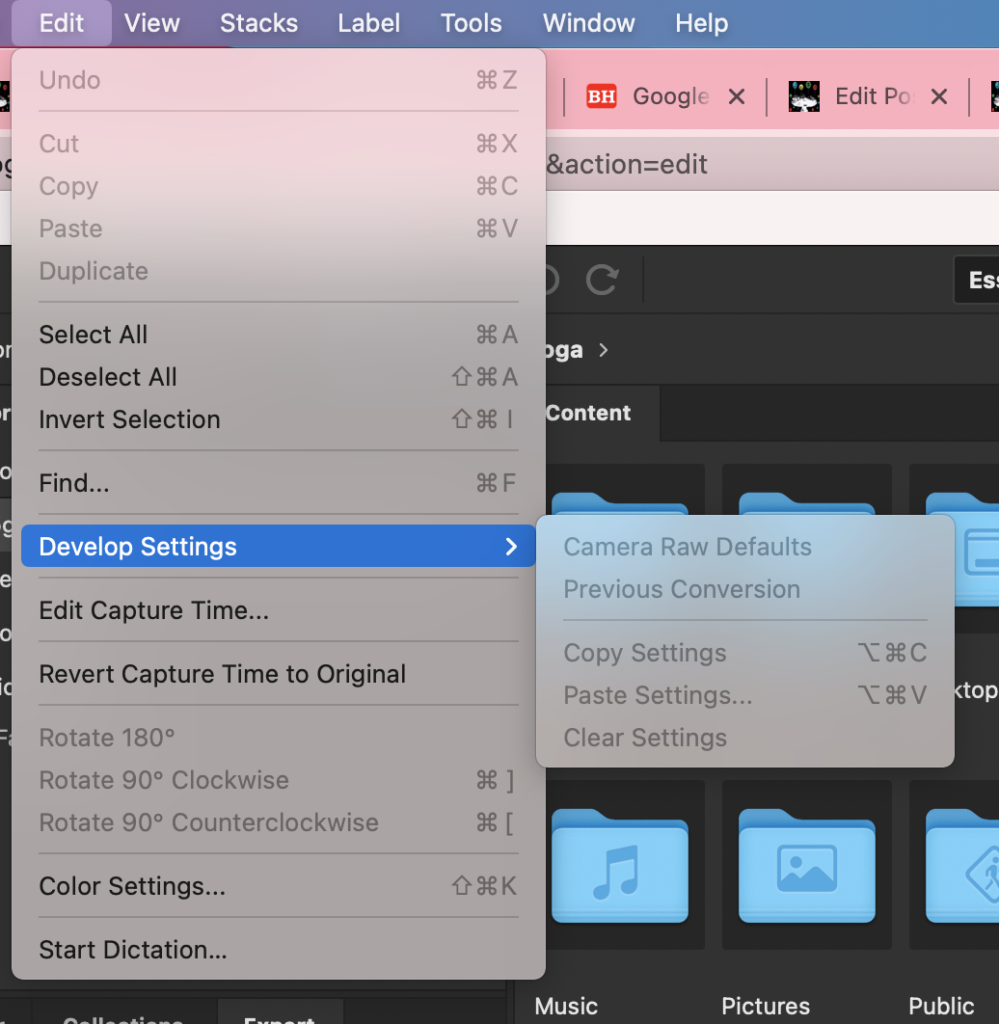
*EDIT*
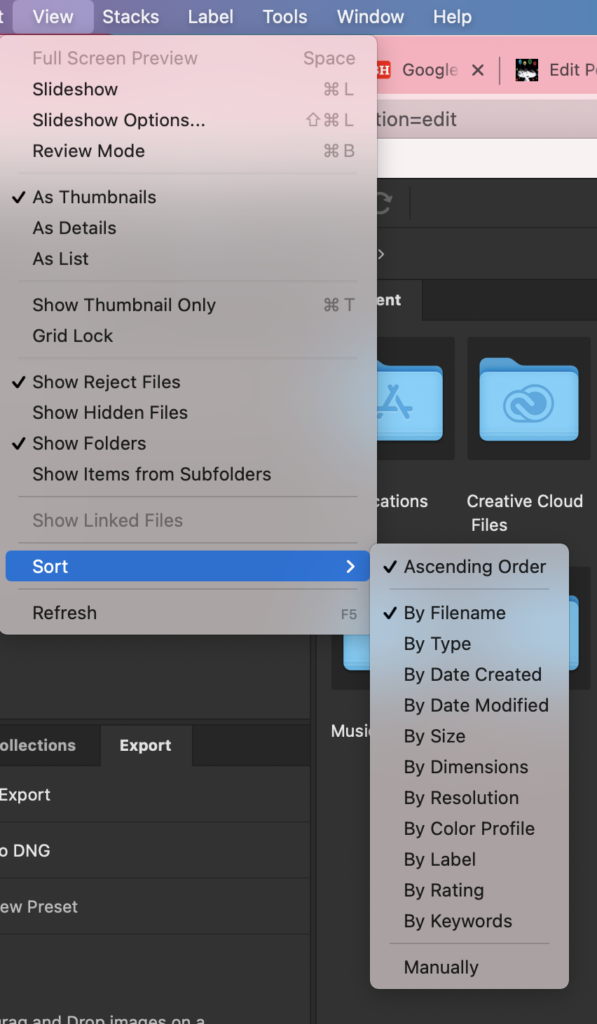
*VIEW*
*STACKS*
*LABEL*
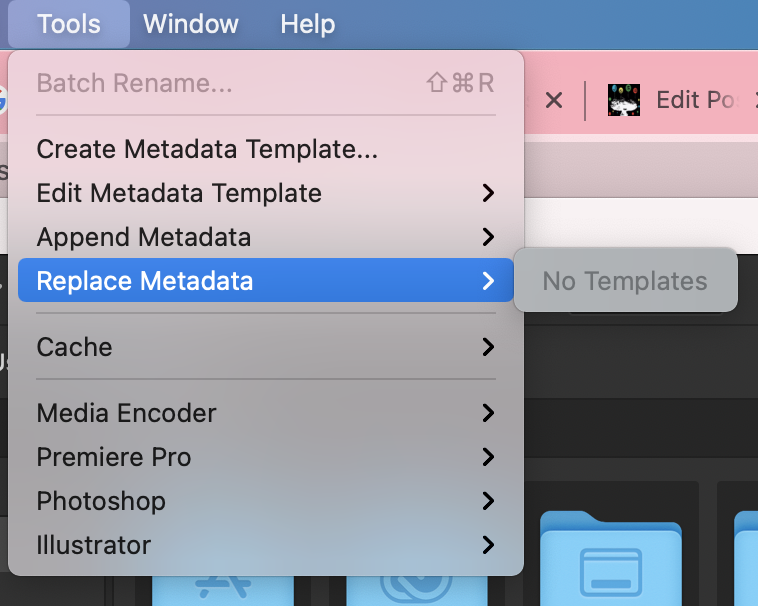
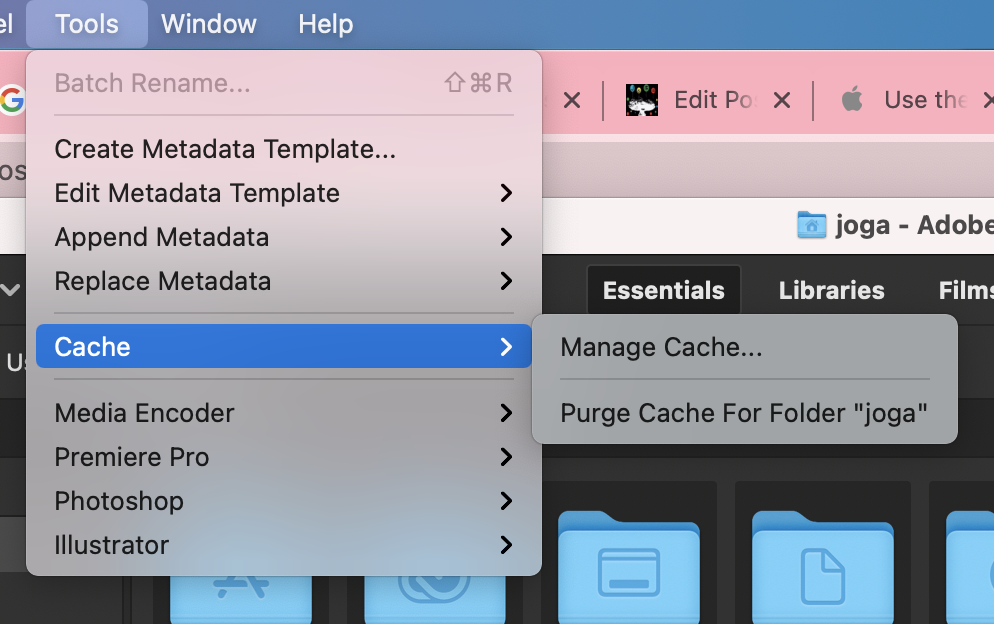
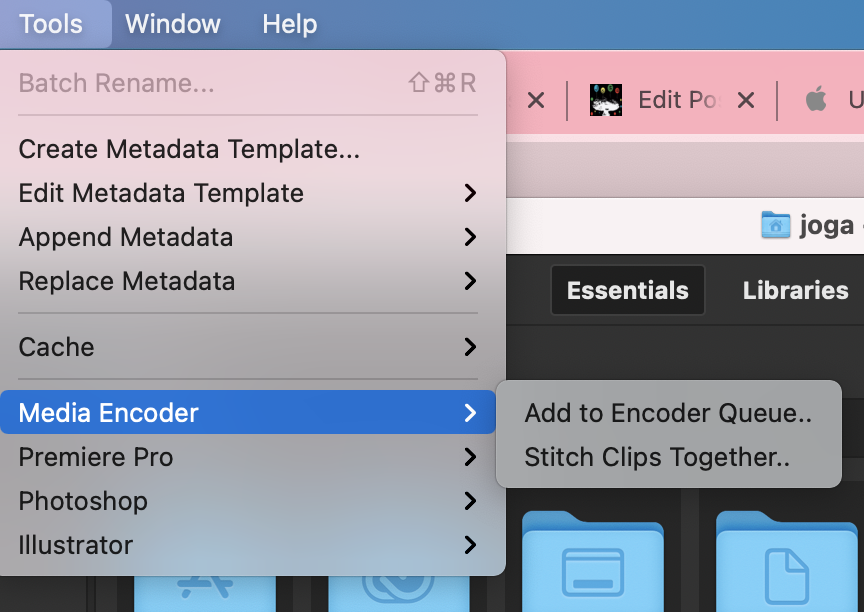
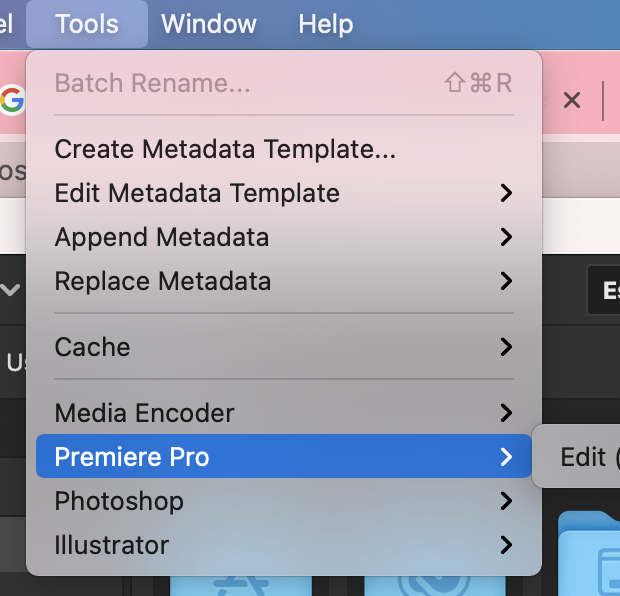
*TOOLS*
*WINDOW*
*HELP*
.
.
1
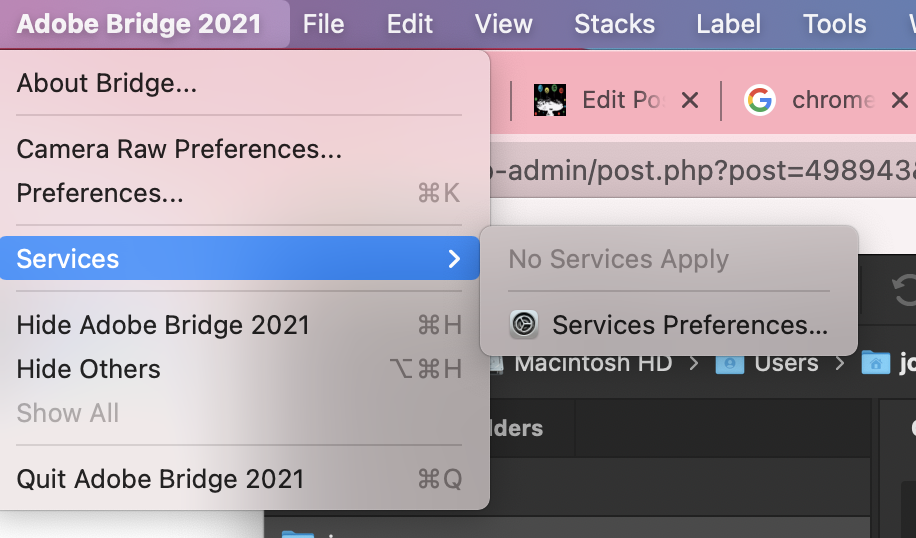
‘ADOBE BRIDGE 2021’
.
*to open ‘preferences menu’* –>
[COMMAND] + [k]
.
.
2
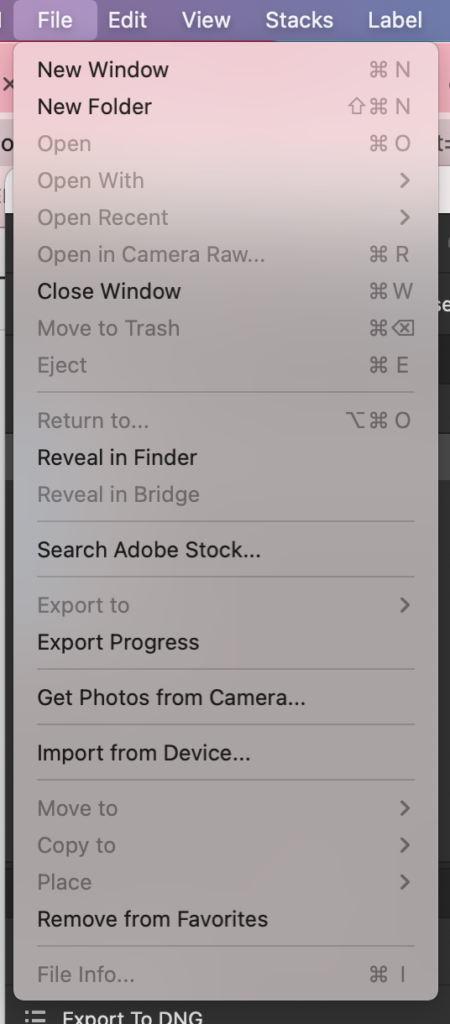
‘FILE’
.
(in ‘preferences’, you can set ‘adobe photo downloader’ to open every time you plug camera into computer)
(on ‘mac’, first go to ‘system preferences’ –> ‘security + privacy’ –> ‘privacy’)
(add ‘adobe bridge 2021’ to ‘full disk access’ + ‘files + folders’)
.
.
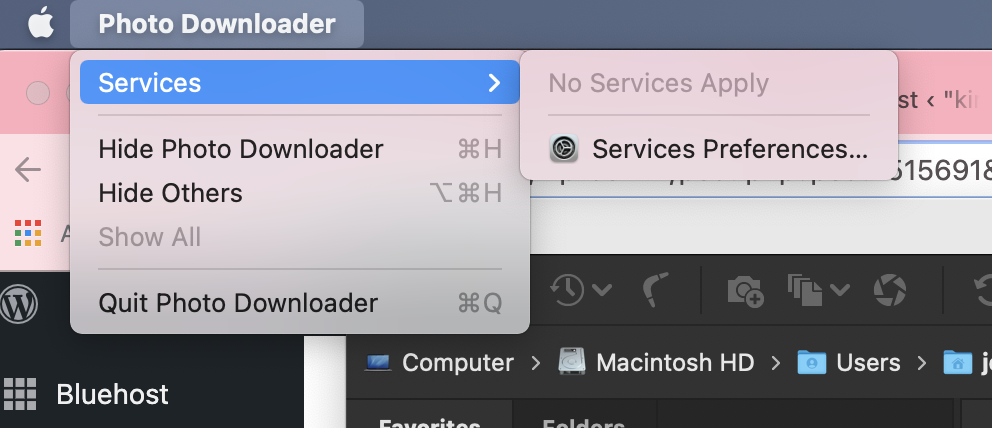
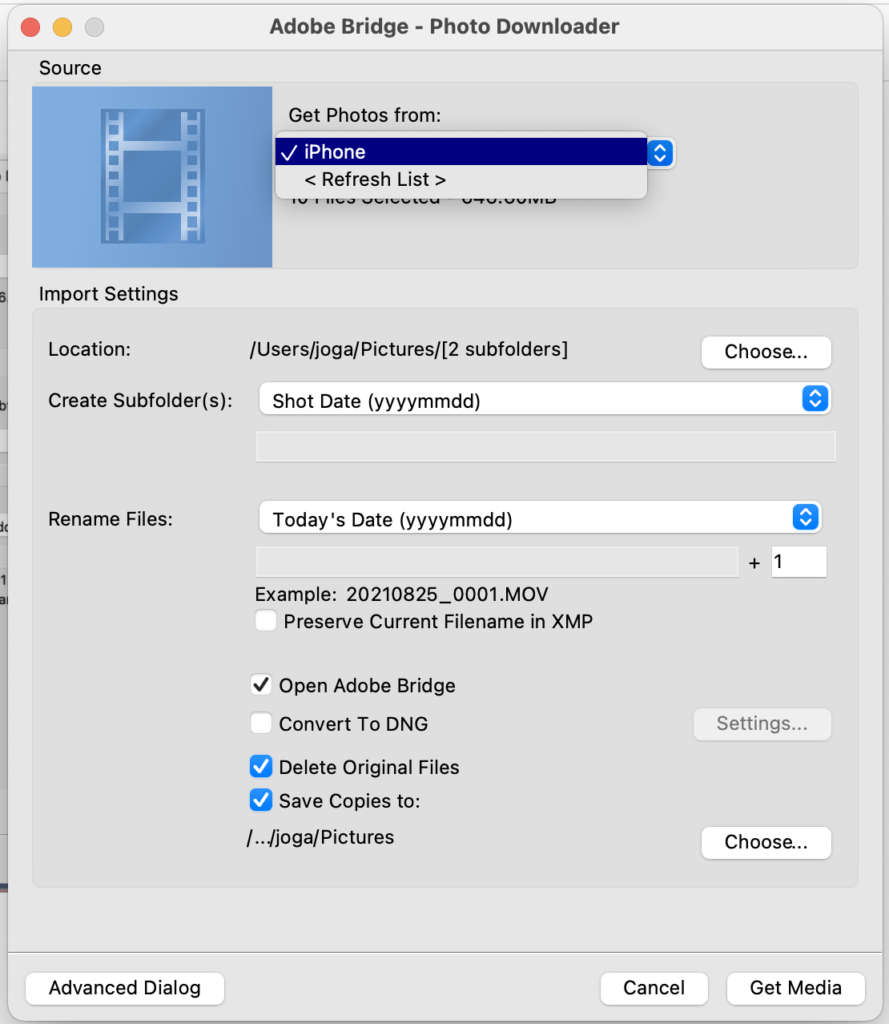
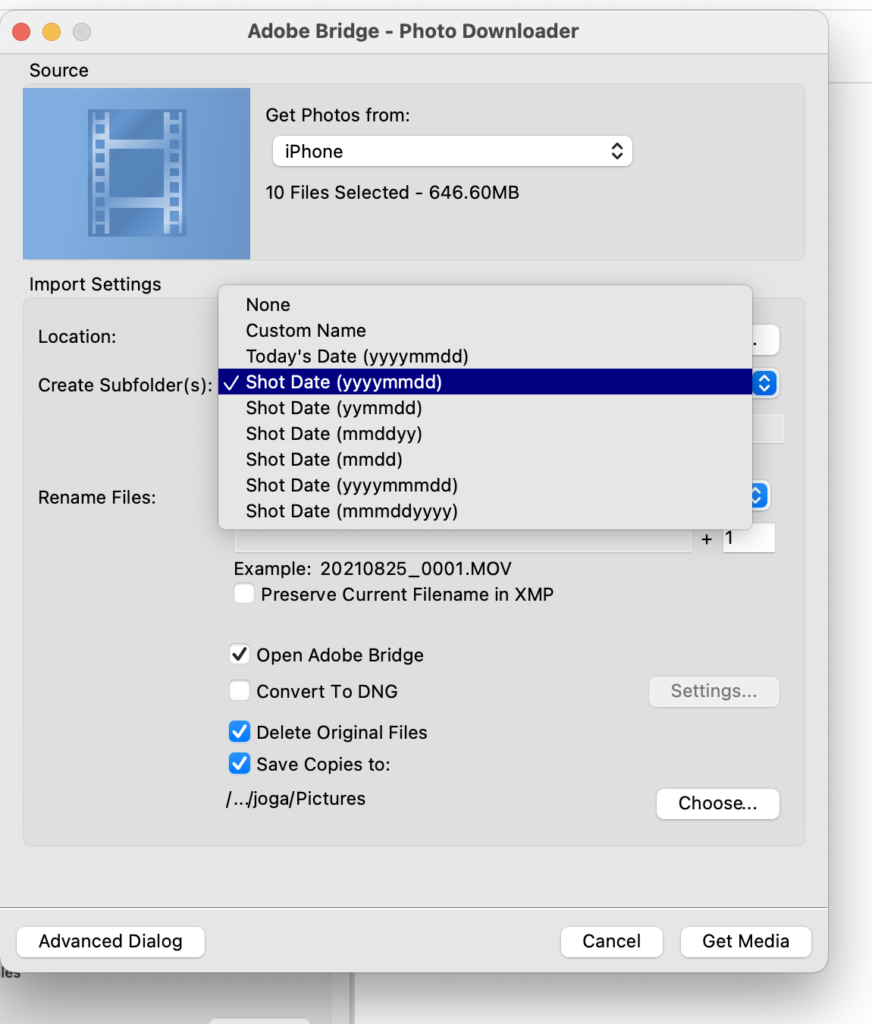
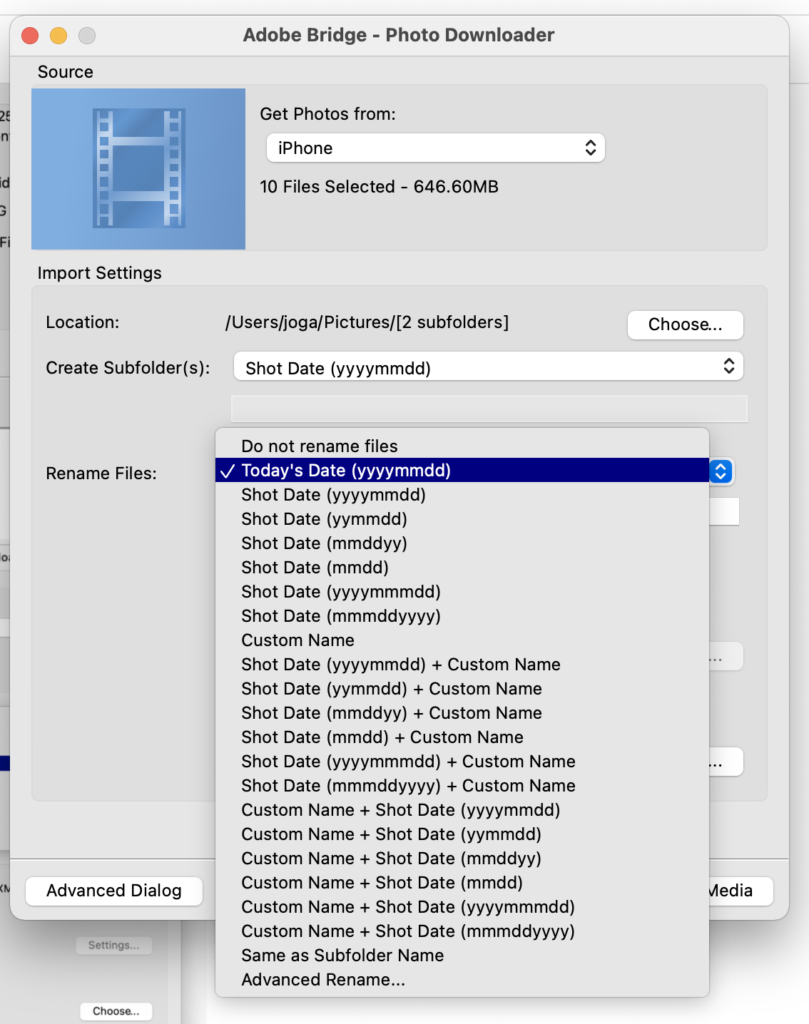
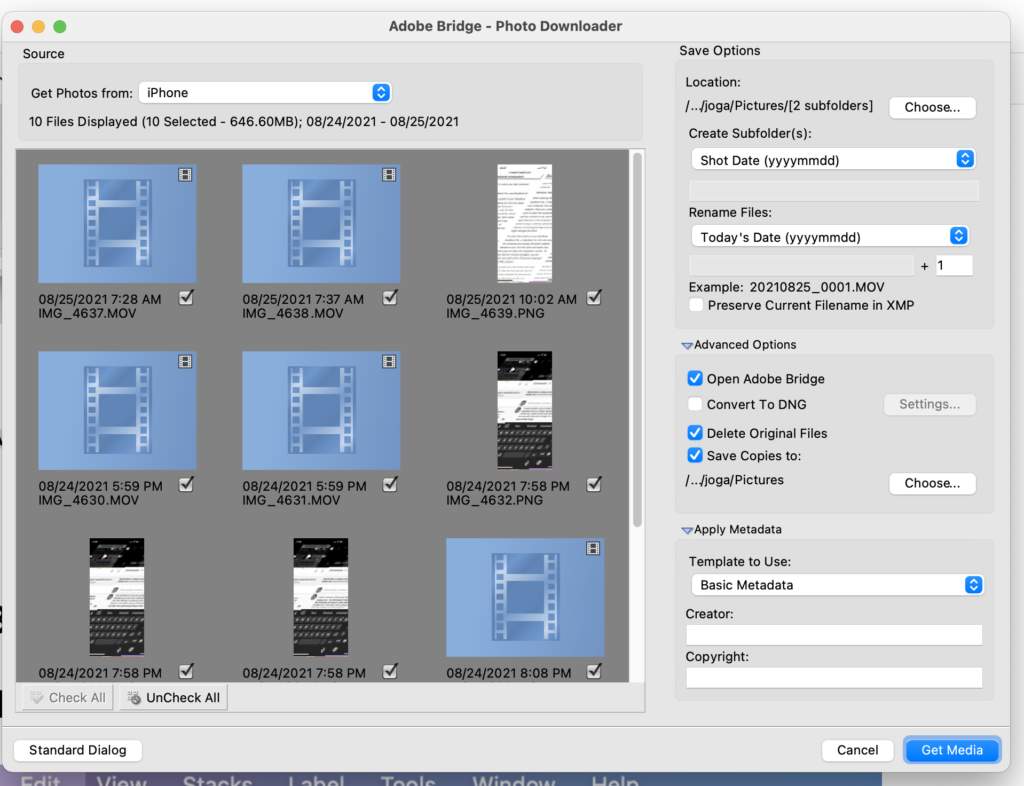
(‘photo downloader’ is actually a separate app)
.
.
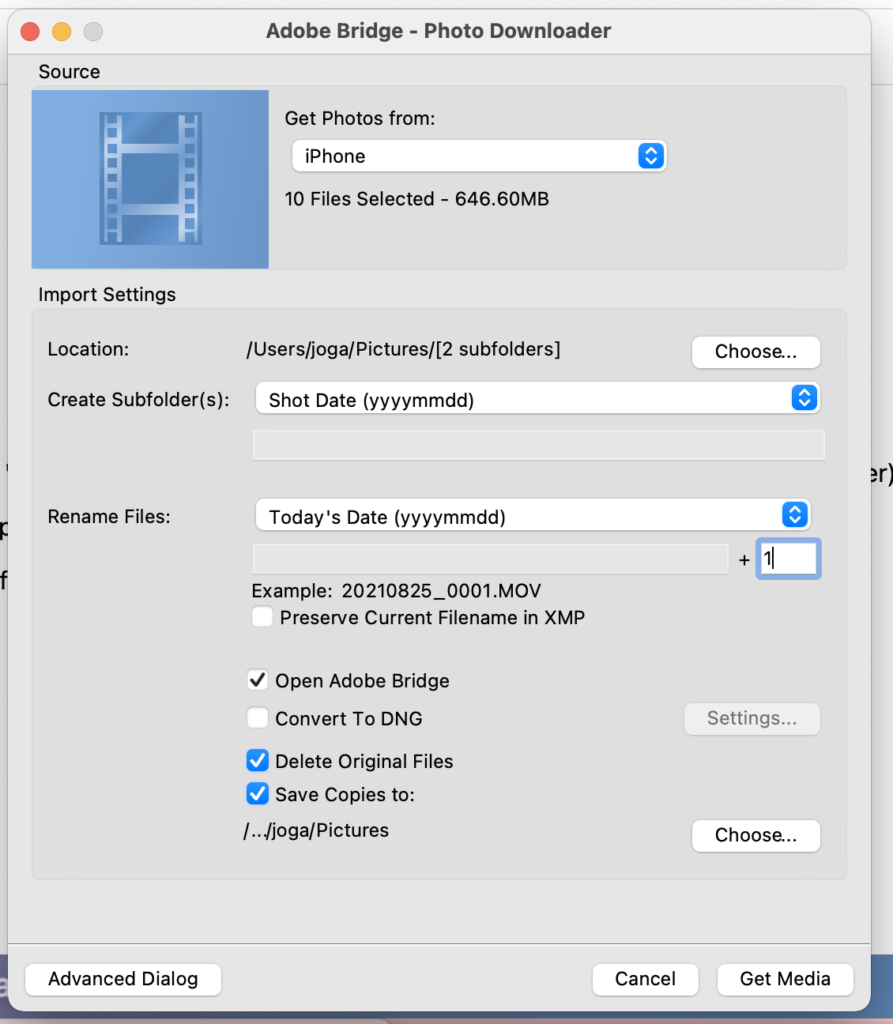
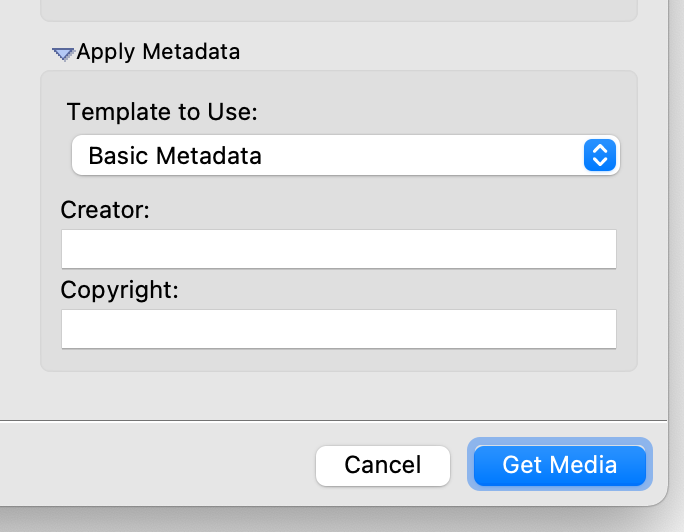
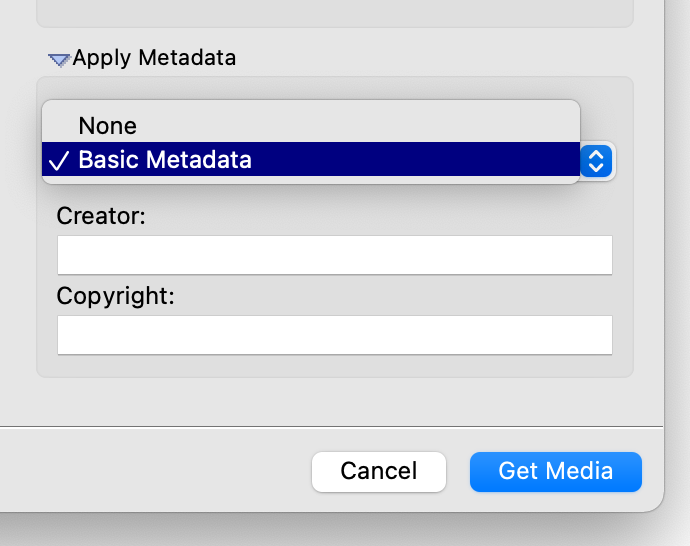
*STANDARD DIALOG*
.
.
.
.
.
*ADVANCED DIALOG* –>
.
.
.
.
.
.
.
.
.
3
‘EDIT’
.
.
4
*VIEW*
.
.
5
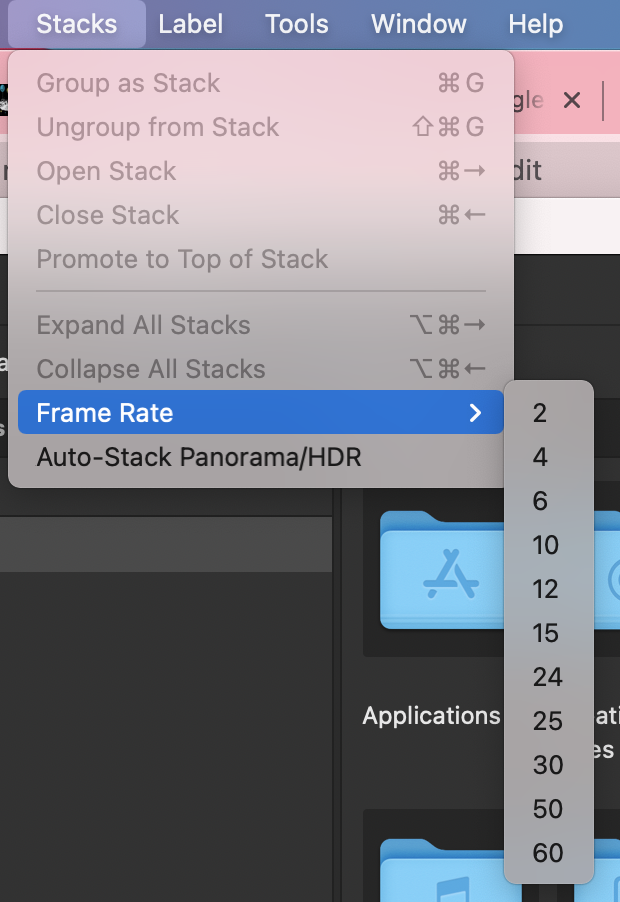
“STACKS”
.
.
6
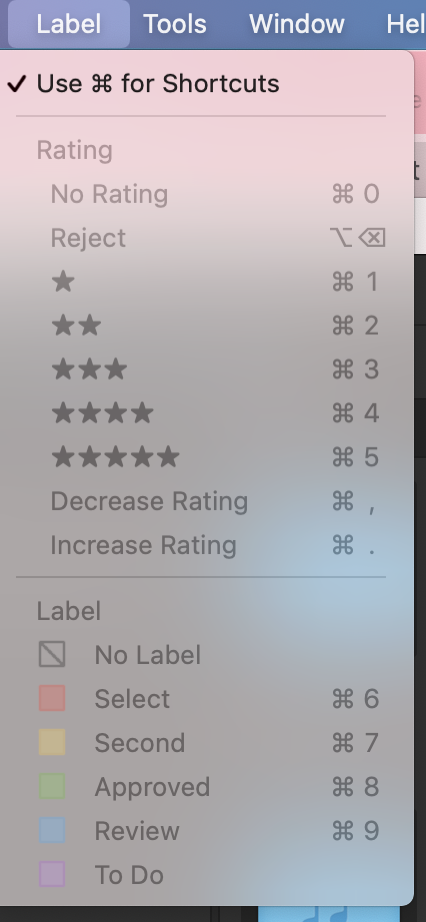
“LABELS”
.
.
7
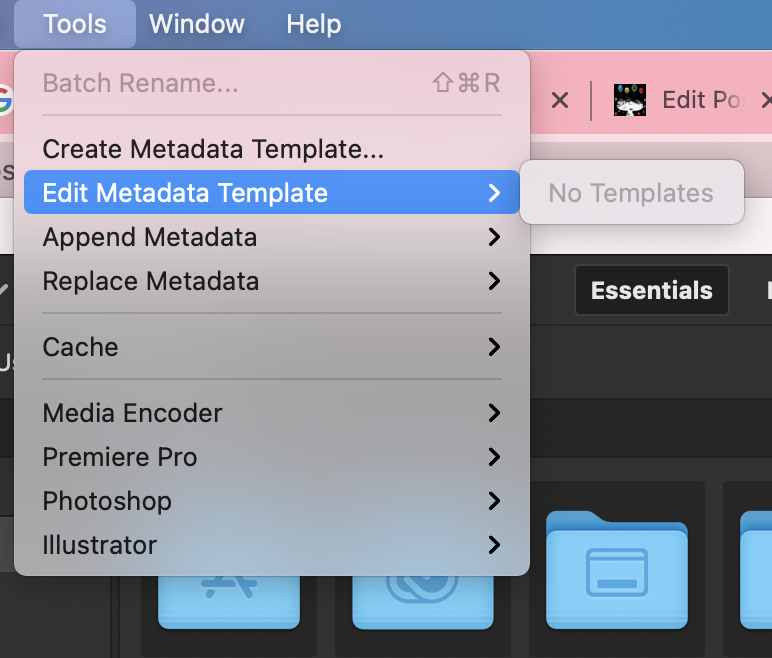
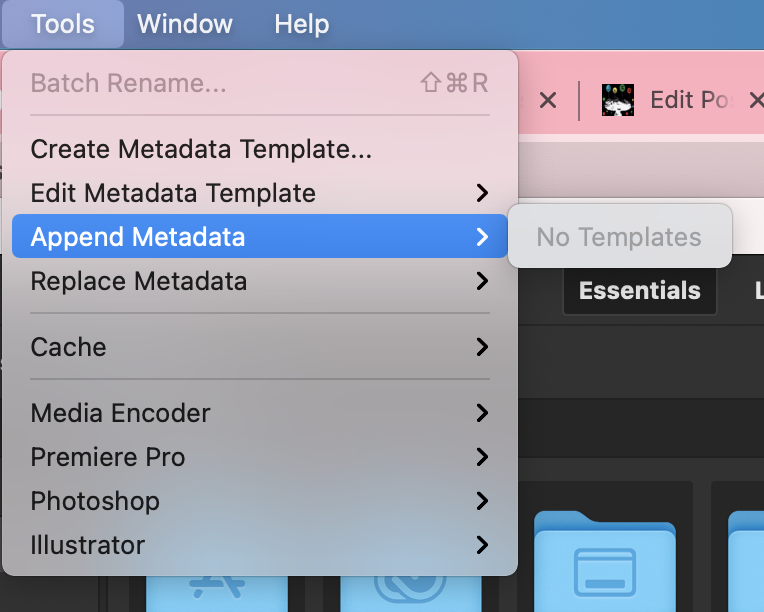
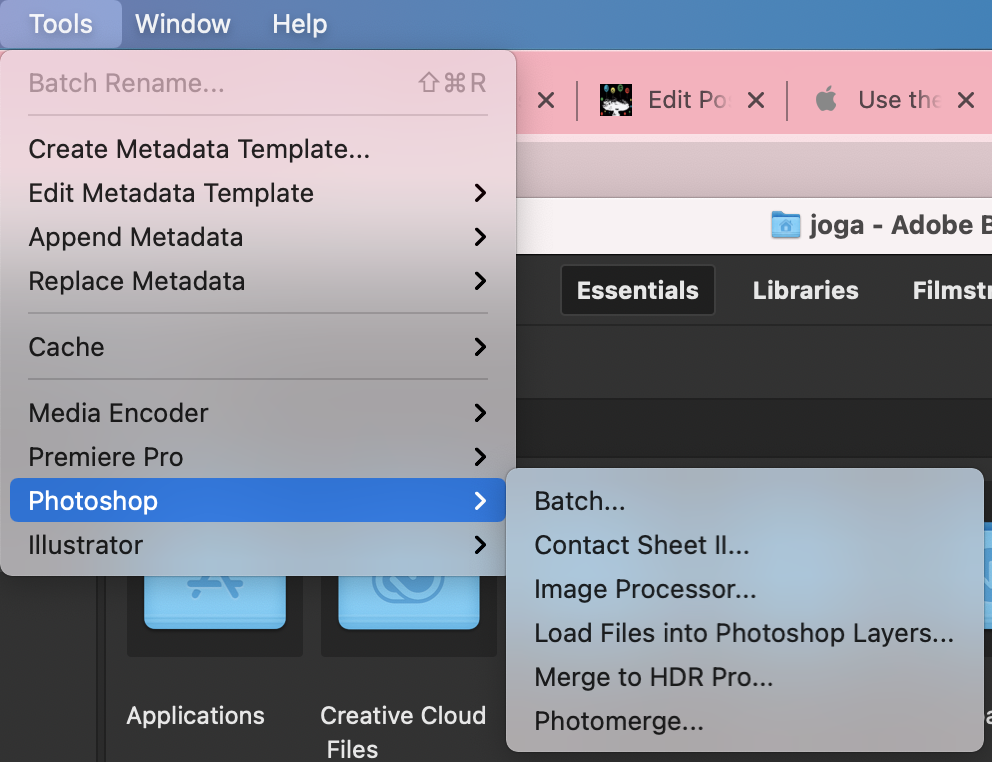
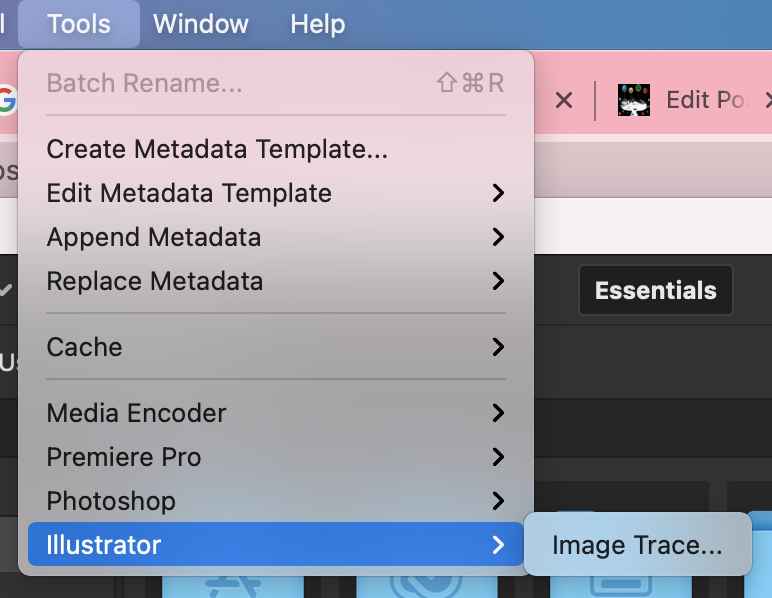
“TOOLS”
.
.
.
.
.
.
.
.
.
8
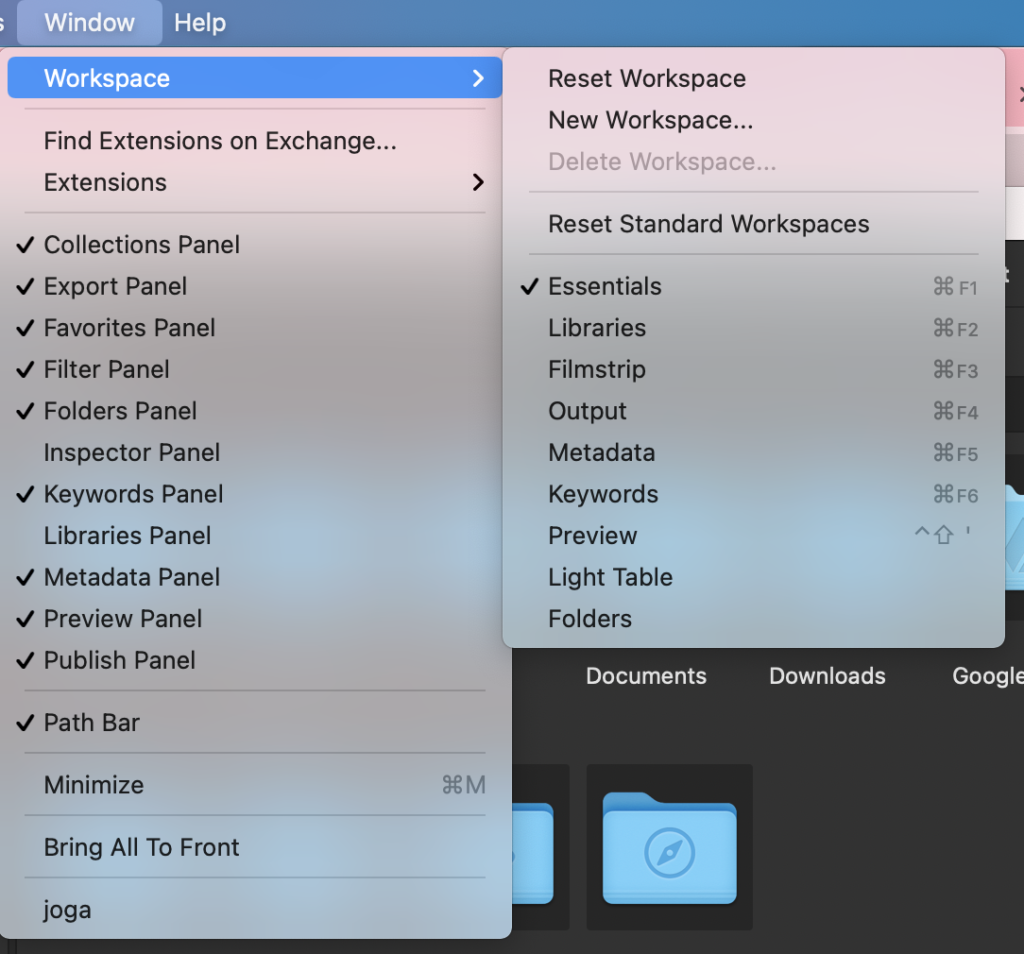
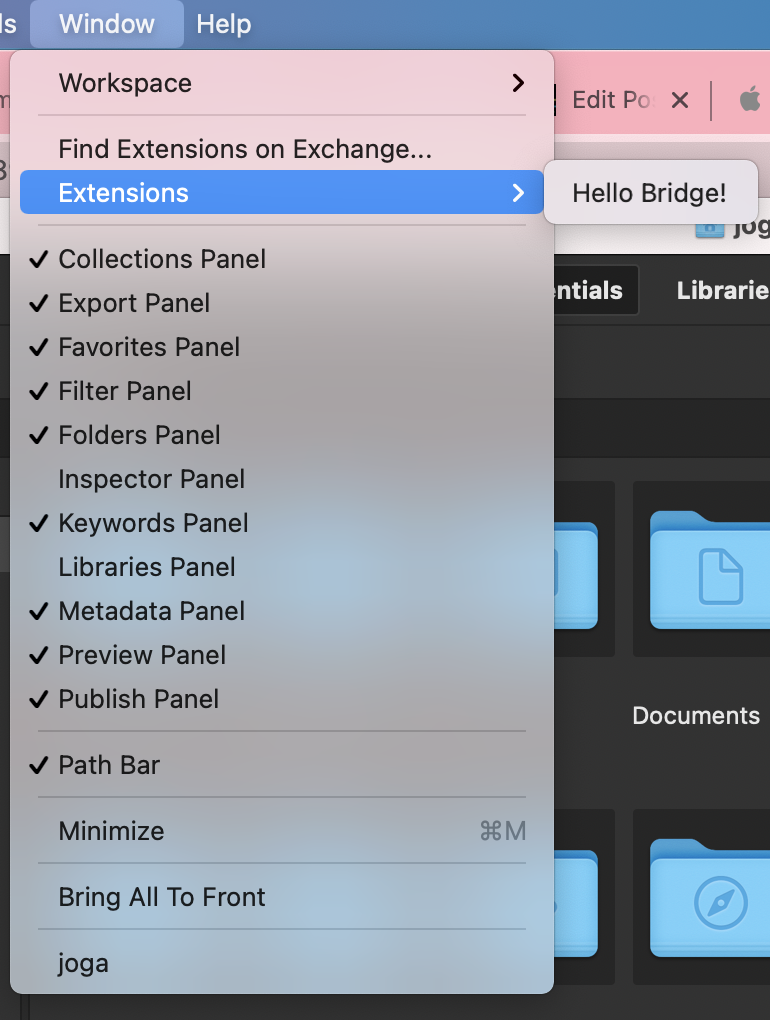
*WINDOW*
.
.
.
9
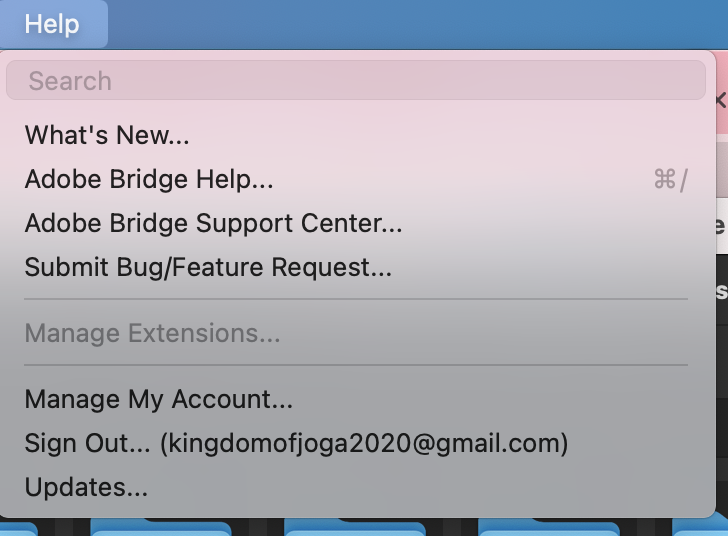
“HELP”
.
*adobe bridge help* –>
[COMMAND] + [ / ]
.
-as of [18 APRIL 2026]-
.
.
*👨🔬🕵️♀️🙇♀️*SKETCHES*🙇♂️👩🔬🕵️♂️*
.
.
.
.
💕💝💖💓🖤💙🖤💙🖤💙🖤❤️💚💛🧡❣️💞💔💘❣️🧡💛💚❤️🖤💜🖤💙🖤💙🖤💗💖💝💘
.
.
*🌈✨ *TABLE OF CONTENTS* ✨🌷*
.
.
🔥🔥🔥🔥🔥🔥*we won the war* 🔥🔥🔥🔥🔥🔥