
.
-as of [26 SEPTEMBER 2026]-
.
.
*REFERENCE GUIDE* —>
-CHAPTER 22-
(IMPORTING/EXPORTING SESSION DATA)
*PAGES 461 – 522*
*62 PAGES LONG*
.
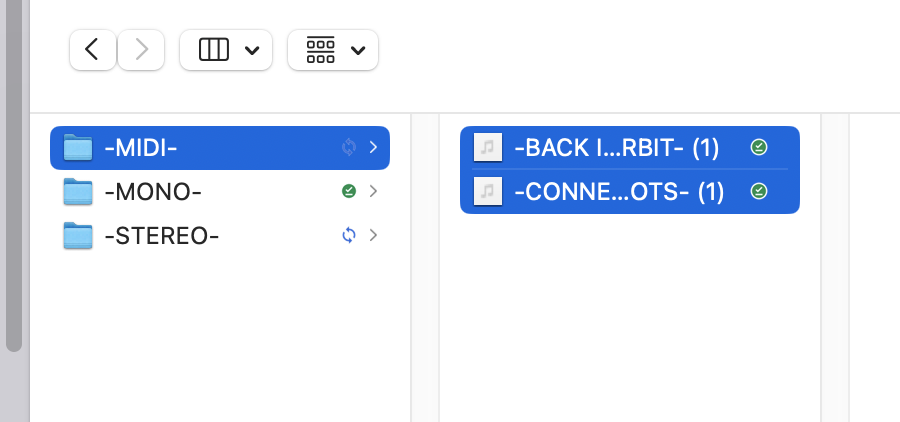
*YOU CAN IMPORT [MULTIPLE FILES] AT ONCE IF THEY ARE IN THE SAME [FOLDER]* —>
.
*MODUS OPERANDI* –>
*BEST METHOD*
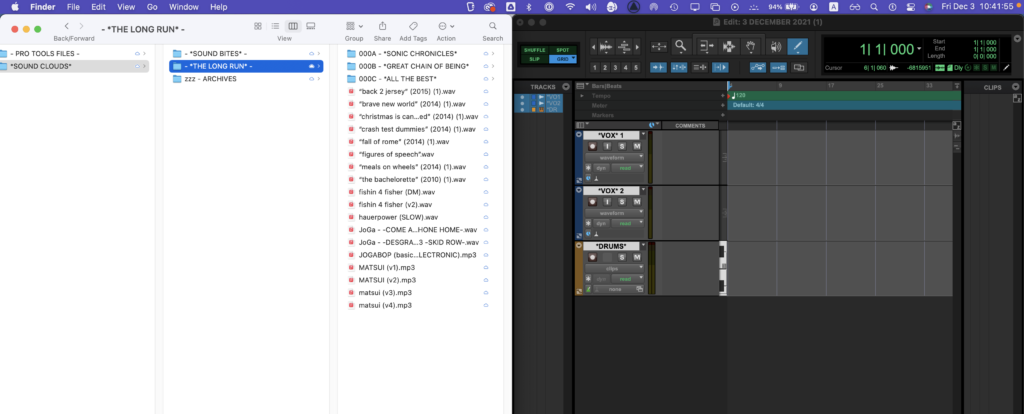
*open ‘finder window’*
[COMMAND] + [OPTION] + [SPACE BAR]
.
*navigate to your ‘soundclouds folder’* –>


.
*move the ‘finder window’ to ‘left half’ of ‘screen’* –>
[COMMAND] + [OPTION] + [LEFT ARROW]
.
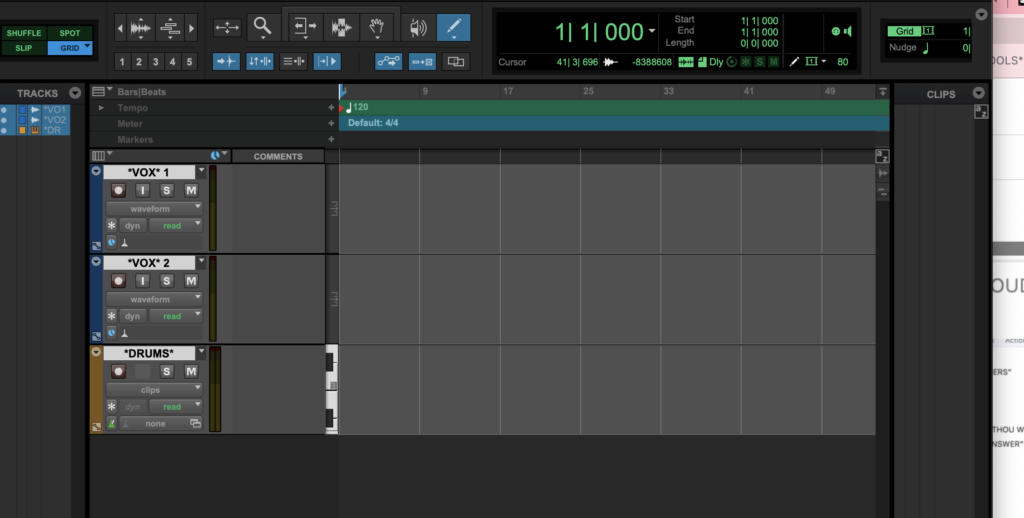
*open pro tools ‘edit window’* –>
.
*move to ‘right half’ of ‘screen’* –>
[COMMAND] + [OPTION] + [RIGHT ARROW]
.
.
*drag/drop ‘audio files’ in the center timeline to create new tracks*
(or drag them into your right ‘clips list’ panel)
.
*NOTE* –>
(as of ‘3 december 2021’)
*YOU CANNOT DRAG/DROP AUDIO FILES FROM FINDER TO ‘PRO TOOLS’ USING ‘GOOGLE DRIVE FOR DESKTOP’ VIRTUAL DRIVE*
(you have to copy them to your local drive first)
(you CAN use ‘google drive’ to store ‘pro tools files’)
(as of ’22 august 2022′)
*now you can drag ‘audio files’ from ‘google drive for desktop’ virtual drives*
.
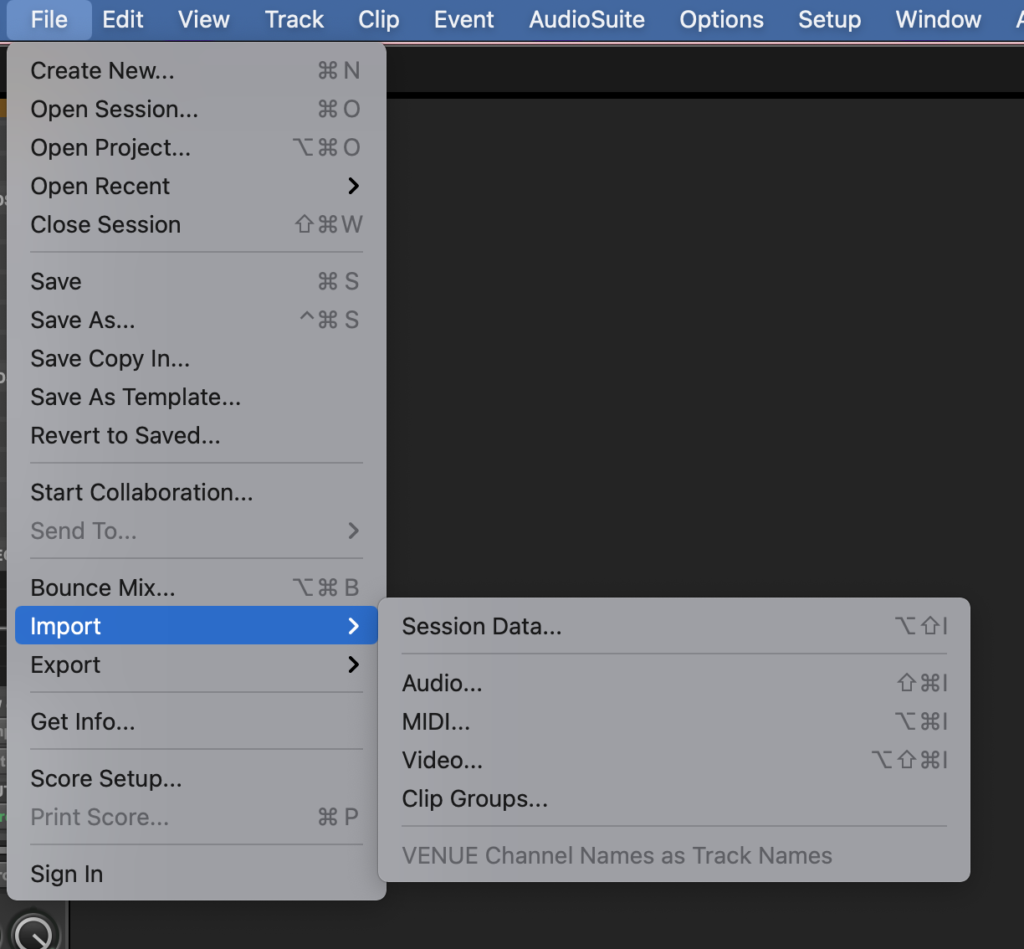
*IMPORTING AUDIO*
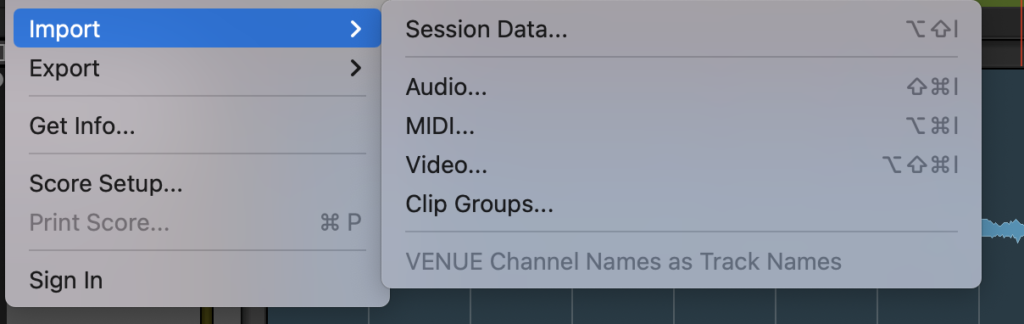
*top menu bar* –>
*file* –> *import*
.
.
*to import [MIDI]* –>
-[COMMAND] + [OPTION] + [ i ]-
.
*to import * –>
[SHIFT] + [COMMAND] + [OPTION] + [i]
.
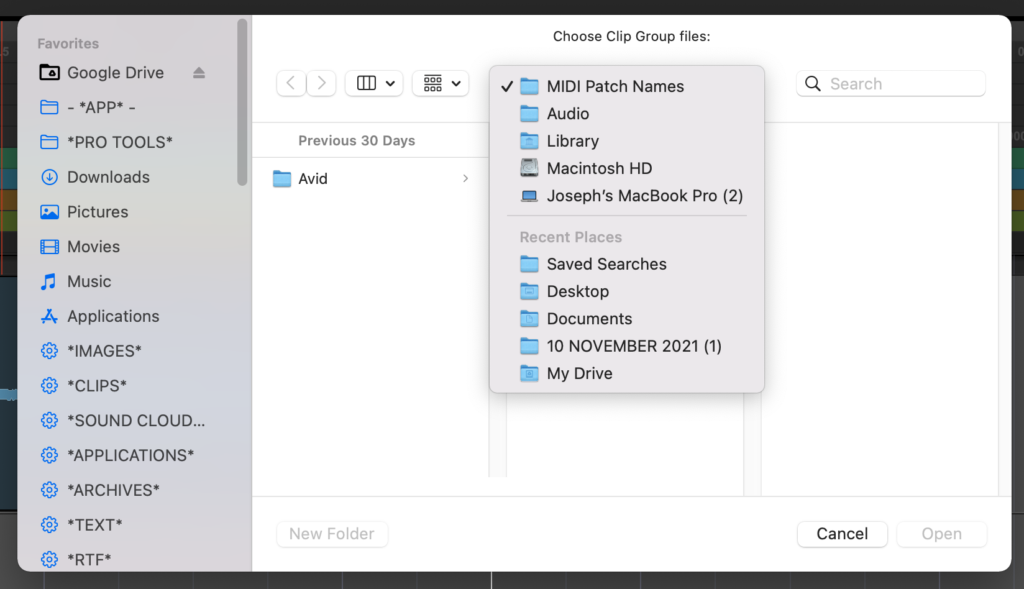
“CLIP GROUPS”
*“saved clip groups” are stored here by default* –>
.
*’VENUE CHANNEL NAMES’ AS ‘TRACK NAMES’*
(greyed out default)
(for ‘live recordings’)
.
(locate desired audio file and click ‘open’)
*’PRO TOOLS FIRST’ DOES NOT HAVE AN ‘AUDIO IMPORT OPTIONS’ MENU*
(no ‘clip list’)
(meaning all imports are added as ‘new track’)
.
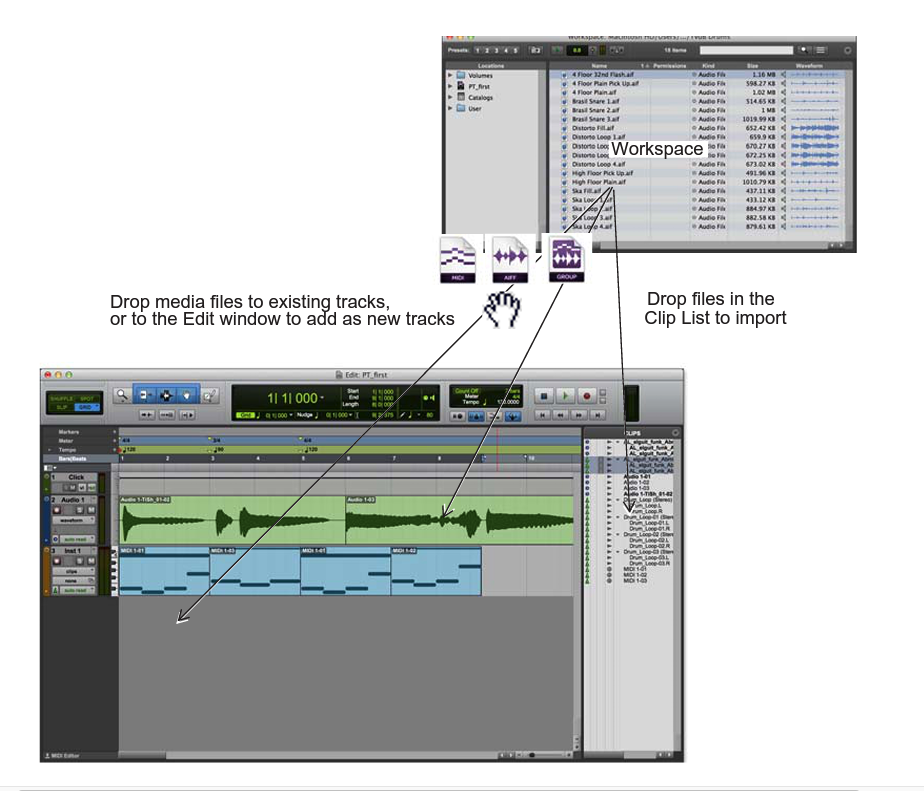
*you can directly drag files from ‘finder’ into ‘pro tools’ windows* with a split screen**
.
*you can drag a file into the ‘timeline panel’*
(either drop onto a track)
(which will either ‘insert’ or ‘over-write’)
(…or drop into ’empty space’ at the bottom)
(which will create a new ‘track’)
(you can also drag the files from ‘finder’ to your right ‘clip list panel’)
.
.
.
.
*👨🔬🕵️♀️🙇♀️*SKETCHES*🙇♂️👩🔬🕵️♂️*
.
.
.
.
💕💝💖💓🖤💙🖤💙🖤💙🖤❤️💚💛🧡❣️💞💔💘❣️🧡💛💚❤️🖤💜🖤💙🖤💙🖤💗💖💝💘
.
.
*🌈✨ *TABLE OF CONTENTS* ✨🌷*
.
.
🔥🔥🔥🔥🔥🔥*we won the war* 🔥🔥🔥🔥🔥🔥