
-as of [26 SEPTEMBER 2026]-
.
*REFERENCE GUIDE* —>
-CHAPTER 13-
(“TRAX”)
*PAGES 273 – 276*
*4 PAGES LONG*
.
*COMMANDS* —>
-SHOW/HIDE [TRACKS] IN [TIMELINE]-
.
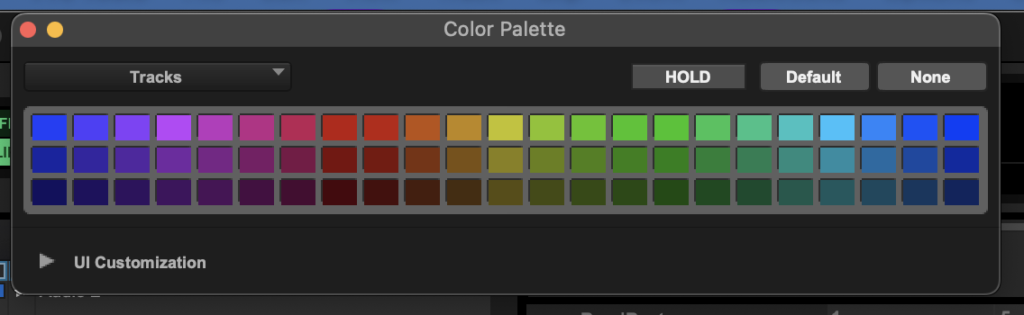
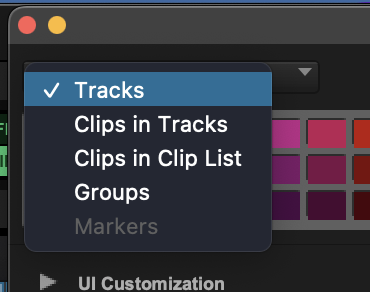
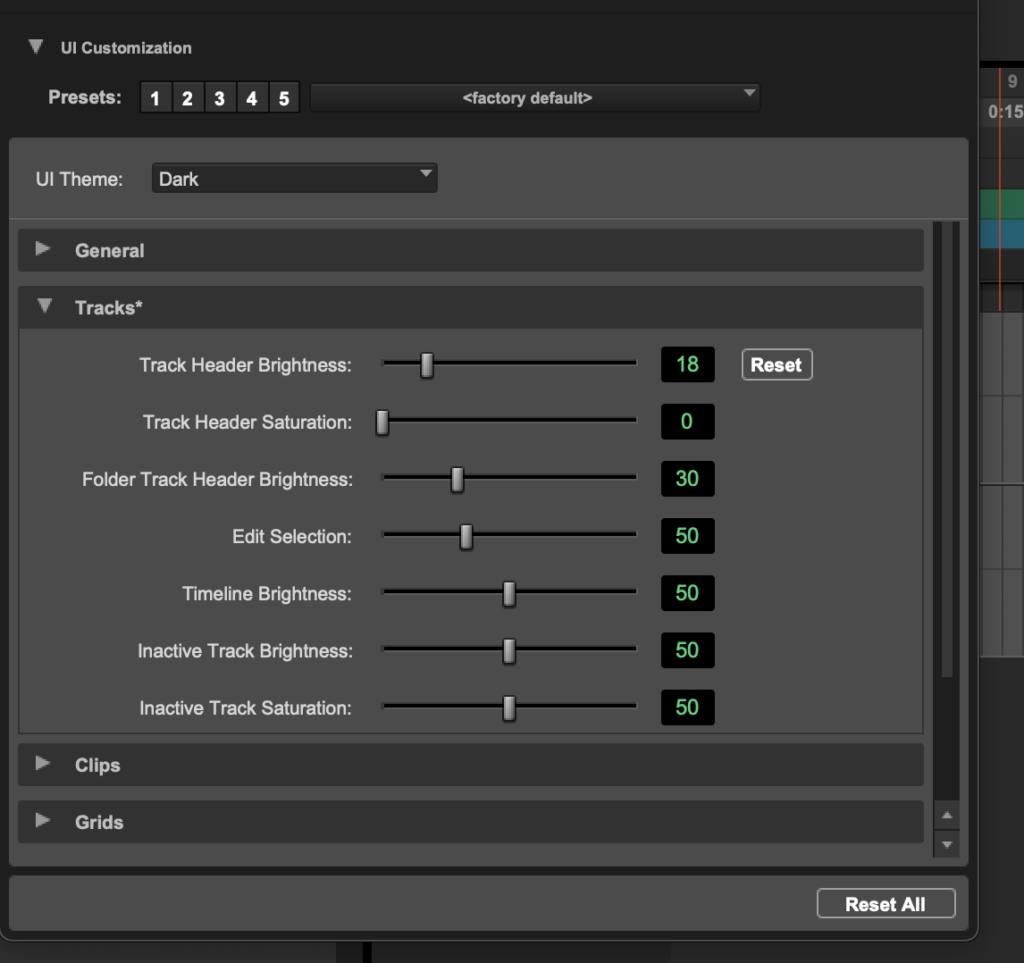
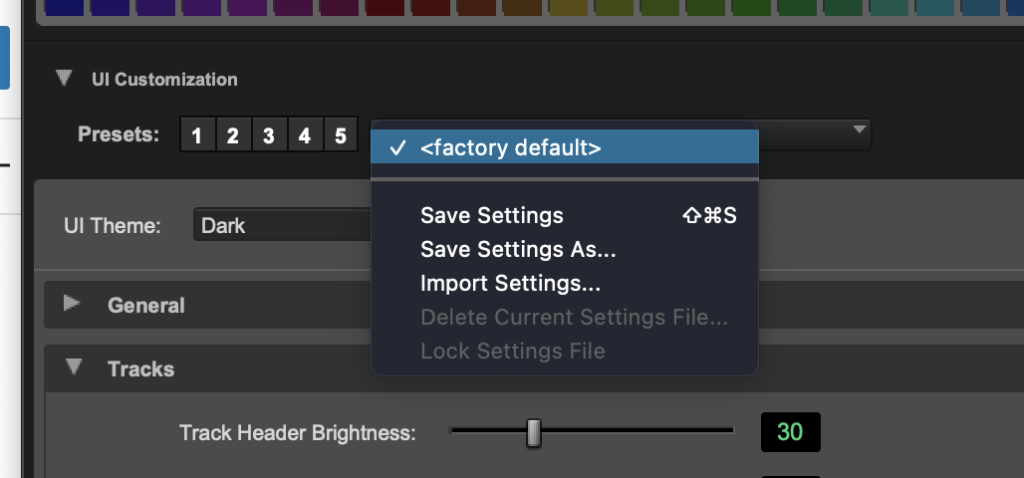
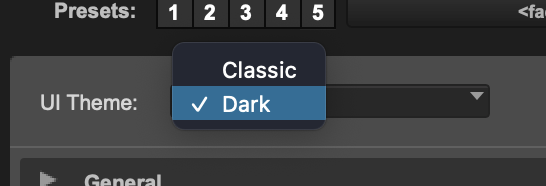
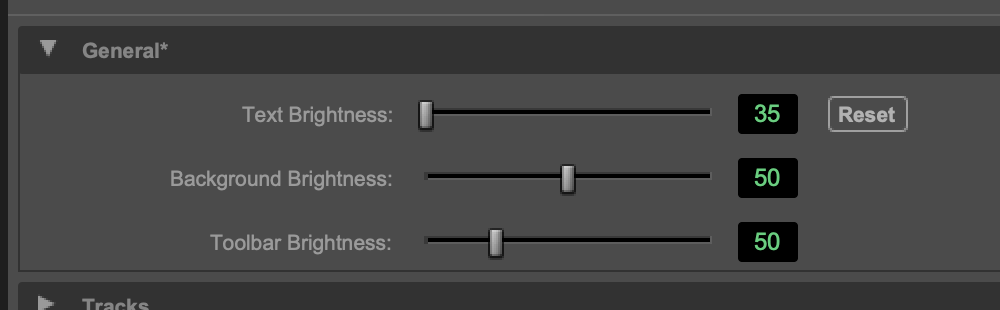
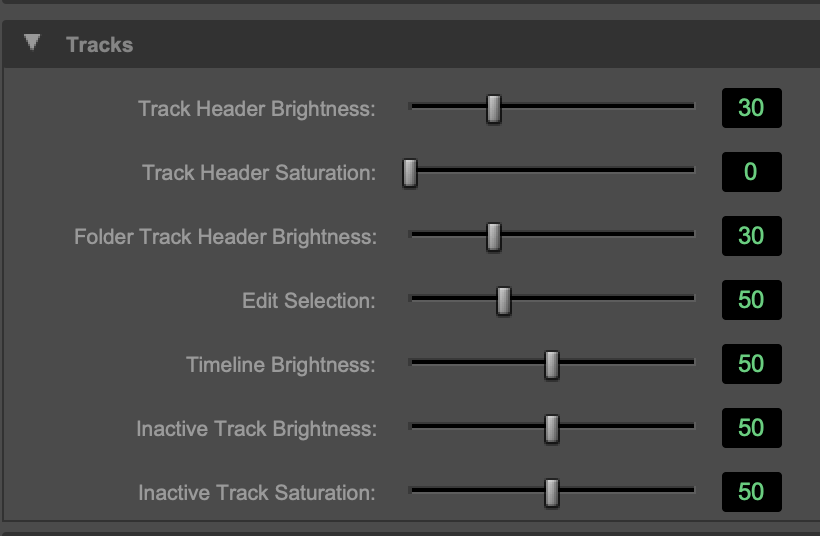
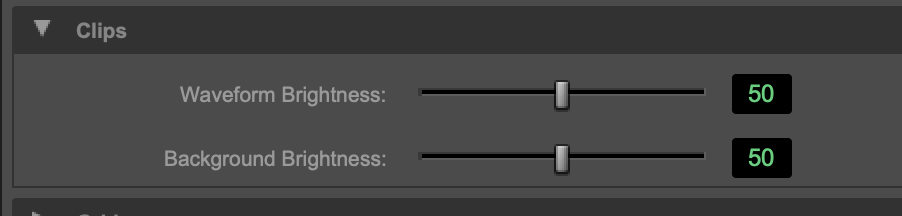
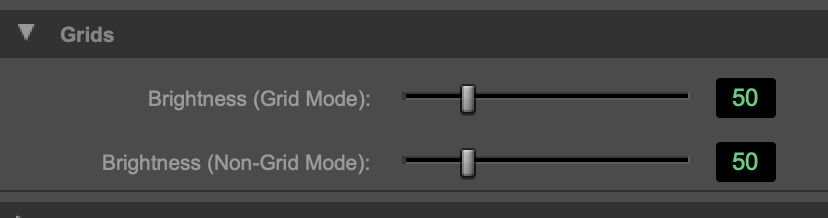
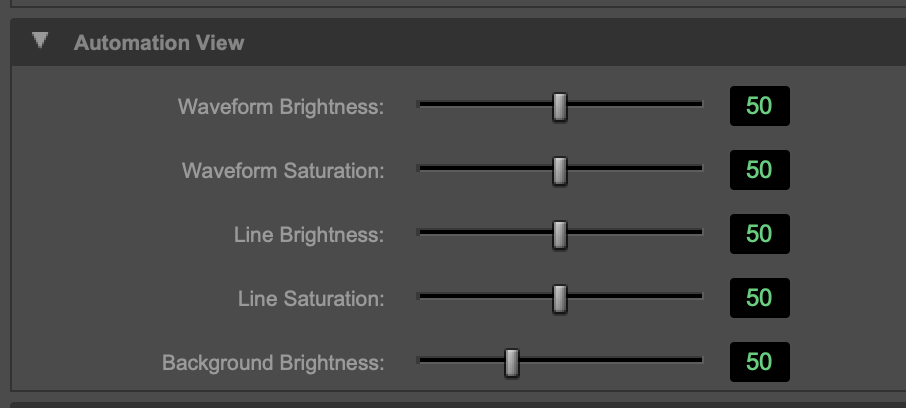
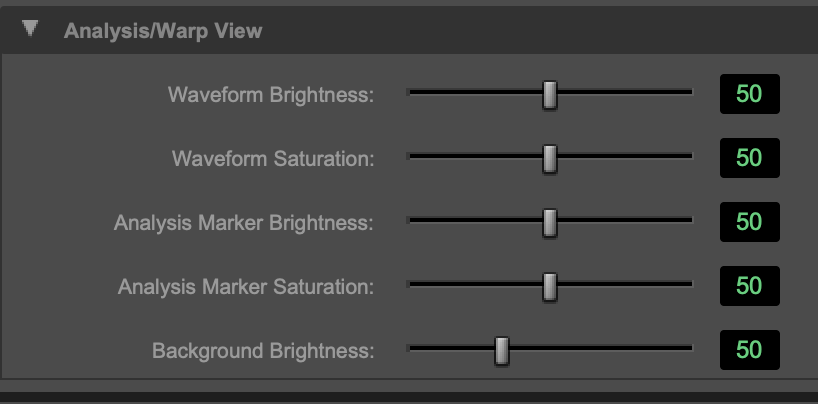
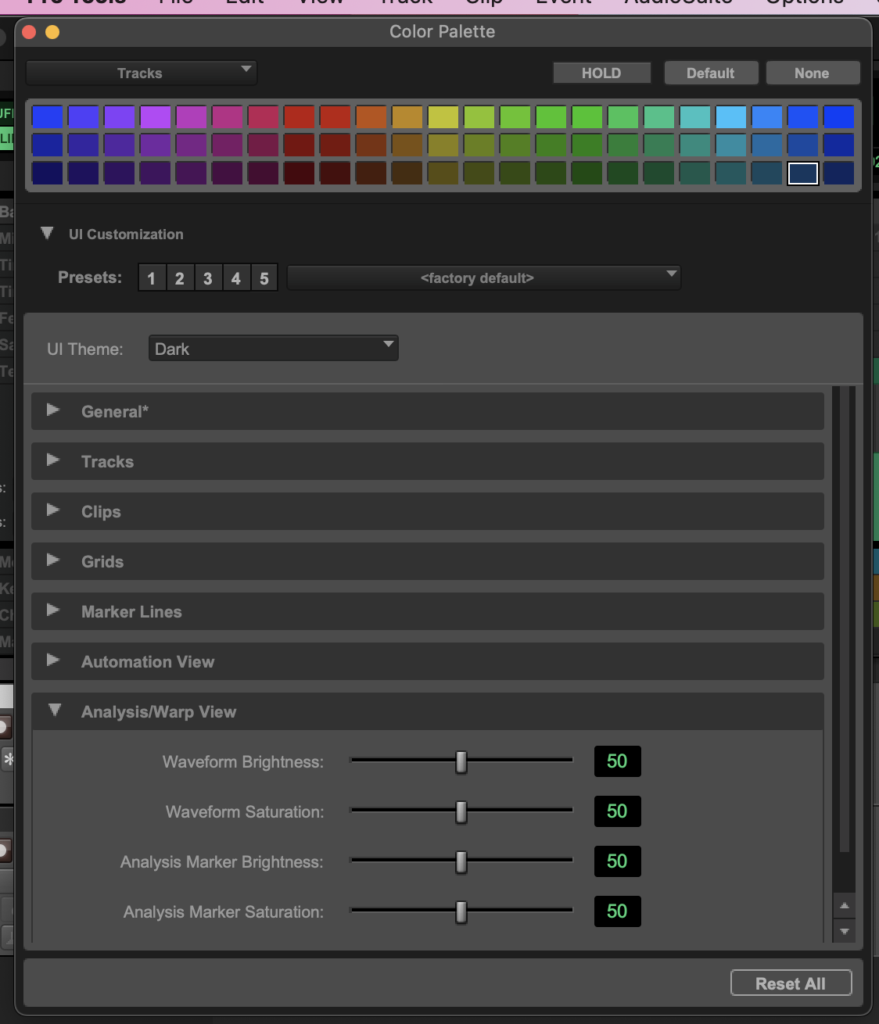
*double-click the ‘square button’ to open ‘color palette window’*
.
.
.
.
.
.
.
.
.

.
.
.
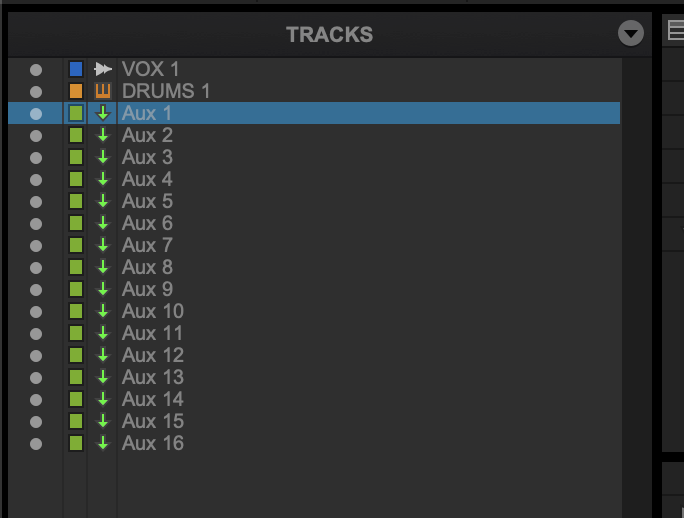
*TRACK LIST* –>
(in the left column ‘track list’, click on a track to ‘select’ it)
(hold down ‘command’ as you click to de-select track)
(hold down ‘command’ as you click to select another track)
(hold down ‘option’ as you click to de-select all tracks)
.
*to ‘bulk-select’…*
(select ‘first scrap-track’)
(at the top)
(hold down ‘shift’ + click on ‘last scrap-track’)
(scroll down if necessary)
.
*to ‘bulk delete’ selected tracks…*
*right-click the ‘selected items’
(be careful you don’t accidentally ‘click out’ with a regular click)
(to prevent you from having to select the ‘scrap-tracks’ all over again)
.
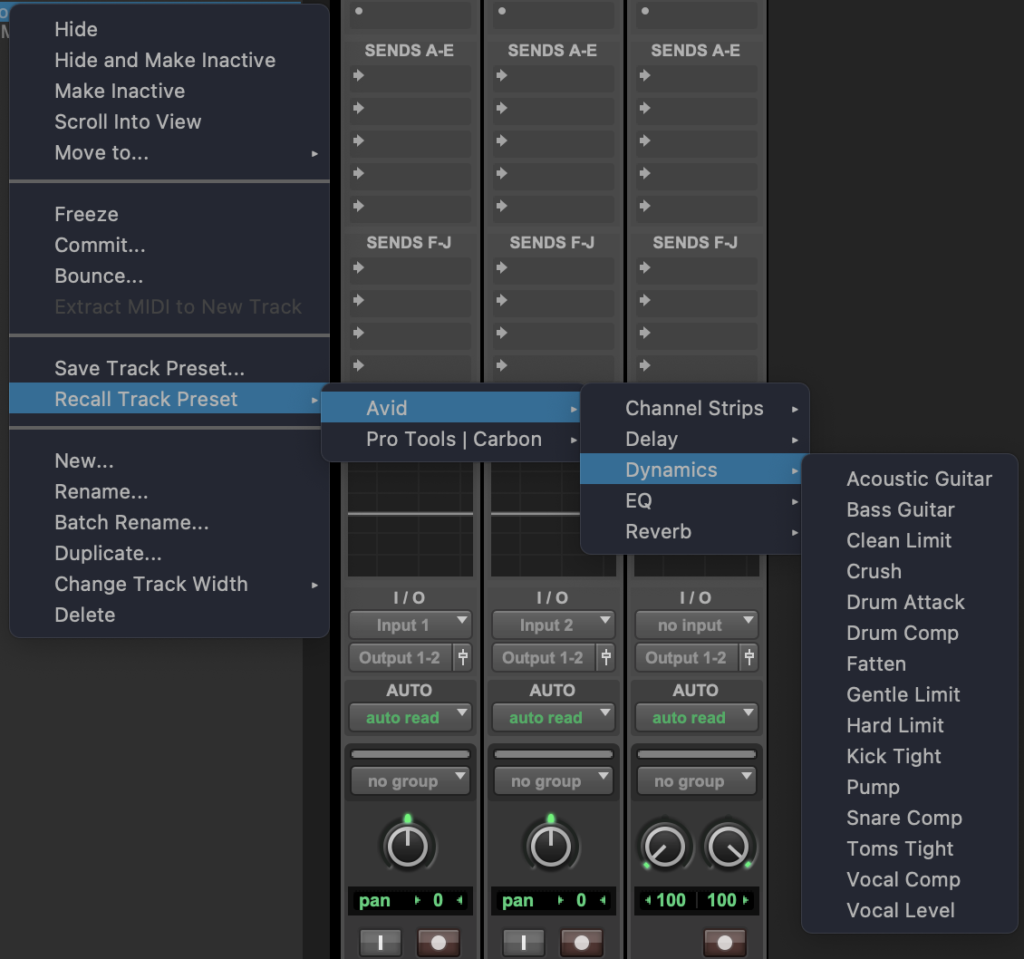
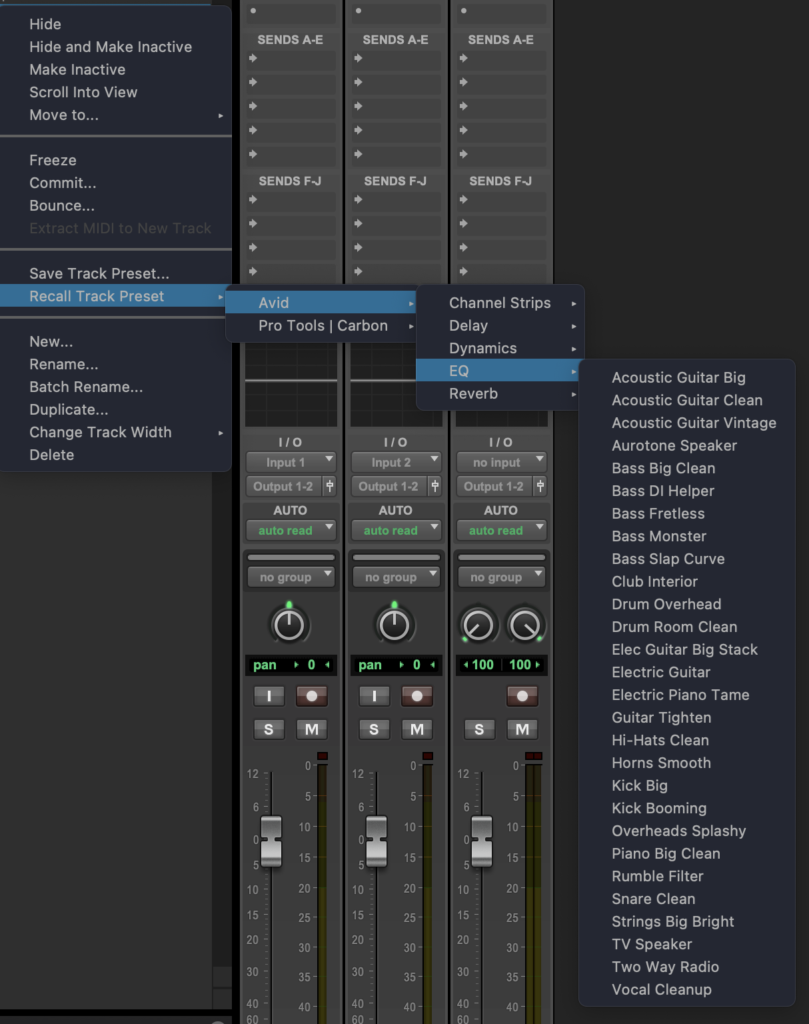
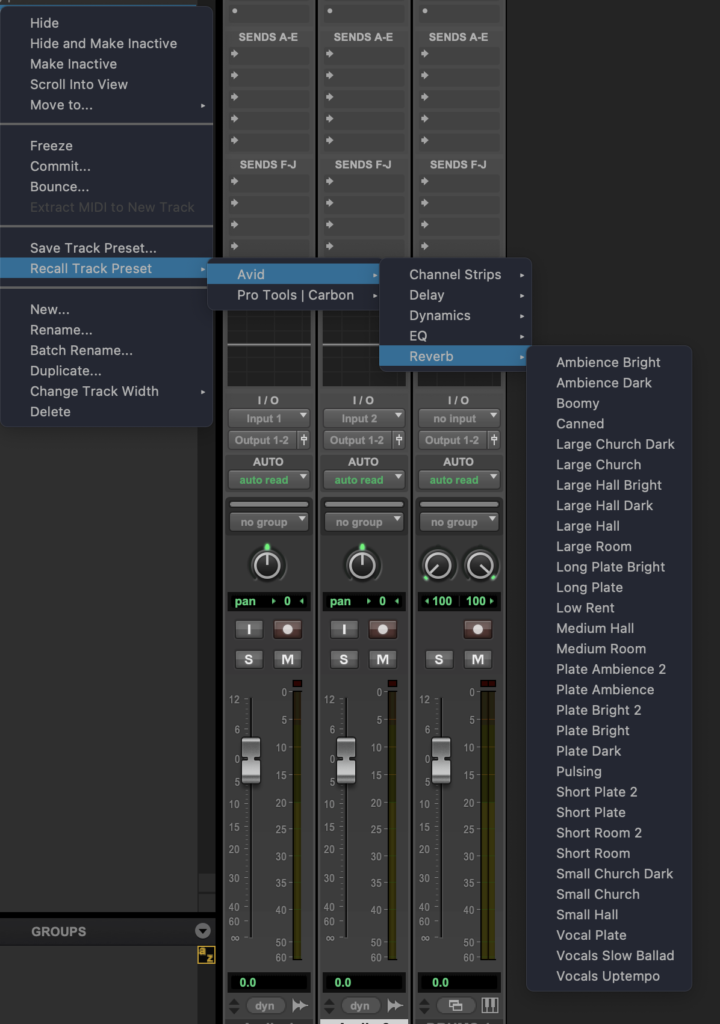
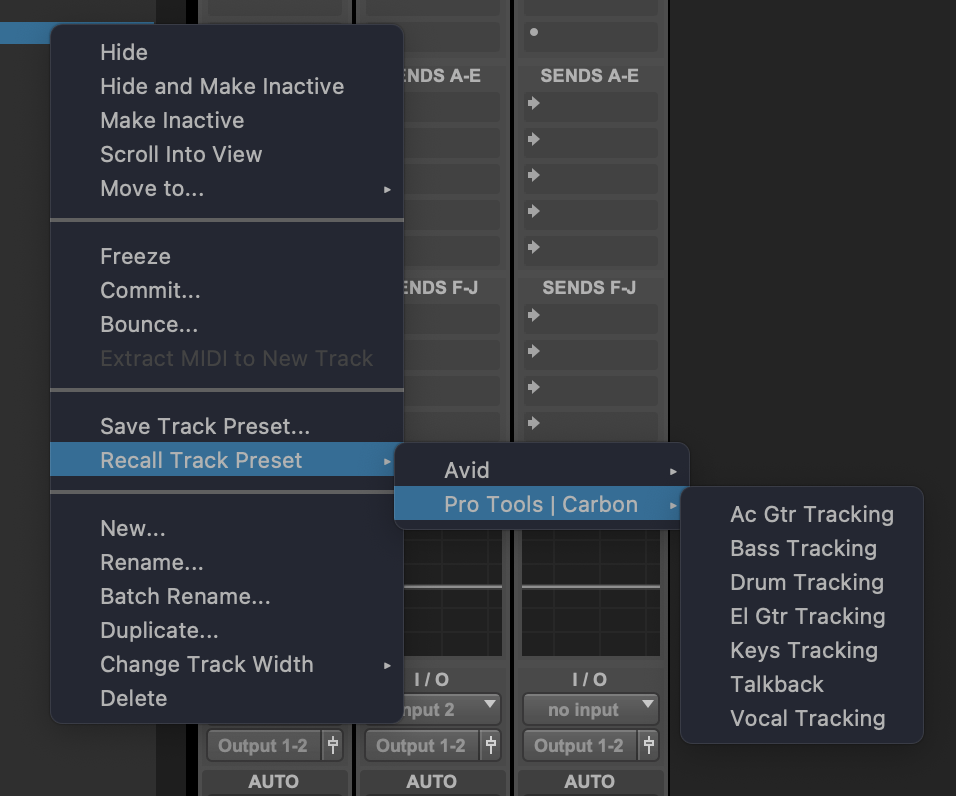
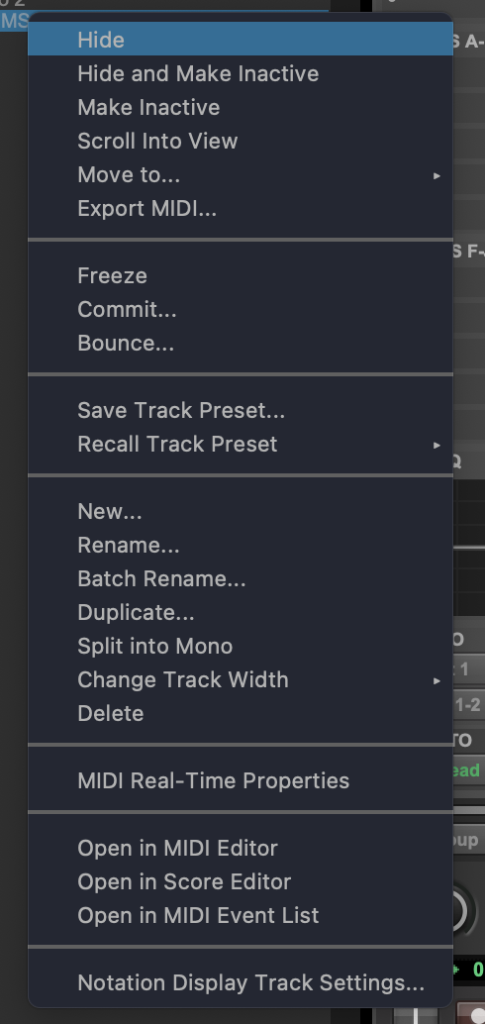
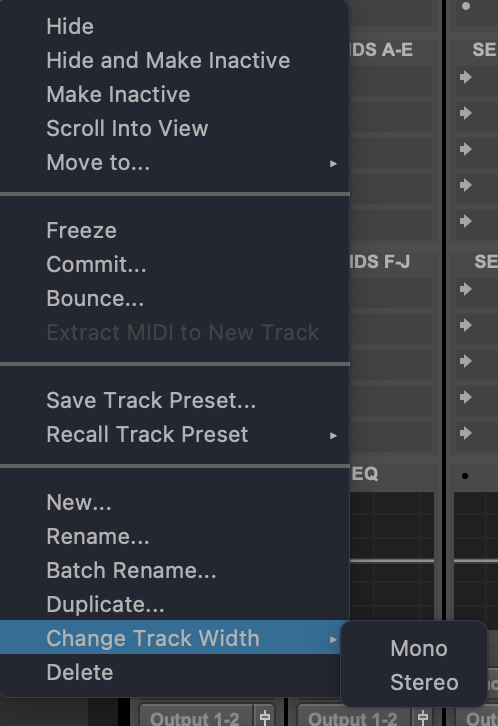
[if you ‘right-click’ an ‘audio track name’ in the ‘track-list panel’, you bring up this [drop-down menu]…]
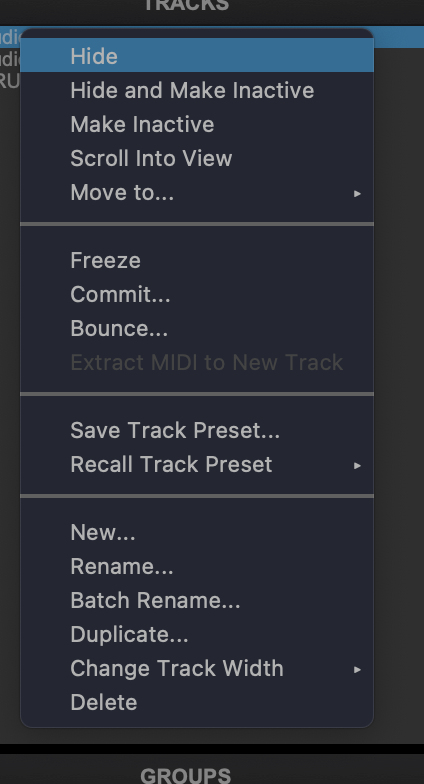
.
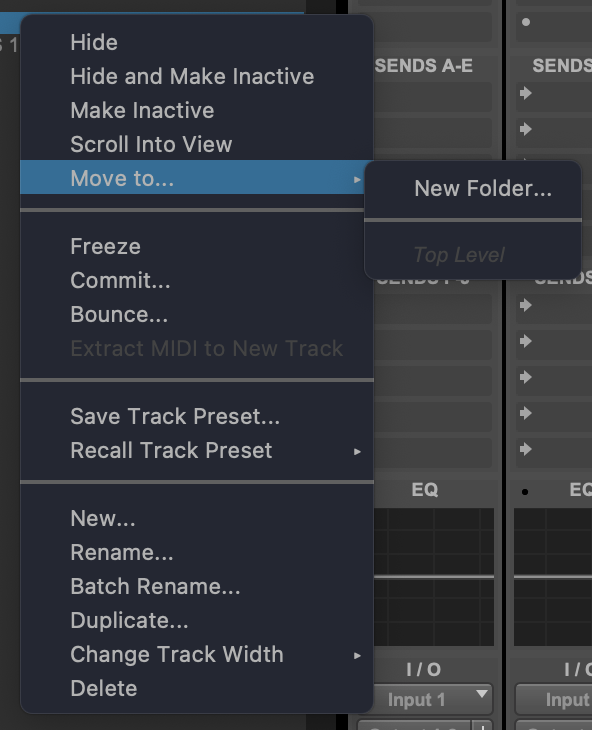
.
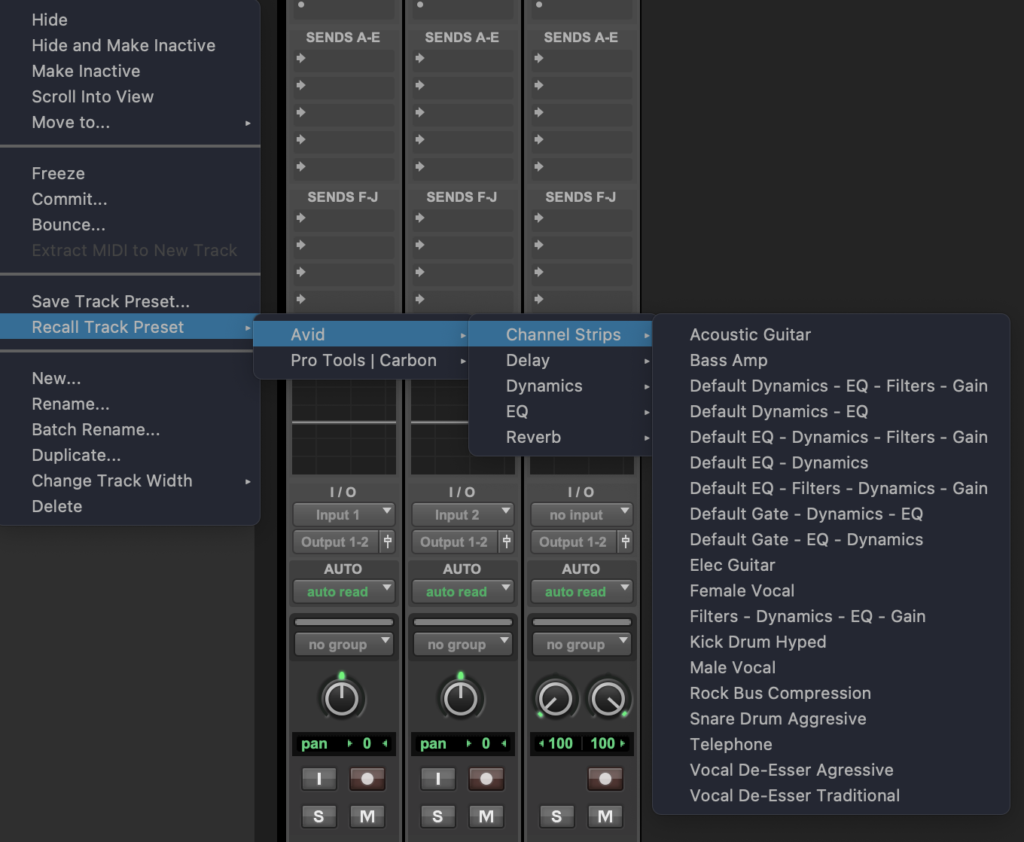
.
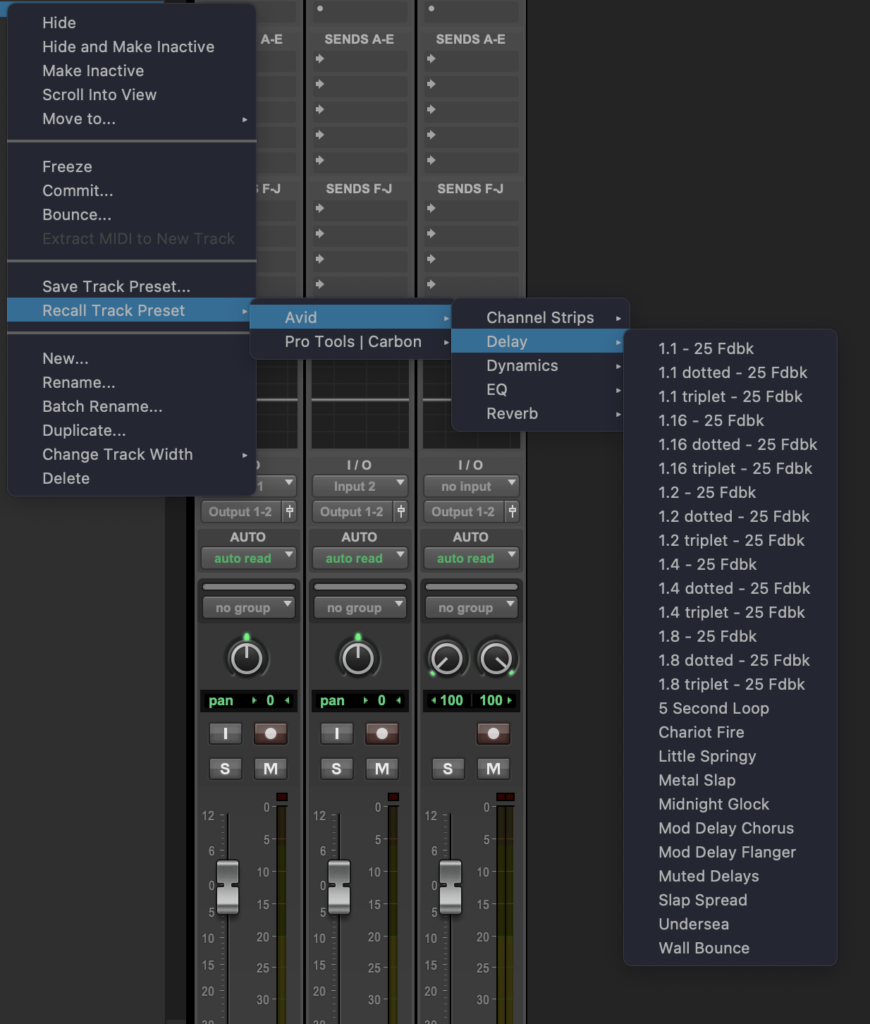
.
.
.
.
.
[if you ‘right-click’ an ‘instrument track name’ in the ‘track-list panel’, you bring up this ‘drop-down menu’…]
.
.
*double-clicking into ‘left track panel’ opens the ‘color palette settings window’* –>
.
.
.
*👨🔬🕵️♀️🙇♀️*SKETCHES*🙇♂️👩🔬🕵️♂️*
.
.
👈👈👈☜*-EDIT WINDOW-* ☞ 👉👉👉
*PRO TOOLS*
.
.
💕💝💖💓🖤💙🖤💙🖤💙🖤❤️💚💛🧡❣️💞💔💘❣️🧡💛💚❤️🖤💜🖤💙🖤💙🖤💗💖💝💘
.
.
*🌈✨ *TABLE OF CONTENTS* ✨🌷*
.
.
🔥🔥🔥🔥🔥🔥*we won the war* 🔥🔥🔥🔥🔥🔥