
-as of [6 OCTOBER 2026]-
.
*REFERENCE GUIDE* —>
-CHAPTER 51-
(“BASIC MIXING”)
-PAGE 1144-
(MIX WINDOW)
.
-CHAPTER 52-
([PLUG-IN]/[HARDWARE] INSERTS)
-PAGES 1189 – 1221-
-43 PAGES-
.
-EDIT WINDOW-
.
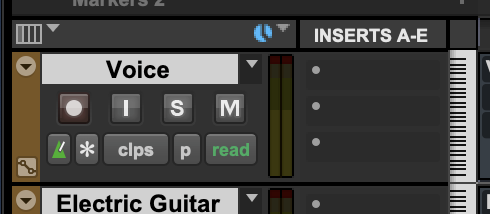
*SHOW/HIDE [INSERTS A +E]* —>
-[COMMAND] + [OPTION] + [CONTROL] + [F10]-
.
.
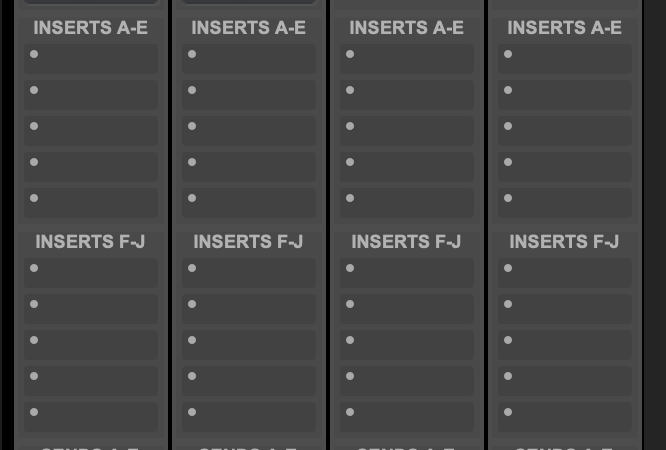
*MIX WINDOW* —>
.
*10 INSERTS* —>
INSERTS A-E
(5 INSERTS)
INSERTS F-J
(5 INSERTS)
.
-ONLY ’INSERTS A-E’ ARE SHOWN FOR TRACKS IN ‘MIX WINDOW’ BY DEFAULT–
.
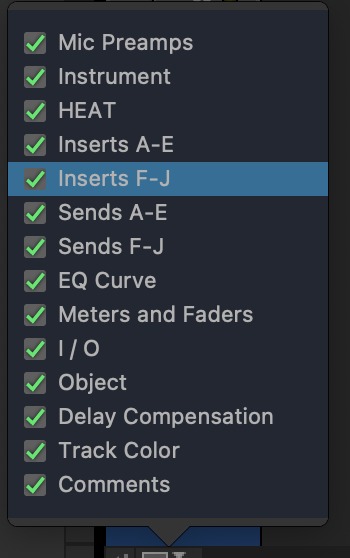
*TO SHOW/HIDE ‘INSERT GROUPS’ IN MIX WINDOW* —>
*bottom left corner* —>
.
*3 [INSERT TYPES]* —>
-INSTRUMENT [PLUG-IN]-
-SOFTWARE [PLUG-IN]-
-HARDWARE INSERTS-
.
*click into the [insert box] to select an [insert]* —>
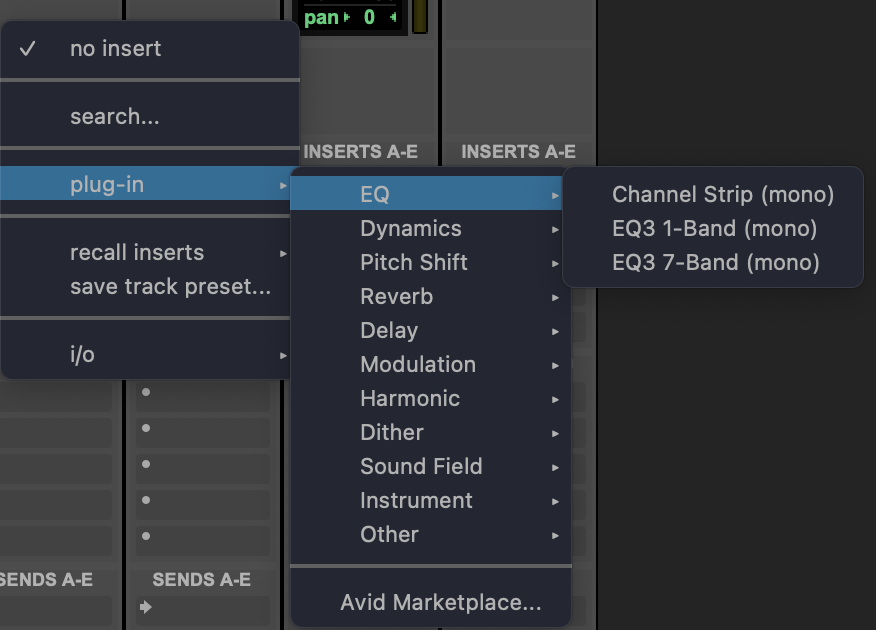
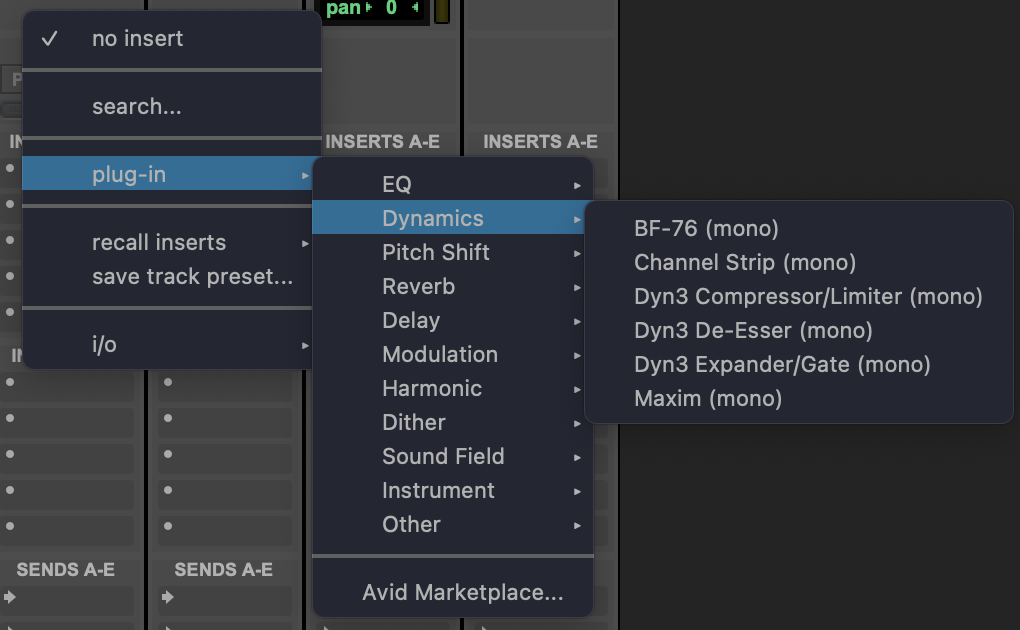
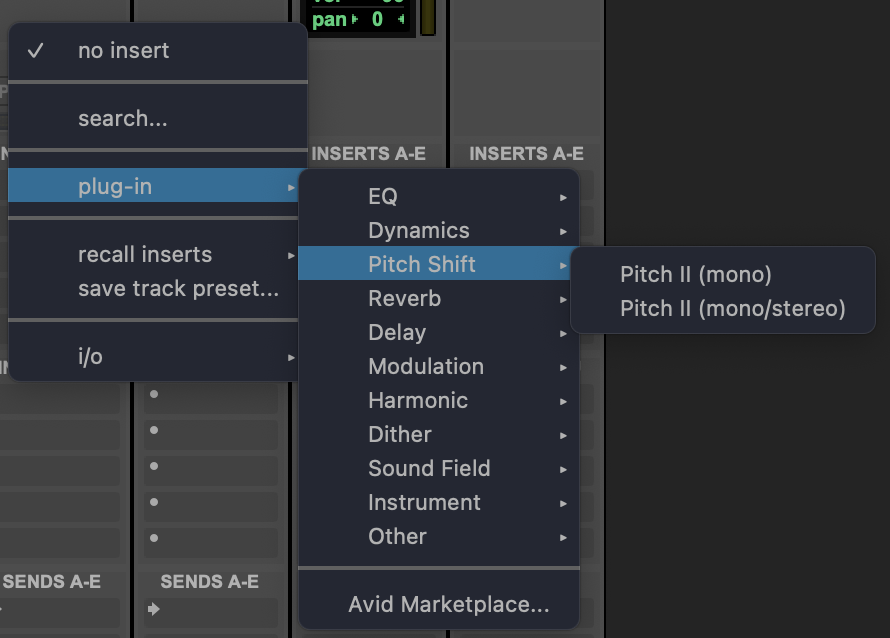
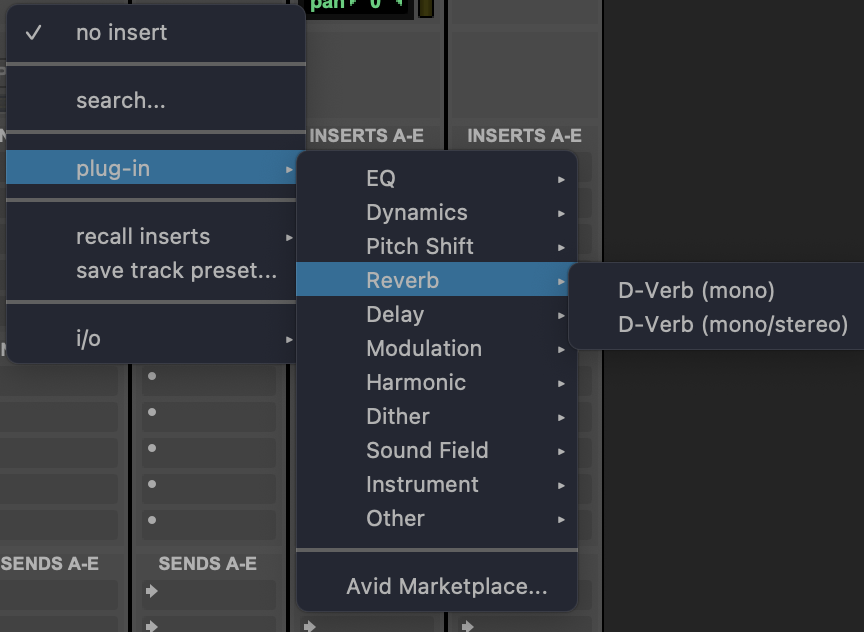
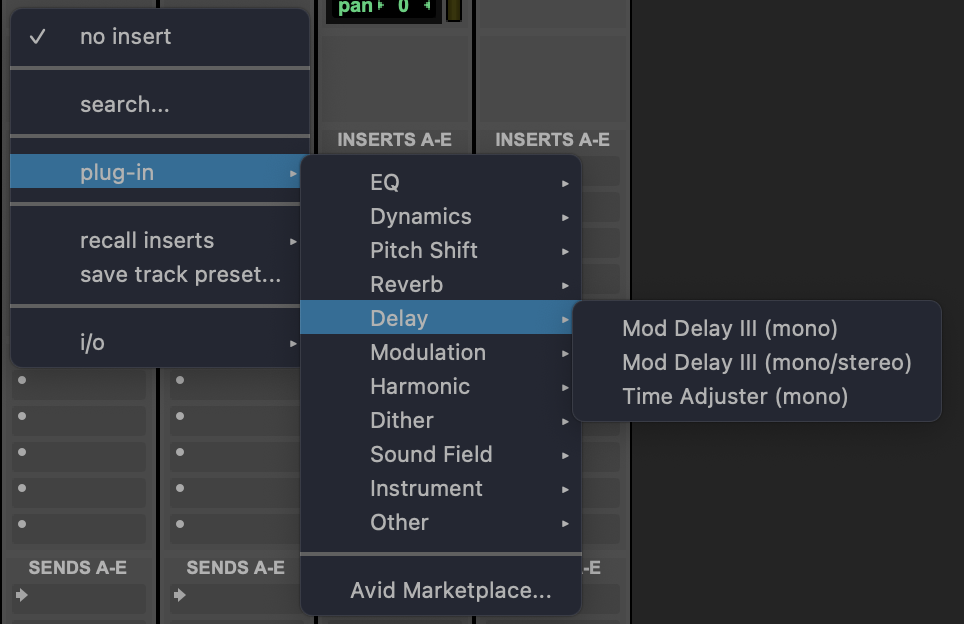
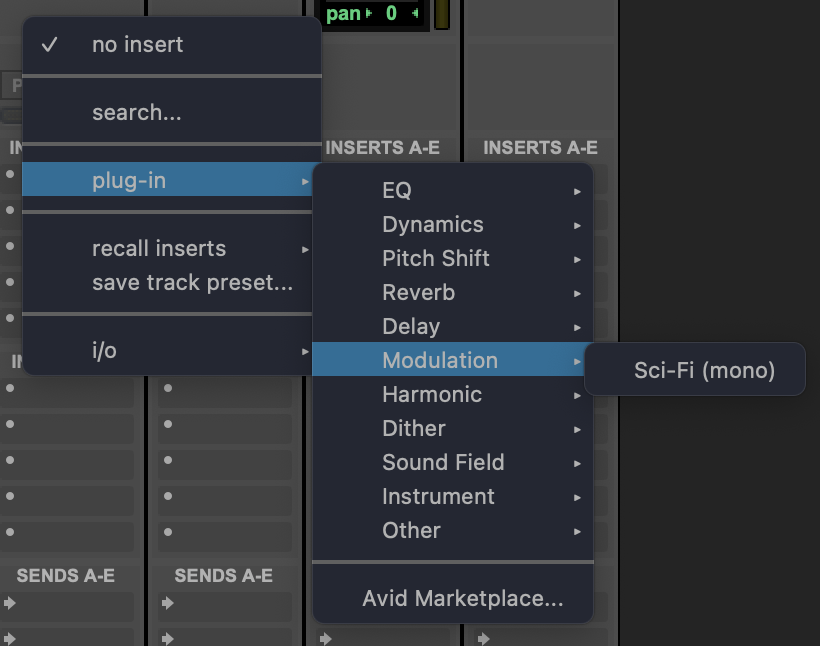
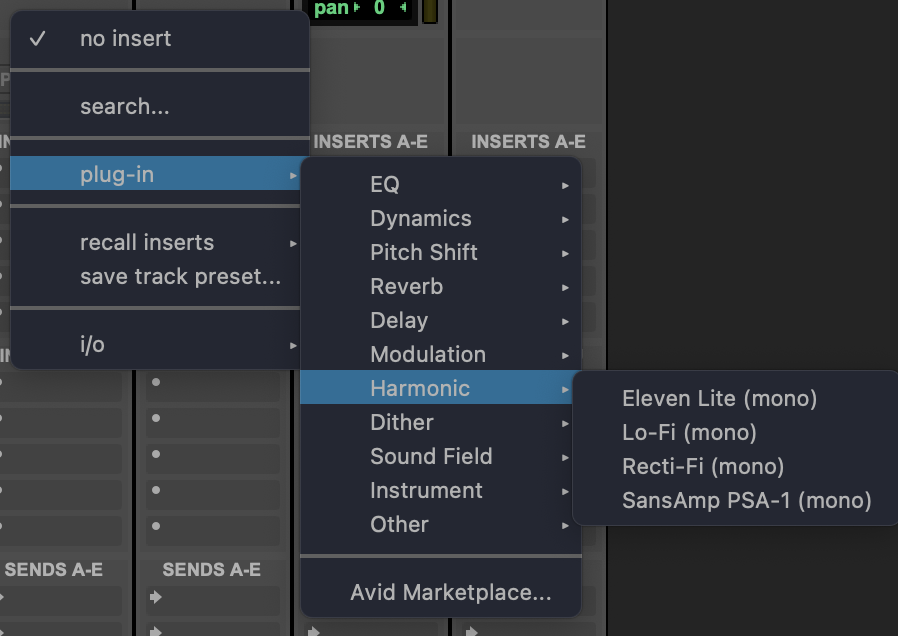
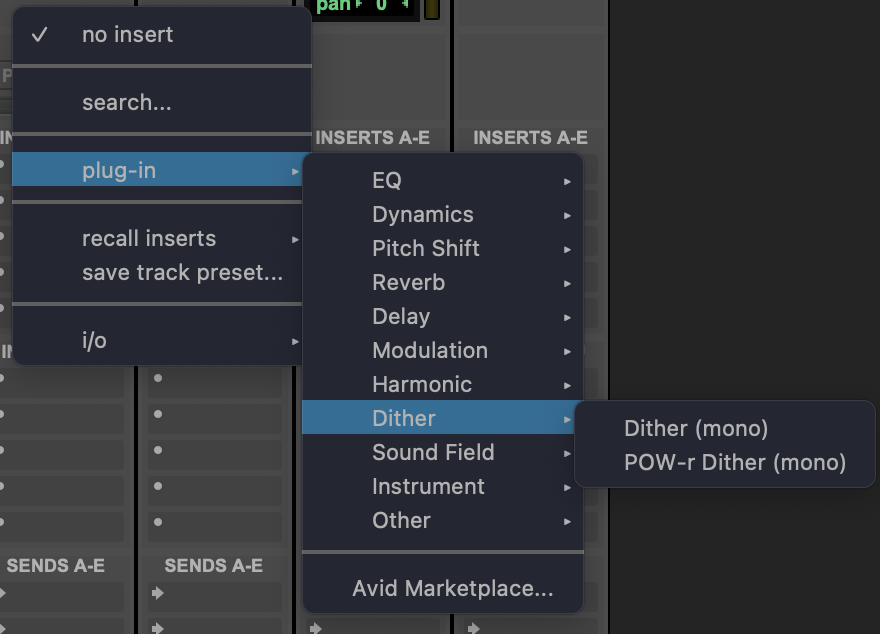
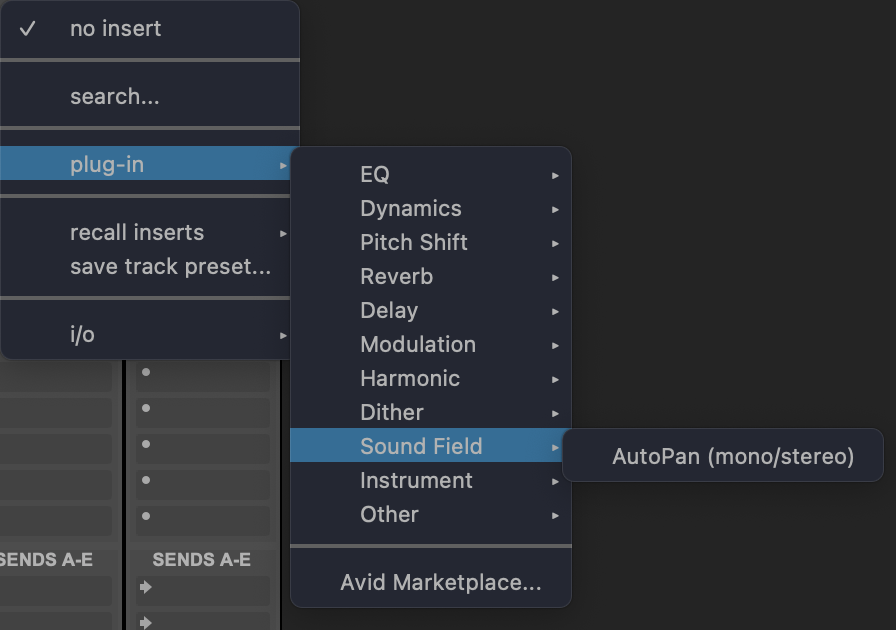
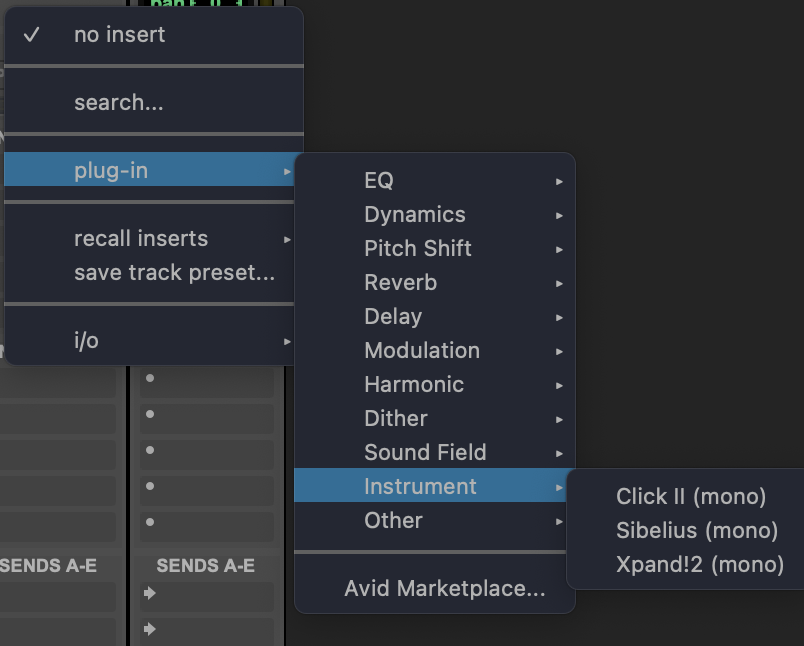
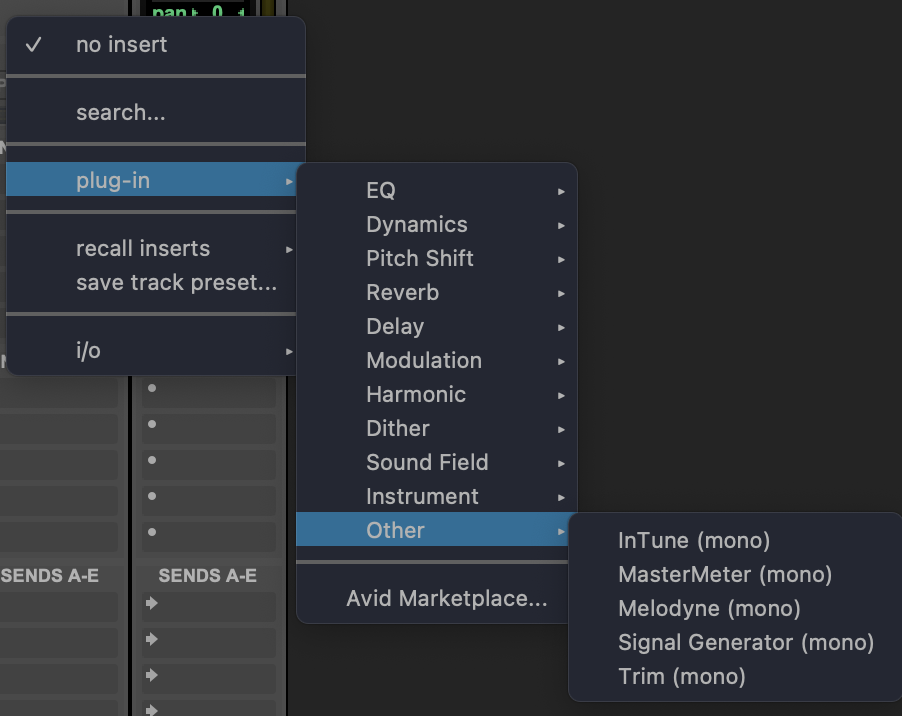
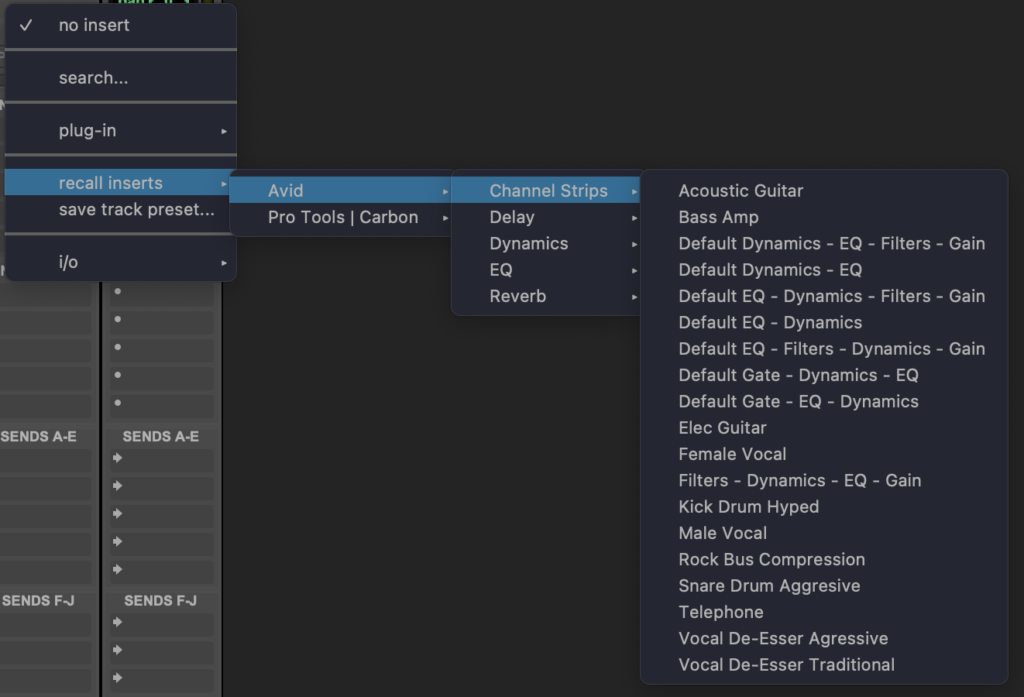
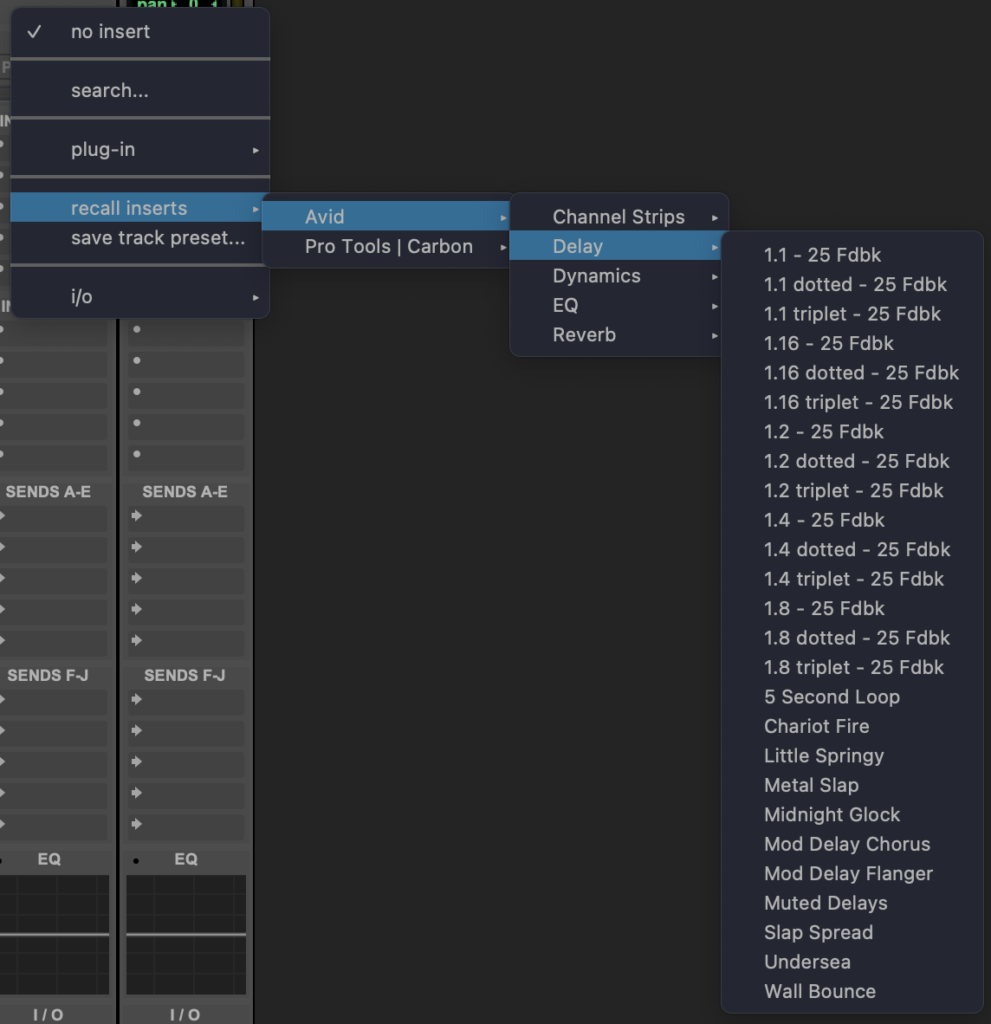
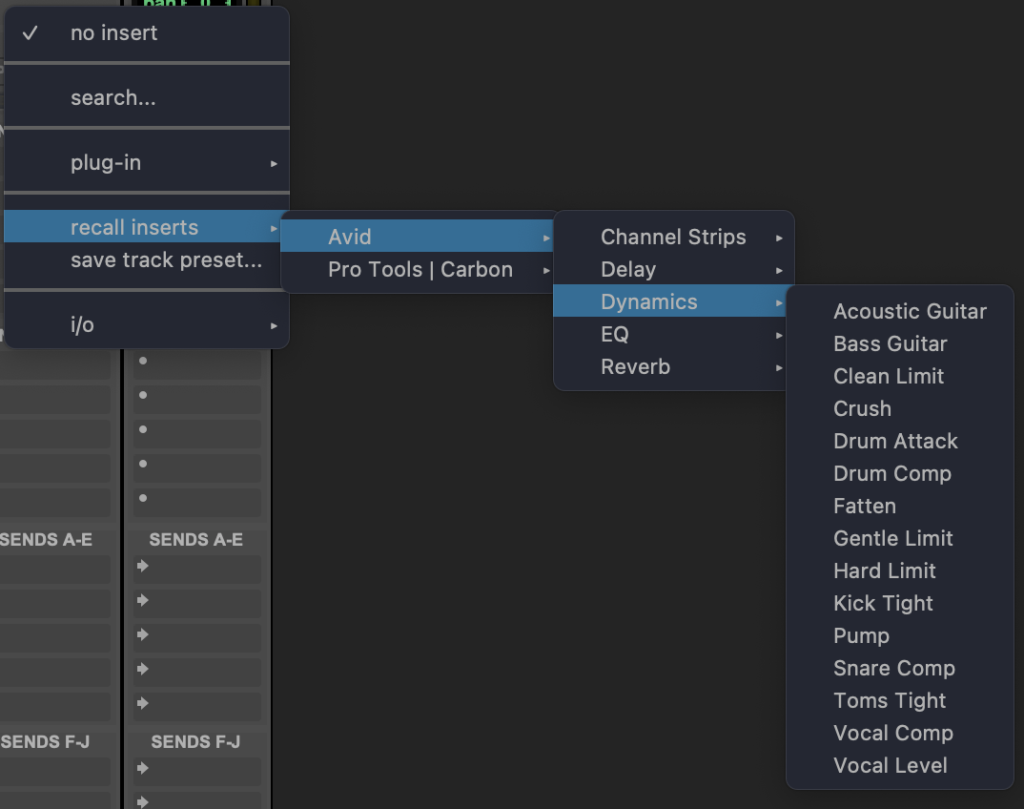
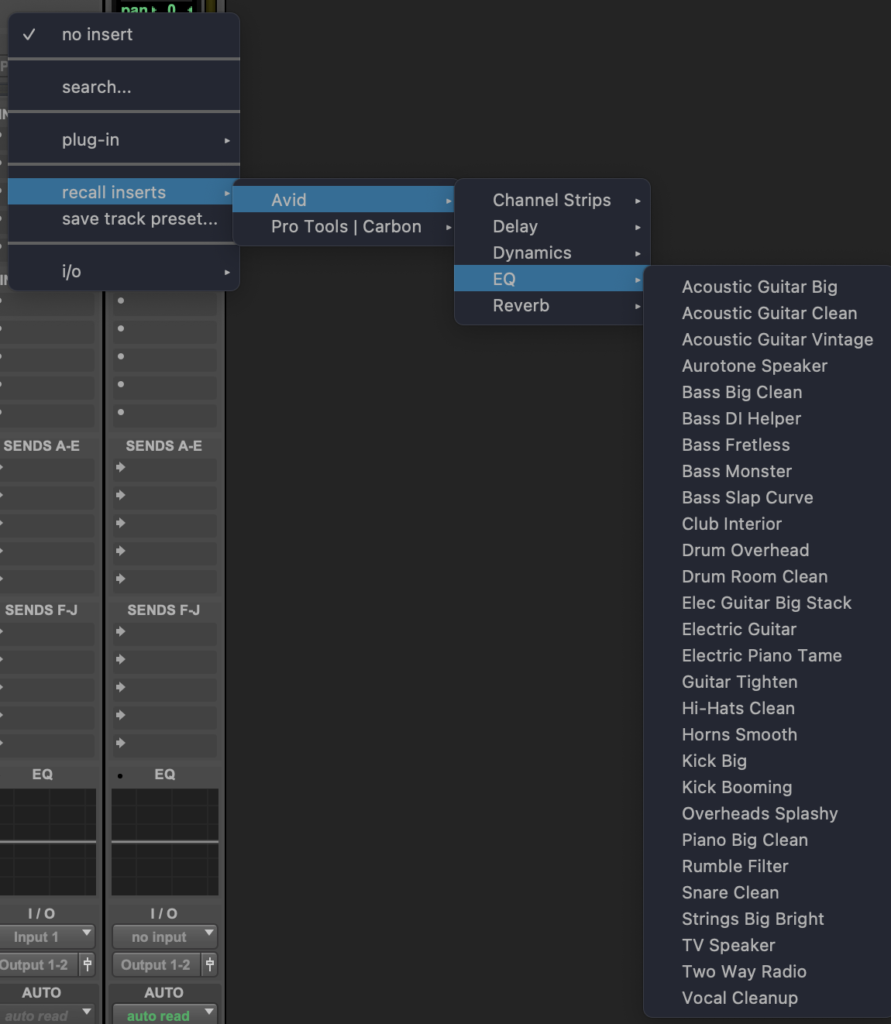
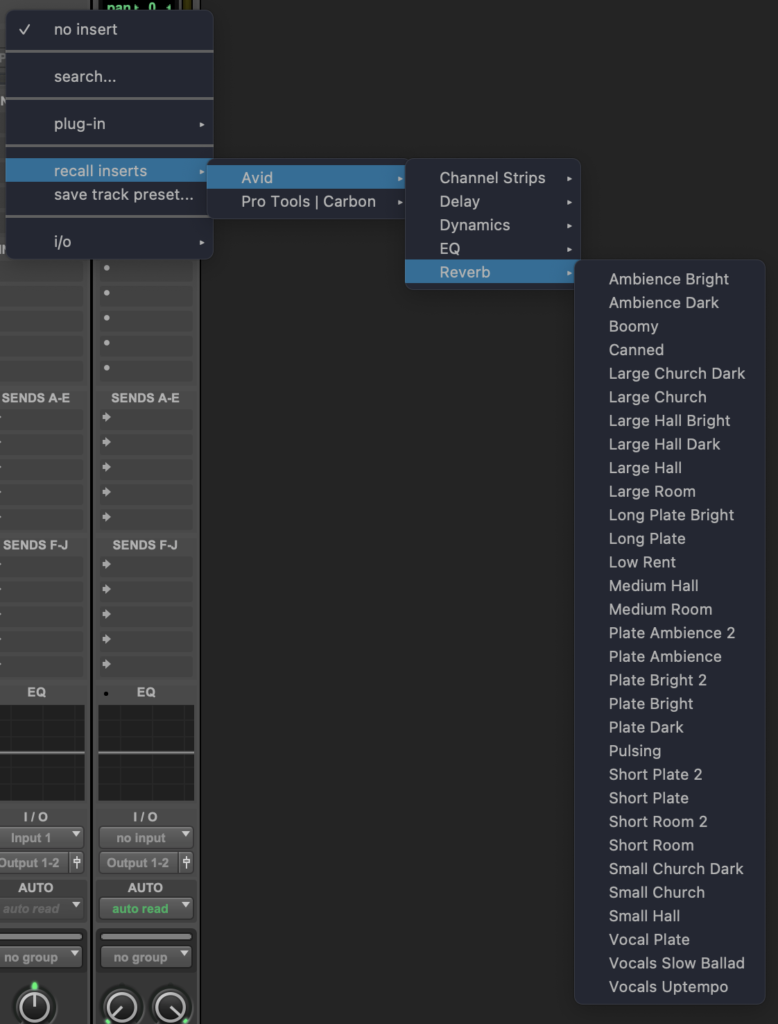
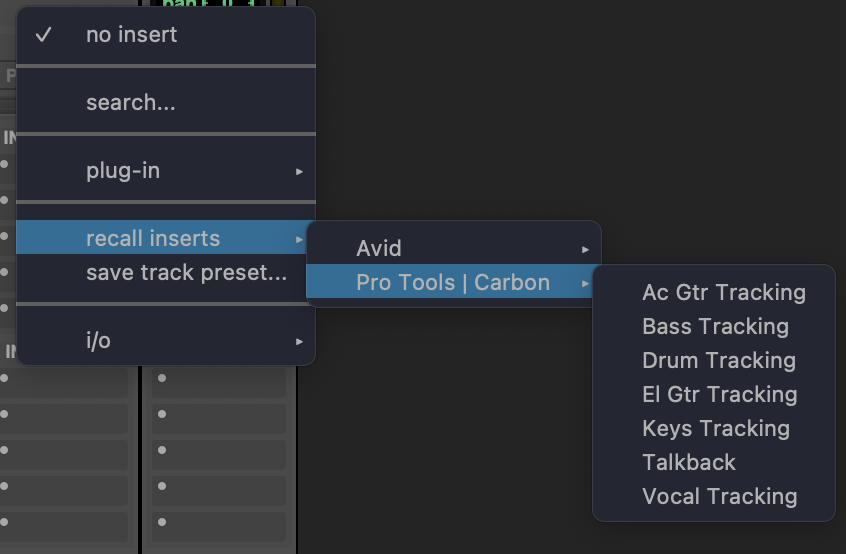
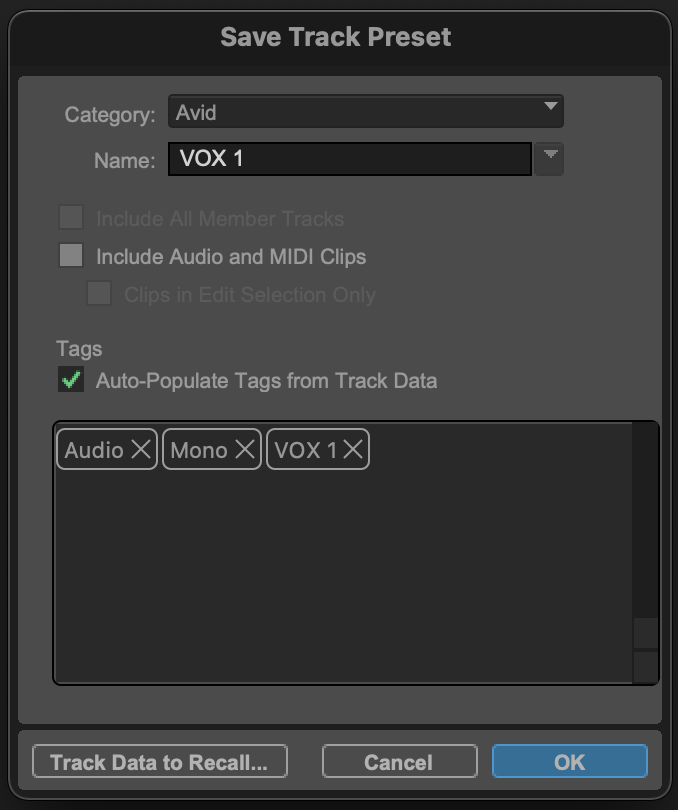
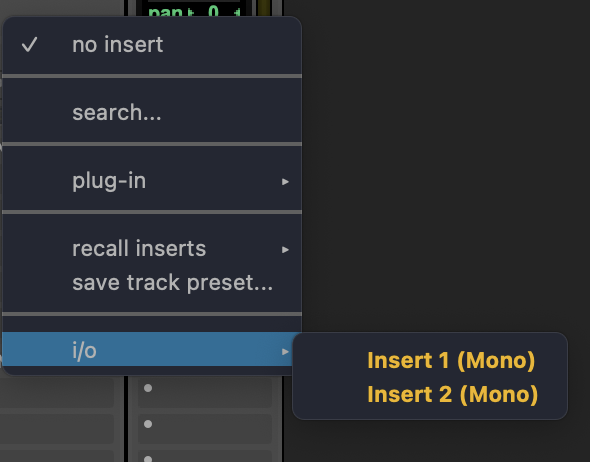
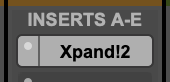
*once an ‘insert’ is selected, its name appears in the ‘insert box’ with a ‘white backdrop’* —>
.
*a ‘floating window’ appears* —>
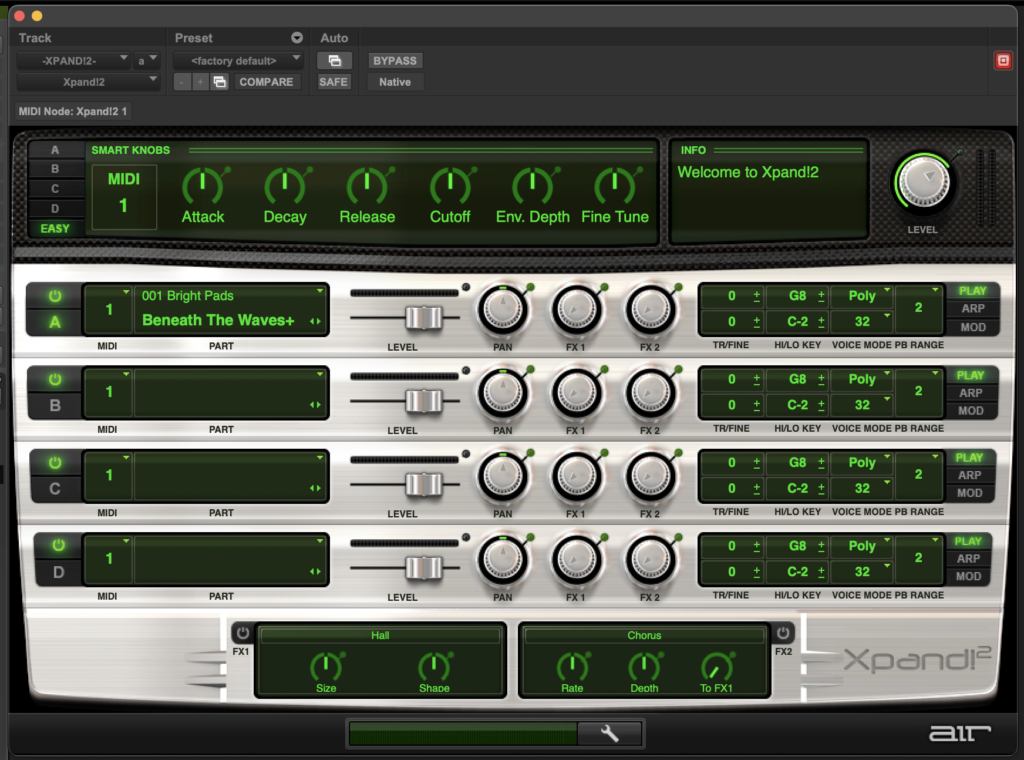
.
*to show/hide ‘floating window’* —>
[COMMAND] + [OPTION] + [CONTROL] + [ w ]
.
(or just click the ‘insert name’ for the track’s ‘insert list’ in ‘mix window’)
.
.
*when ‘floating window’ is hidden, the ‘insert name’ will have a ‘gray backdrop’* —>
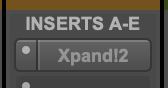
.
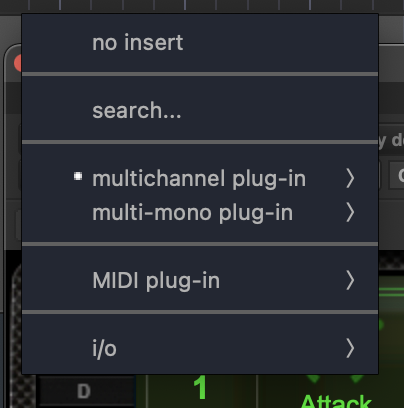
*to remove insert, click the ‘white dot’ to the left of the ‘insert name’ in the ‘insert list’ + select ‘no insert’* —>
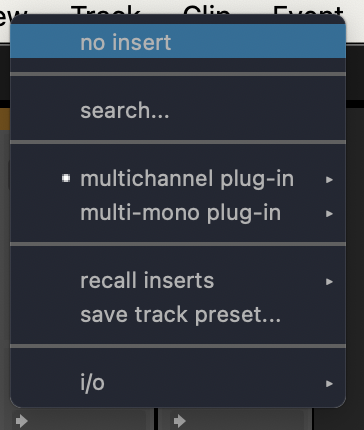
.
*once you select an [insert], the [insert panel] appears below your current [panel]* —>

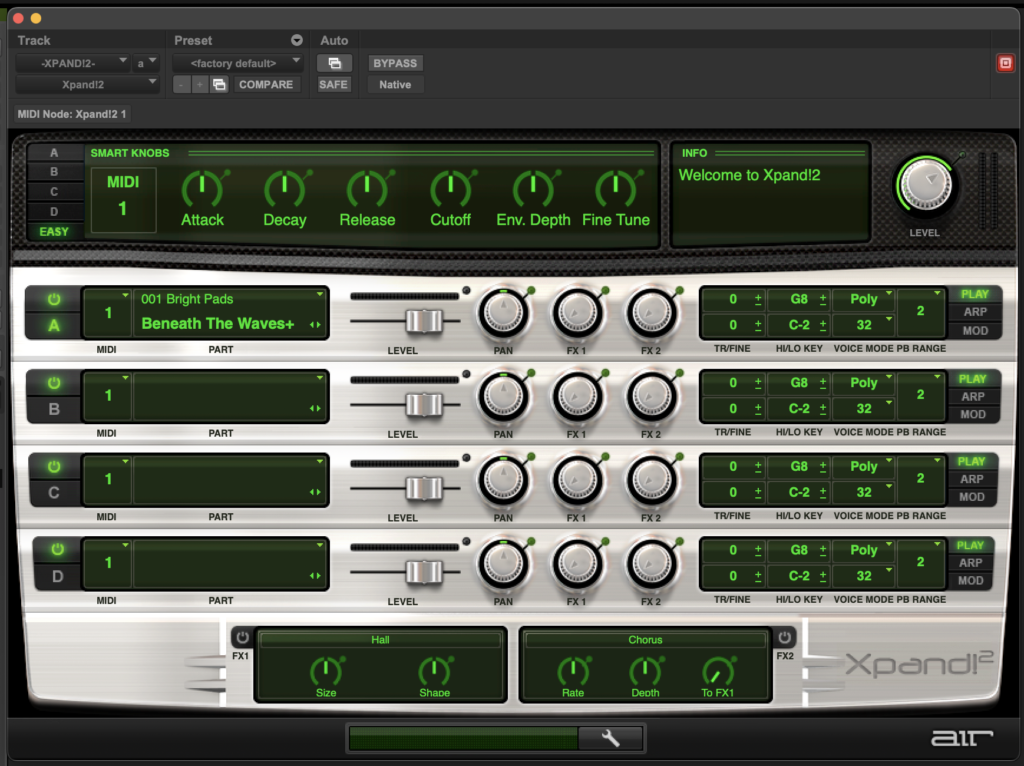
.
*CLICK THE “INSERT BOX” TO CHANGE THE DISPLAYED “INSERT”* —>
.
.
.
*👨🔬🕵️♀️🙇♀️*SKETCHES*🙇♂️👩🔬🕵️♂️*
.
.
👈👈👈☜*-MIX WINDOW-* ☞ 👉👉👉
*PRO TOOLS*
.
.
💕💝💖💓🖤💙🖤💙🖤💙🖤❤️💚💛🧡❣️💞💔💘❣️🧡💛💚❤️🖤💜🖤💙🖤💙🖤💗💖💝💘
.
.
*🌈✨ *TABLE OF CONTENTS* ✨🌷*
.
.
🔥🔥🔥🔥🔥🔥*we won the war* 🔥🔥🔥🔥🔥🔥