
.
-as of [1 AUGUST 2026]-
.
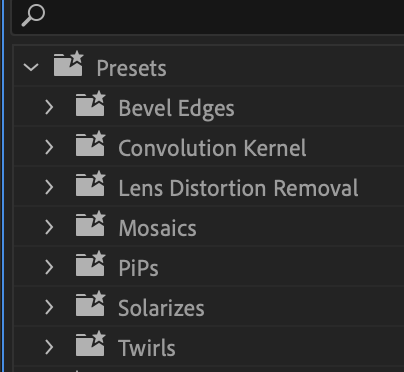
*7 SUB-FOLDERS* —>
-BEVEL EDGES-
-CONVOLUTION KERNEL-
*LENS DISTORTION REMOVAL*
*MOSAIX*
*PiP*
(“picture in picture”)
*SOLARIZES*
*TWIRLS*
.
.
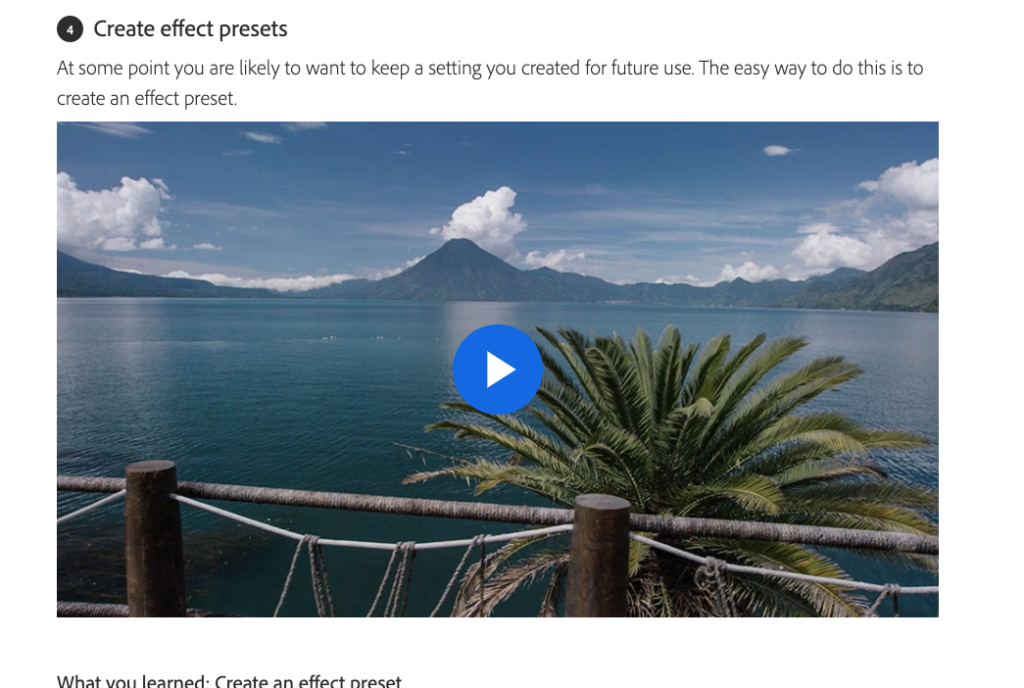
*what you learned*
Create an effect preset
Once you have set up an effect as you like it, you can save it as a preset.
Right-click the effect name in the Effect Controls panel and choose Save Preset.
Give the preset a name and add a description.
The preset will appear in the Presets category in the Effects panel.
Apply an effect preset in the same way that you would apply any other visual effect — by dragging it onto a clip.
Combine multiple effects into a single preset by holding Control (Windows) or Command (macOS) to select more than one effect name in the Effect Controls panel.
*right-click any of the selected effects and choose ‘create pre-set‘*
.
.
.
*👨🔬🕵️♀️🙇♀️*SKETCHES*🙇♂️👩🔬🕵️♂️*
.
.
👈👈👈☜*-[PREMIERE PRO] FX PANEL-* ☞ 👉👉👉
.
.
💕💝💖💓🖤💙🖤💙🖤💙🖤❤️💚💛🧡❣️💞💔💘❣️🧡💛💚❤️🖤💜🖤💙🖤💙🖤💗💖💝💘
.
.
*🌈✨ *TABLE OF CONTENTS* ✨🌷*
.
.
🔥🔥🔥🔥🔥🔥*we won the war* 🔥🔥🔥🔥🔥🔥