
-as of [4 AUGUST 2026]-
.
.
*KS* –>
&
(aka [SHIFT] + [7])
.
.
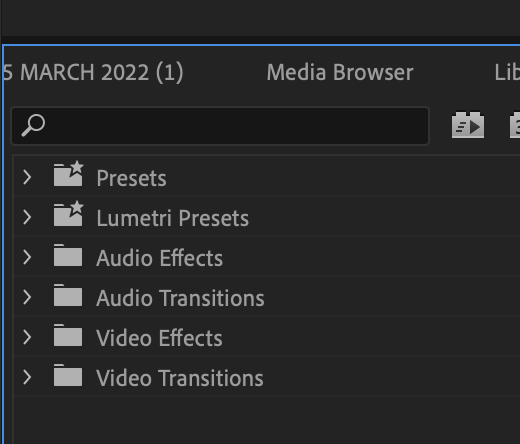
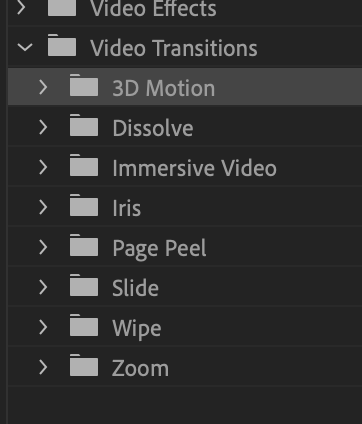
*click [‘video transitions’ left arrow button]* –>
.
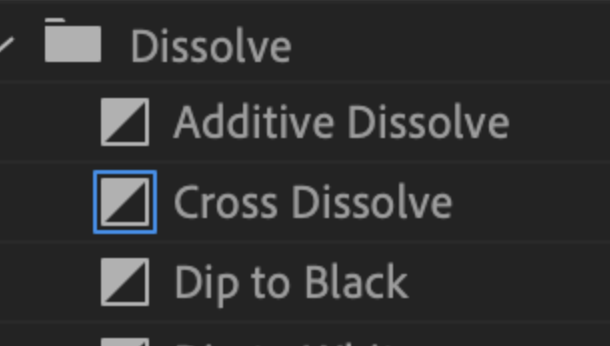
*click [‘dissolve’ left arrow button]* –>
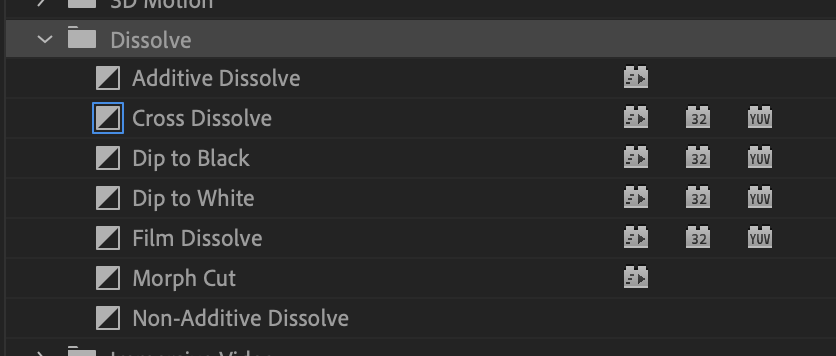
.
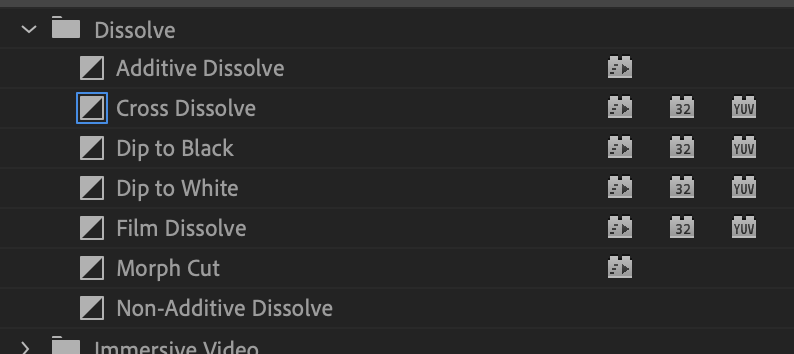
*the ‘default transition’ has a blue (?) border*
*i pre-emptive apologize for my ‘color blindness’*
.
*the ‘default dissolve video transition’ is ‘cross dissolve’*
.
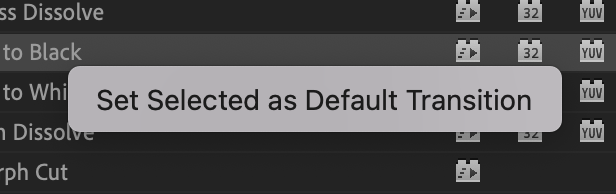
[if you ‘right-click’ any another ‘dissolve type’, you get this option…]
.
*7 ITEMS* –>
-[colors/lights] are enahnced going inward)
(for a “flash” at the intersection)
-dip to black-
*dip to white*
(for [fade-in] / [fade-out])
-morph cut-
-[non-additive] dissolve-
.
.
“TRANSITIONS”
(in top dropdown menu, go to “‘WINDOW’ –> ‘EFFECTS'”)
(the ‘effects panel’ will be added to your ‘project monitor’ panel in lower left of screen)
(to switch between the 2 windows, click on arrow dropdown menu at top right and select either ‘project’ or ‘effects’)
(search ‘cross dissolve’ in the ‘effects panel search box’)
(‘drag + drop” the ‘cross dissolve icon’ between 2 clips)
(just like with video clips, you can change length of ‘transitions’ by dragging the at their ends)
(you can ‘drag + drop’ cross dissolve to beginning + end of clip / title in any video track for ‘fade in’ + ‘fade out’)
.
.
.
*👨🔬🕵️♀️🙇♀️*SKETCHES*🙇♂️👩🔬🕵️♂️*
.
.
👈👈👈☜*-[PREMIERE PRO] VIDEO TRANSITIONS-* ☞ 👉👉👉
.
.
💕💝💖💓🖤💙🖤💙🖤💙🖤❤️💚💛🧡❣️💞💔💘❣️🧡💛💚❤️🖤💜🖤💙🖤💙🖤💗💖💝💘
.
.
*🌈✨ *TABLE OF CONTENTS* ✨🌷*
.
.
🔥🔥🔥🔥🔥🔥*we won the war* 🔥🔥🔥🔥🔥🔥