
-as of [31 JULY 2026]-
.
-CHROME-
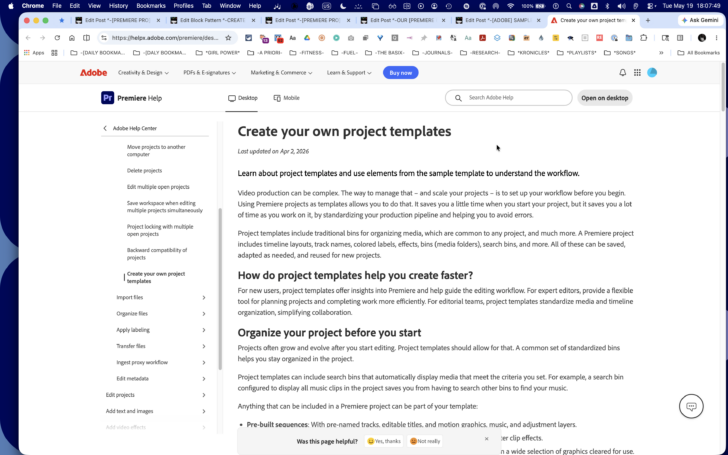
*SCROLL DOWN* —>
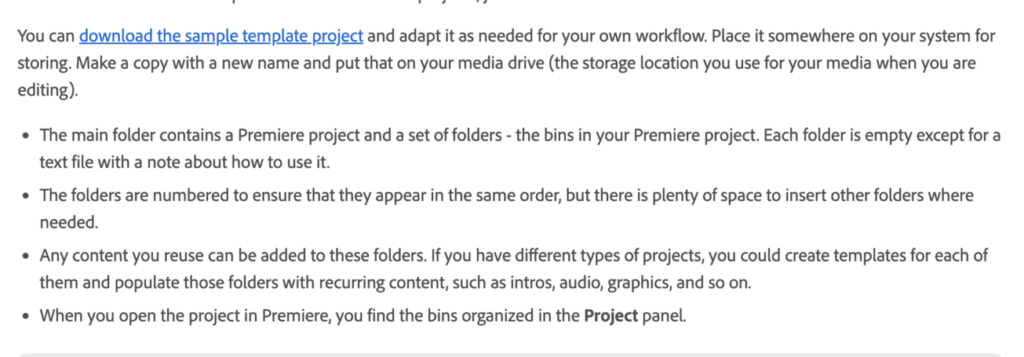
-CLICK “DOWNLOAD THE SAMPLE TEMPLATE PROJECT”-
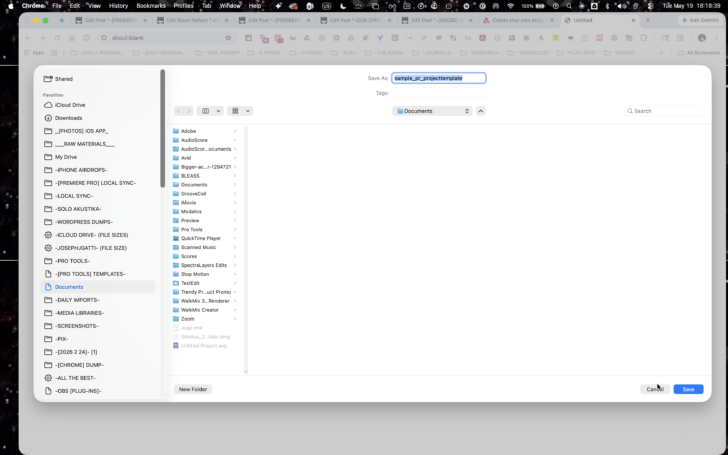
*DOWNLOAD [ZIP FILE] TO THIS [FILEPATH]* —>
/Users/joga/Library/Mobile\ Documents/com~apple~CloudDocs/ZZZ_ARCHIVES_ZZZ/-PREMIERE\ PRO-/-TEMPLATES-/-[ADOBE]\ SAMPLE\ TEMPLATE-
.
*THE [ZIPPED FILE] CONTAINS A “TEMPLATE FILE” + A [“PROJECT MEDIA” FOLDER]* —>
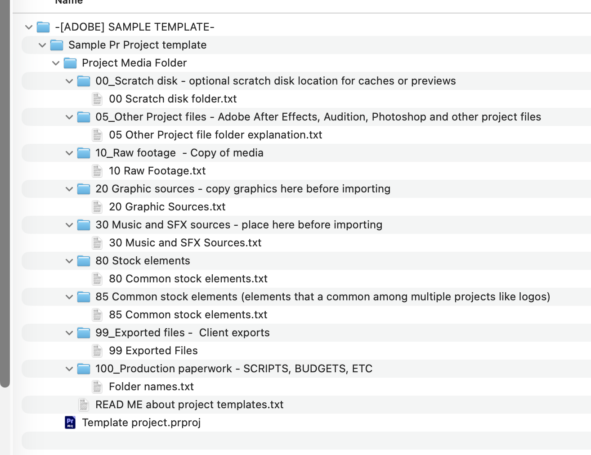
*THE [“PROJECT MEDIA” FOLDER CONTAINS A [“READ ME” TEXT FILE]* —>
Template project
This folder mirrors the project with the Adobe Premiere Pro Project Template
Here’s anything that’s nonstandard about the template project.
Project item and label color is turned on
Mercury Playback Engine (Project settings) is set to Open CL
By using this folder template, it’s easier to start projects –
and extra easy to move/cleanup a project as everything is self contained.
Of course, your mileage may vary and this project and assets are merely a demonstration of the possibilities of templates.
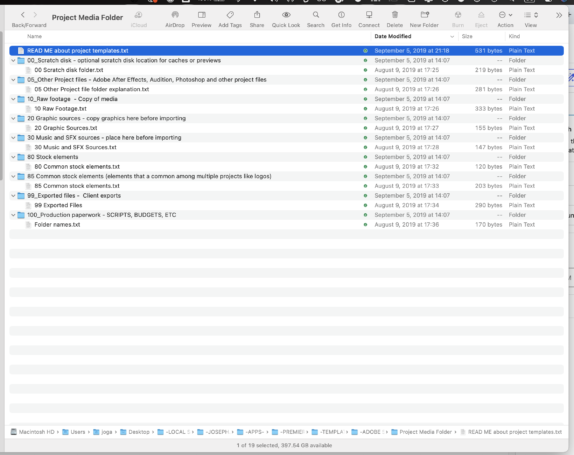
*THE [PROJECT MEDIA] IS ALREADY INCORPORATED INTO THE [TEMPLATE PROJECT]-
-THE [“PROJECT MEDIA” FOLDERS] CONTAIN “TEXT FILES” DESCRIBING THE CONTENTS OF EACH [“PROJECT MEDIA” FOLDER]-
*BINS*
*SEQUENCES*
(if you have set your ‘chrome browser’ to download files to your ‘google drive’, make sure you then drag the file to your desktop)
(you want to be working ‘locally’ (rather then ‘virtually’) when editing videos)
(and then back up everything to EXTERNAL HARD DRIVE)
(via ‘time machine’)
(and from there do a ‘cloud backup’ to your ‘google drive’)
.
.
.
*👨🔬🕵️♀️🙇♀️*SKETCHES*🙇♂️👩🔬🕵️♂️*
.
.
👈👈👈☜*-OUR [PREMIERE PRO] TEMPLATES-* ☞ 👉👉👉
.
.
💕💝💖💓🖤💙🖤💙🖤💙🖤❤️💚💛🧡❣️💞💔💘❣️🧡💛💚❤️🖤💜🖤💙🖤💙🖤💗💖💝💘
.
.
*🌈✨ *TABLE OF CONTENTS* ✨🌷*
.
.
🔥🔥🔥🔥🔥🔥*we won the war* 🔥🔥🔥🔥🔥🔥