
-as of [5 SEPTEMBER 2024]–
.
*REFERENCE GUIDE* —>
“RECORDING WITH A [CLICK TRACK]”
-CHAPTER 26-
(“RECORD SETUP”)
*PAGES 570 – 572*
*3 PAGES LONG*
.
-[AUDIO PLUG-INS] REFERENCE GUIDE–
-CHAPTER 62-
(“INSTRUMENT PLUG-INS”)
*PAGE 377 – 379*
-3 PAGES LONG-
.
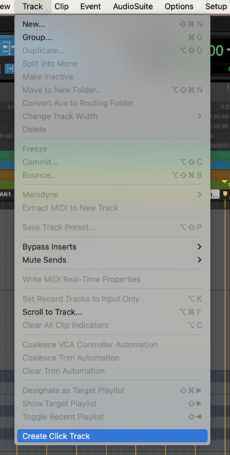
*TOP MENU BAR* —>
-TRACK-
-CREATE “CLICK TRACK”-
.
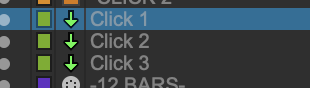
-YOU CAN ADD AS MANY “CLICK TRAX” AS YOU WANT* —>
.
-AUXILIARY TRAX-
.
Creating a Click Track
Pro Tools lets you create a Click track using the Click II plug-in.
You can also create a click track using a MIDI instrument
For more information on the Click II plug-in, see the Audio Plug-Ins Guide.
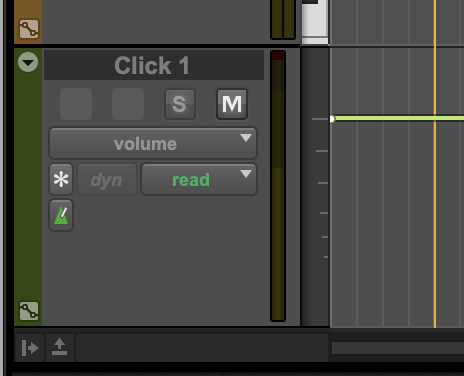
Pro Tools creates a new Auxiliary Input track named “Click” with the Click II plug-in already inserted.
In the Edit window, the click track’s Track Height is set to Mini.
You can create more than one click track and each subsequent click track is named in sequence.
For example, Click 1, Click 2, and Click 3.
To hear the click during playback and recording, configure the Click Options (see “Click Options” on page 564) and ensure that Click is enabled
(see “Enabling the Click” on page 563)
.
.
-‘AUXILIARY INPUT’ TRACK-
.
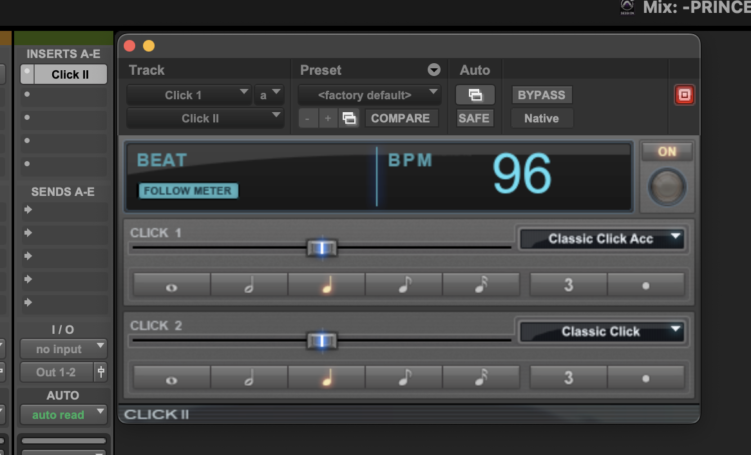
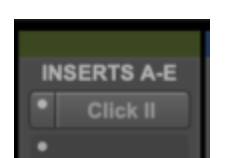
*ASSIGNED THE ‘CLICK II’ PLUG-IN AS ‘INSERT’* —>
.
*ON* —>
.
*OFF* —>
.
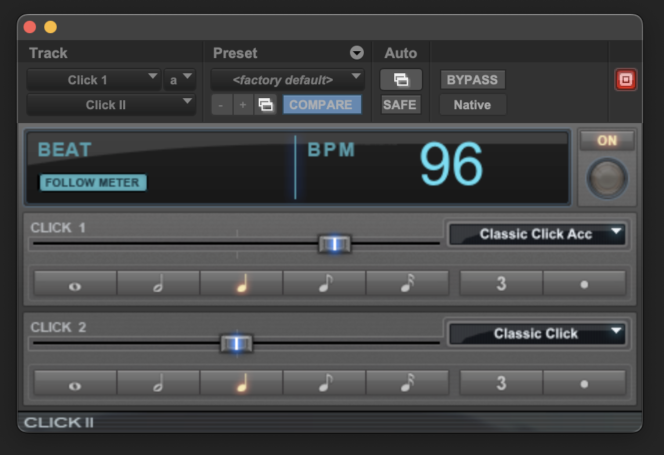
*’follow meter’ on* —>
(default)
.
*’follow meter’ off* —>
.
*move faders and the ‘compare’ button lights up*
(indicating that settings have been changed)
.
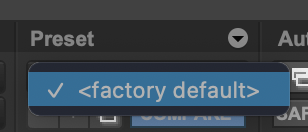
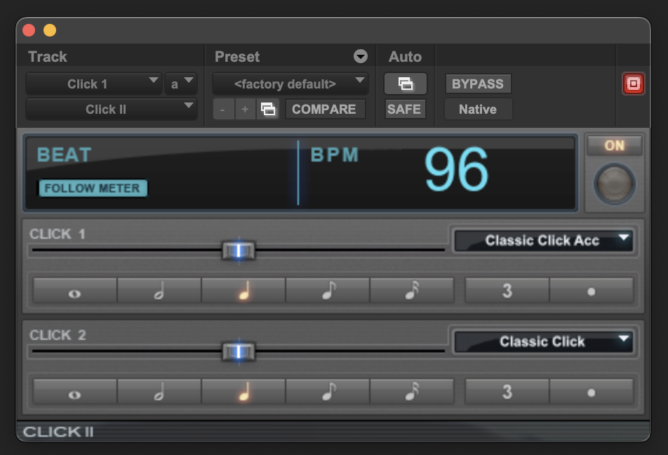
*click the ‘factory default’ button twice to restore [default settings]*
.
.
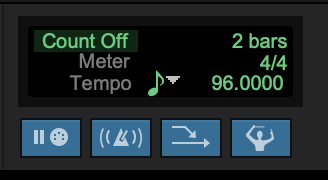
*CHANGE ‘BPM’ IN ‘MIDI CONTROLS’* —>
.
*TO ENABLE ‘CLICK’* —>
[NUMERIC 7]
.
*CLICK SET TO ‘QUARTER NOTES’ BY DEFAULT*
-whole notes-
-half notes-
-quarter notes-
-8th notes-
-16th notes-
.
3
(triplets?)
“DOT”
(???)
.
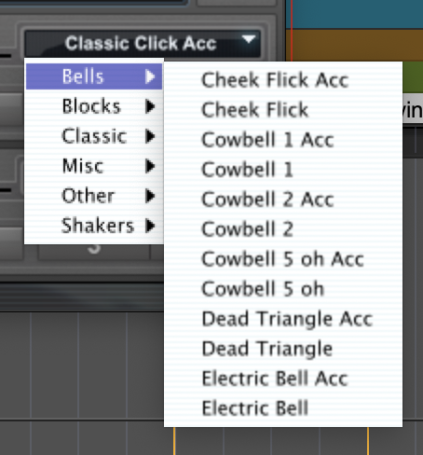
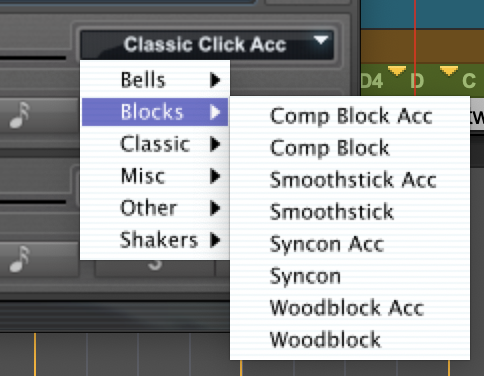
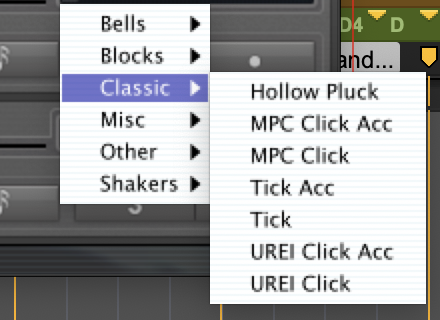
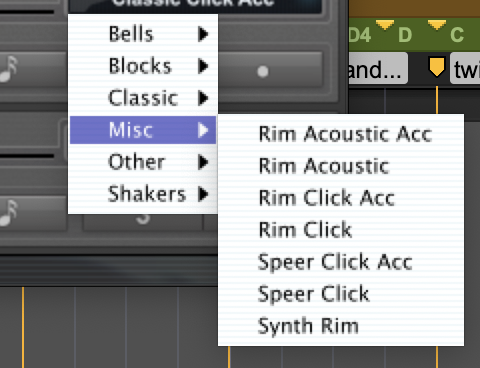
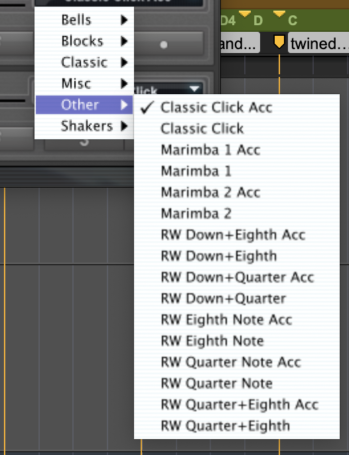
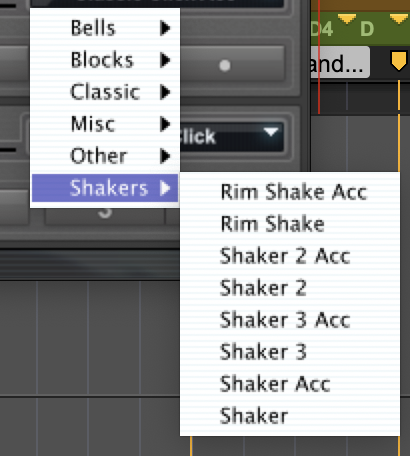
*there are 2 ‘click sounds’*
*the ‘accented click’ (acc) + the ‘non-accented click’*
.
*the ‘accented click’ is the 1st ‘beat’ of each ‘bar’*
.
.
.
.
.
.
.
*then go to your ‘mix window’* —>

.
.
.
*👨🔬🕵️♀️🙇♀️*SKETCHES*🙇♂️👩🔬🕵️♂️*
.
.
👈👈👈☜*[PRO TOOLS PLUG-INS]* ☞ 👉👉👉
.
.
💕💝💖💓🖤💙🖤💙🖤💙🖤❤️💚💛🧡❣️💞💔💘❣️🧡💛💚❤️🖤💜🖤💙🖤💙🖤💗💖💝💘
.
.
*🌈✨ *TABLE OF CONTENTS* ✨🌷*
.
.
🔥🔥🔥🔥🔥🔥*we won the war* 🔥🔥🔥🔥🔥🔥