
.
-as of [30 SEPTEMBER 2026]-
.
.
-free [10-day] trial–
(ends [10 DECEMBER 2023])
.
*REFERENCE GUIDE* —>
(EZBASS)
*PAGES 144 – 148*
*5 PAGES LONG*
.
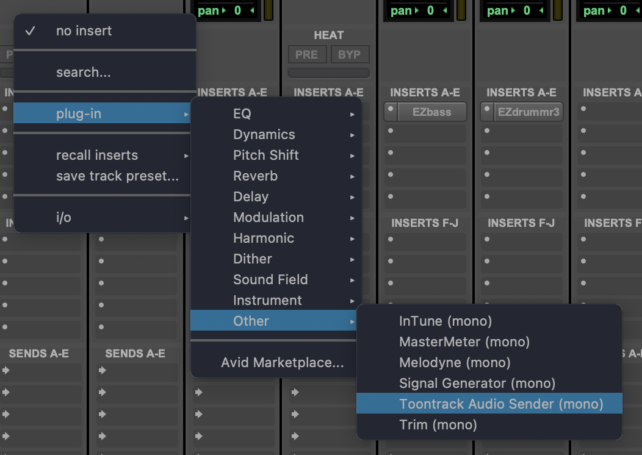
*SELECT ‘TOONTRACK AUDIO SENDER’ AS ‘INSERT’ FOR YOUR PRO TOOLS ‘GUITAR TRACK’* —>
.
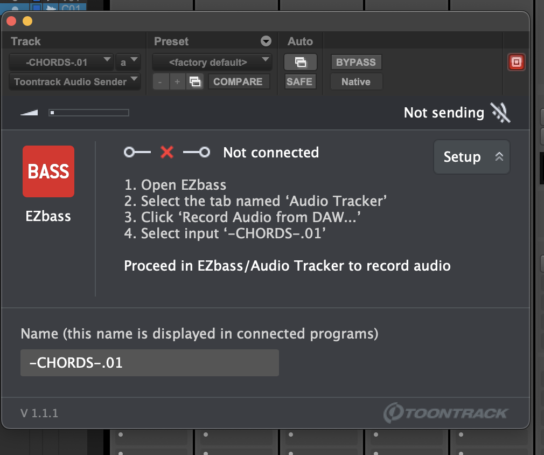
*’AUDIO SENDER’ PANEL* —>
.
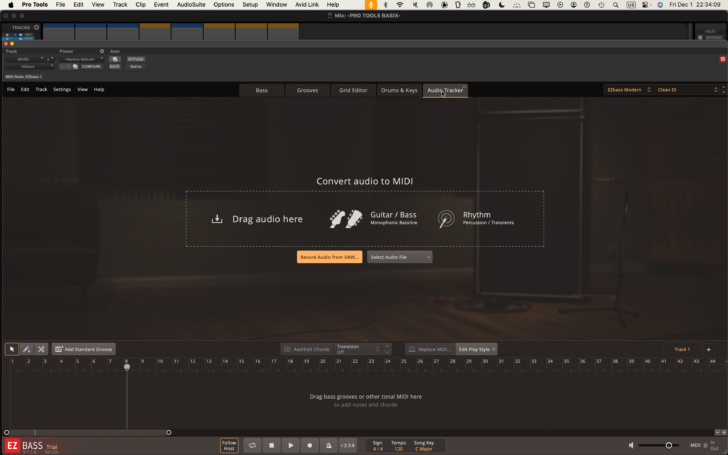
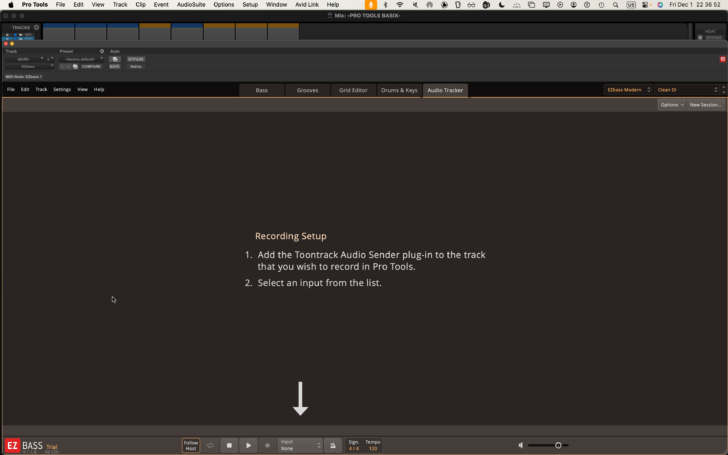
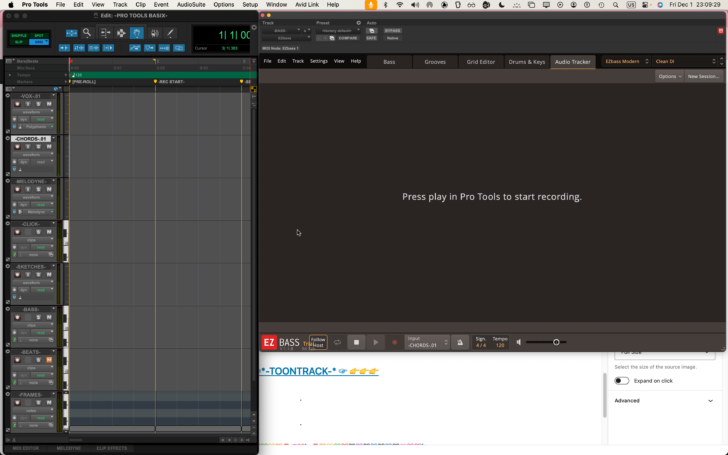
*open up ‘EZBASS panel’ + navigate to ‘audio tracker’ tab* —>
.
*click ‘record audio from DAW’* —>
.
.
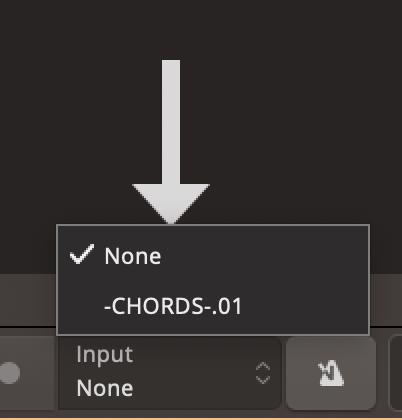
*select your ‘guitar input track’* —>
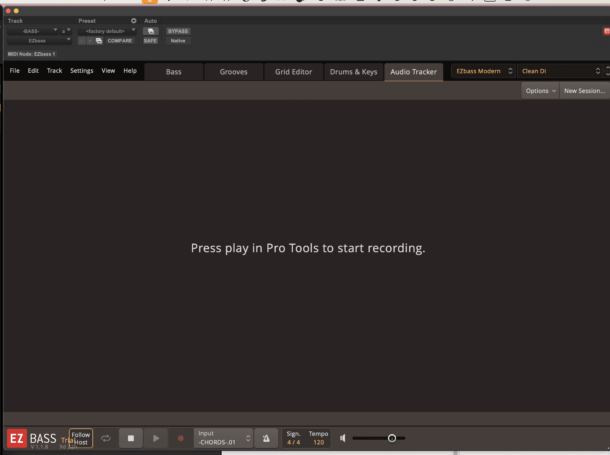
*re-size ‘EZBASS PANEL’ by click-dragging from ‘bottom right corner’*
*this is the smallest possible size* —>
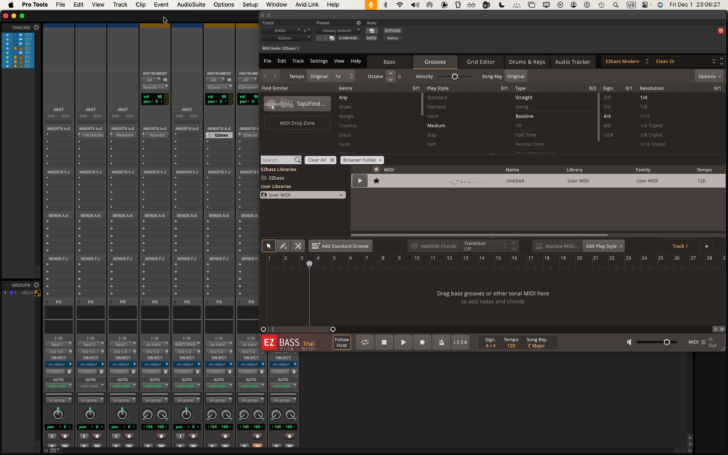
*position ‘edit window’ on left side of screen* —>
.
*click into ‘edit window’ + hit [RETURN] to move playhead to beginning of timeline*
*record-enable the ‘guitar input track’*
.
*to start recording* —>
[NUMERIC 3]
.
*to stop recording* —>
[NUMERIC 0]
.
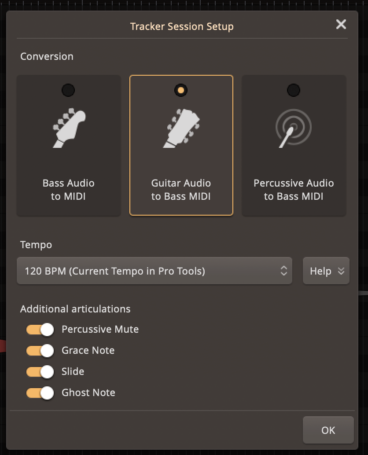
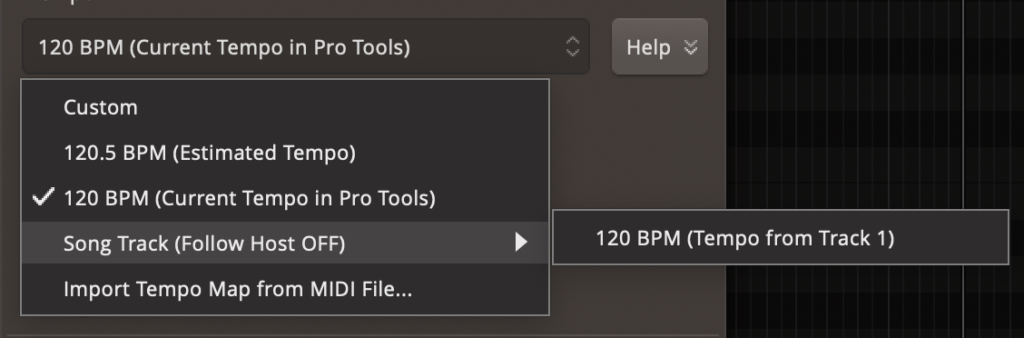
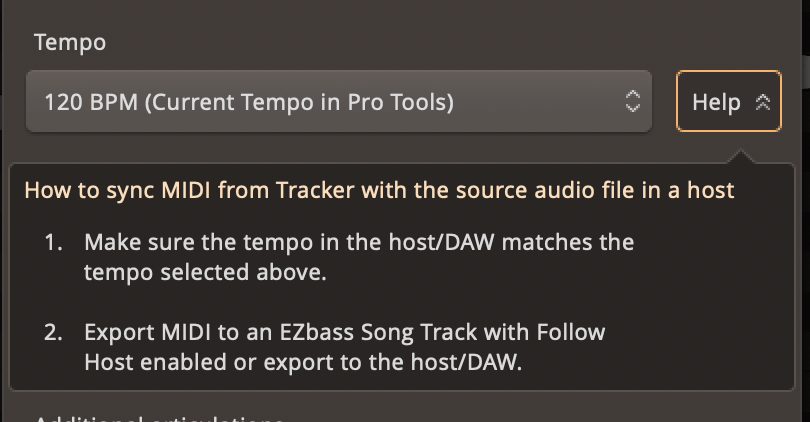
*CLICK ‘OK BUTTON’ IN ‘BOTTOM RIGHT CORNER’*
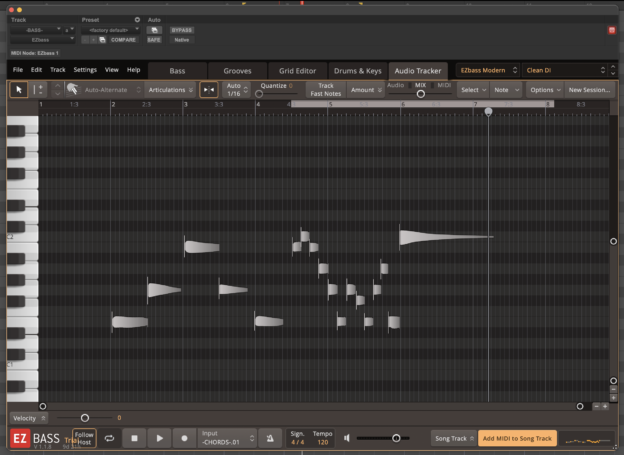
*click “ADD MIDI TO SONG TRACK” in ‘bottom right corner’* —>
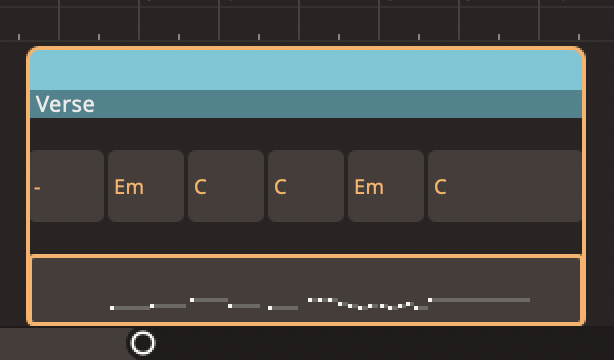
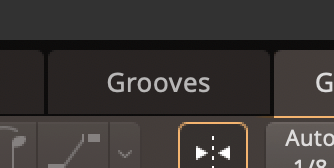
*to save the MIDI file, click-drag the file from the ‘song track’ to the ‘grooves tab’ into the ‘USER MIDI folder’* —>
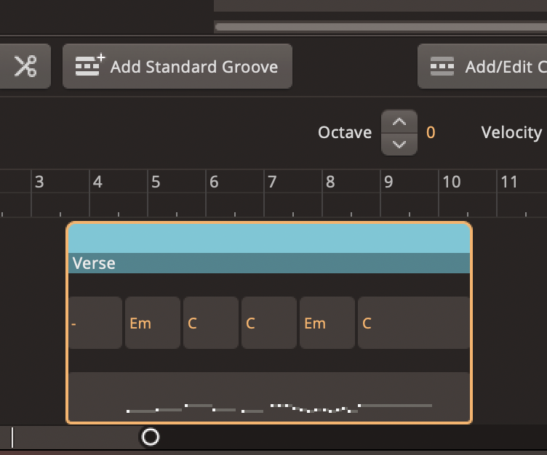
*’chords’ are automatically displayed based on the inputted notes*
*trim either side*
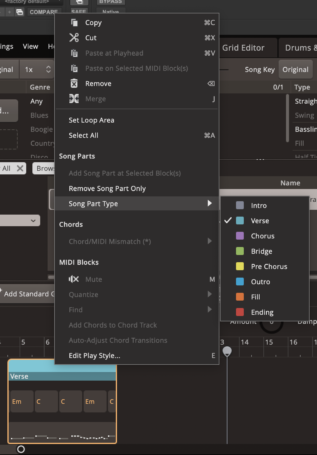
*right-click* —>
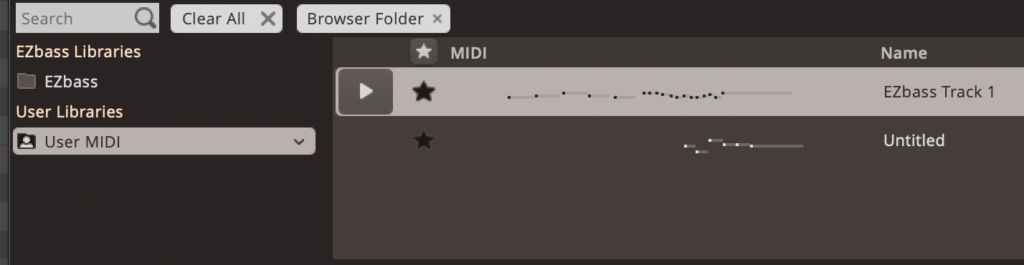
*click on the right side of any ‘library folder’ + select ‘open in finder’* —>
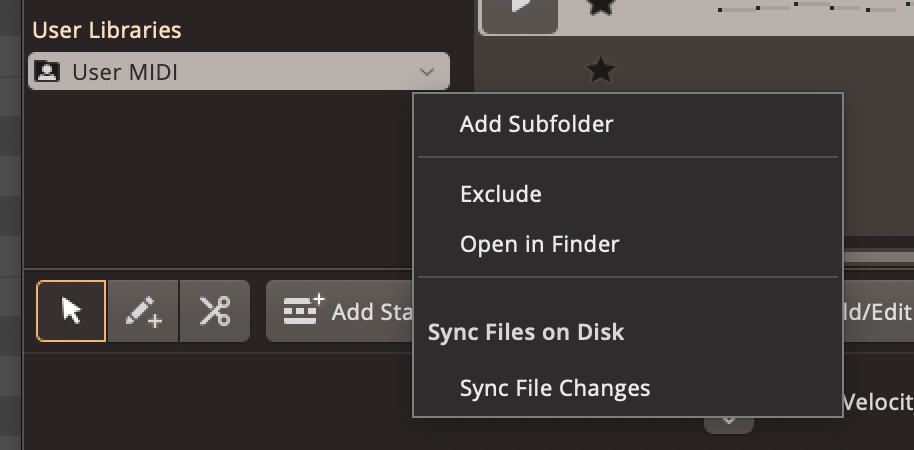

*FILE PATH* —>
/Users/joga/Music/EZbass
.
.
.
*👨🔬🕵️♀️🙇♀️*SKETCHES*🙇♂️👩🔬🕵️♂️*
.
.
.
.
💕💝💖💓🖤💙🖤💙🖤💙🖤❤️💚💛🧡❣️💞💔💘❣️🧡💛💚❤️🖤💜🖤💙🖤💙🖤💗💖💝💘
.
.
*🌈✨ *TABLE OF CONTENTS* ✨🌷*
.
.
🔥🔥🔥🔥🔥🔥*we won the war* 🔥🔥🔥🔥🔥🔥