
-as of [16 MAY 2026]-
.
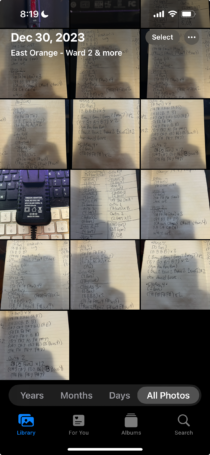
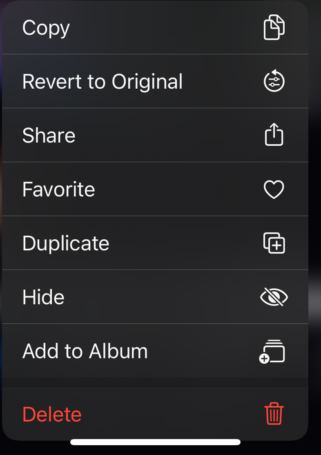
*PRESS/HOLD A [PHOTO/VIDEO] FOR THESE OPTIONS* —>
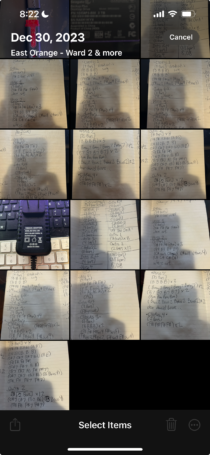
*PRESS [SELECT] IN [TOP RIGHT CORNER]* —>
*TAP A [PHOTO/VIDEO ICON] TO SELECT IT* —>
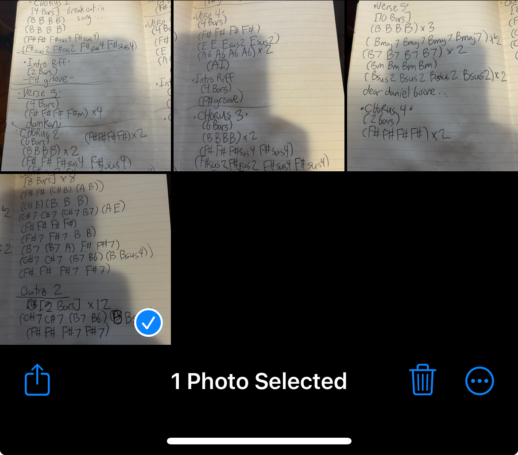
(tap the [photo/video icon] again to [de-select]…)
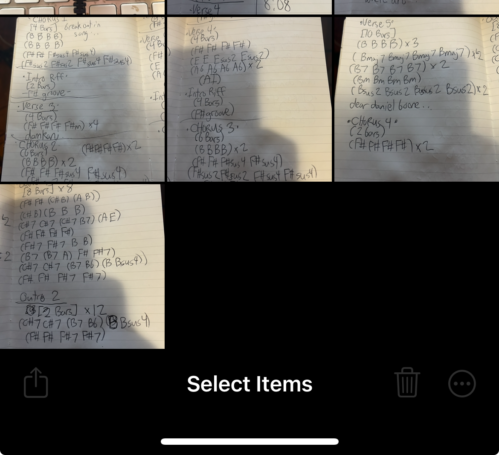
*YOU CAN TAP AS MANY [PHOTO/VIDEO ICONS] AS YOU’D LIKE* —>
(“cumulative selection”)
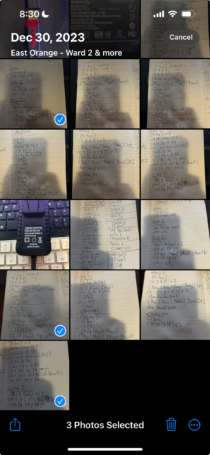
*YOU CAN [PRESS/DRAG] OVER THE [ICONS] TO SELECT MULTIPLE ICONS MORE QUICKLY/EFFICIENTLY* —>
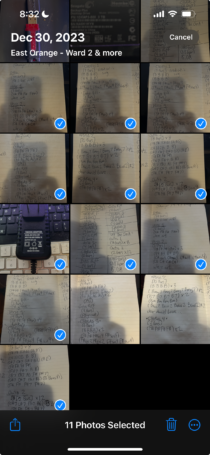
-the [# of selected files] appears in [bottom row]–
(if you only selected [photos]…)
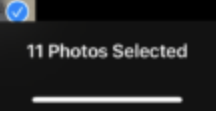
(if you only selected [videos]…)
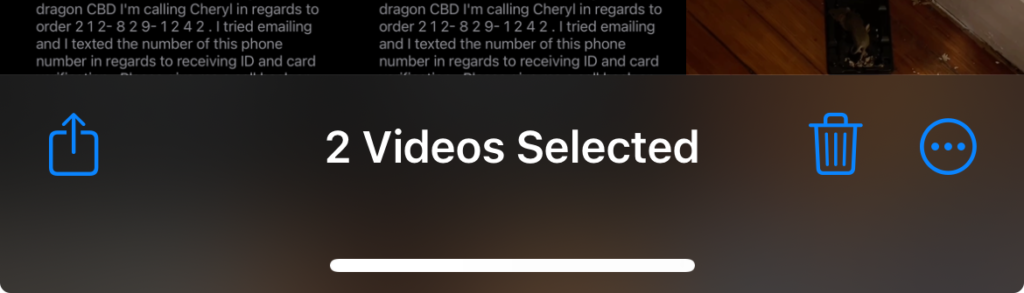
(if you have selected bpth [photos] + [videos]…)
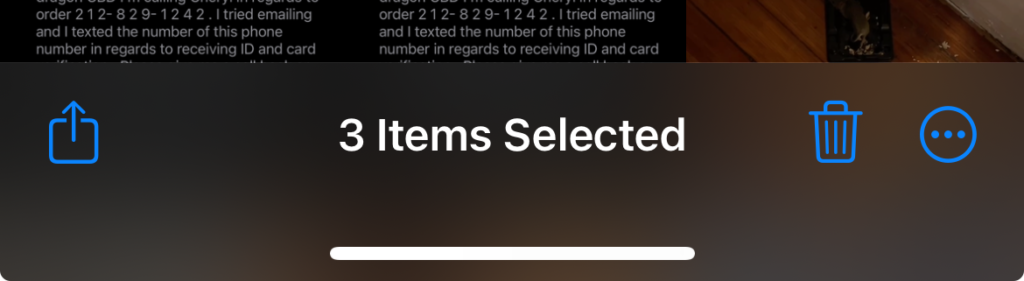
*click [share button] in [bottom left corner]* —>

*CLICK [TRASH iCON] IN [BOTTOM RIGHT CORNER] TO [DELETE SELECTED PHOTO/VIDEO]*
*YOU WILL GET THIS PROMPT IN [BOTTOM ROW]* —>
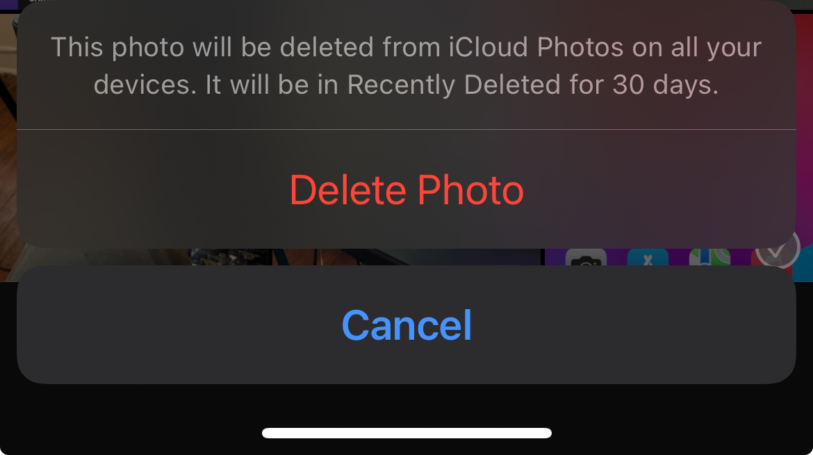
-PRESS [DELETE PHOTO]-
.
.
.
*👨🔬🕵️♀️🙇♀️*SKETCHES*🙇♂️👩🔬🕵️♂️*
.
.
👈👈👈☜*-PHOTOS iOS APP-* ☞ 👉👉👉
*INSTRUCTIONS*
.
.
💕💝💖💓🖤💙🖤💙🖤💙🖤❤️💚💛🧡❣️💞💔💘❣️🧡💛💚❤️🖤💜🖤💙🖤💙🖤💗💖💝💘
.
.
*🌈✨ *TABLE OF CONTENTS* ✨🌷*
.
.
🔥🔥🔥🔥🔥🔥*we won the war* 🔥🔥🔥🔥🔥🔥