
-as of [18 JULY 2026]-
.
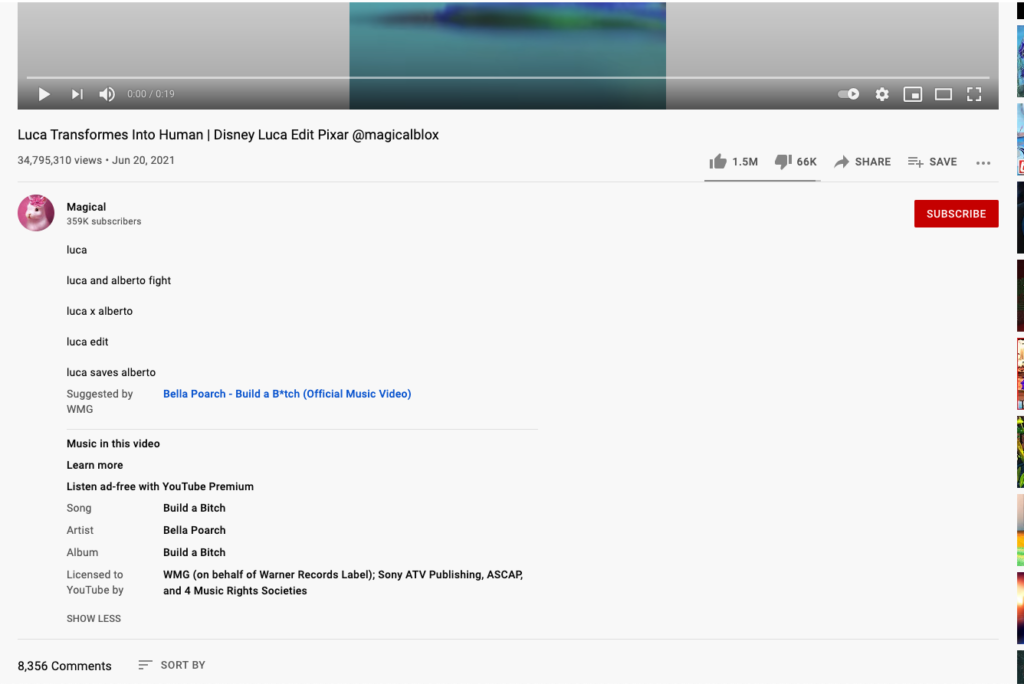
*CONTROL BAR* —>
.
*PLAY/PAUSE* —>
*KS* —>
-[ k ]-
(OR [SPACE BAR])
(OR CLICK THE [PLAYER])
.
*TO NAVIGATE TO BEGINNING OF [CLIP]* —>
-[ 0 ]-
(IF CLIP IS PLAYING, THEN IT STARTS [PLAYBACK] FROM BEGINNING OF [CLIP])
(IF CLIP IS PAUSED, THEN THE [PLAYHEAD] IS JUST MOVED TO BEGINNING OF [CLIP])
(UNLESS THE [PLAYHEAD] IS AT THE END OF THE [CLIP])
(THEN PRESSING [ 0 ] PLAYS BACK FROM BEGINNING OF [CLIP])
.
*TO NAVIGATE TO END OF CLIP* —>
-[fn] + [RIGHT ARROW]-
.
*TO MOVE FORWARD 1 FRAME* —>
-[ . ]-
.
*TO MOVE BACKWARD 1 FRAME* —>
-[ , ]-
.
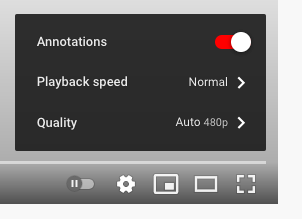
YouTube Annotations are one of the most invaluable tools offered by the video site and, interestingly enough, are also one of the most overlooked by online video content creators.
If you aren’t using Annotations in your YouTube videos you are missing out on some great opportunities for maximizing your subscribers, your views, and the overall success of your YouTube videos and channel.
Read on to learn how to use YouTube Annotations to maximize your YouTube success.
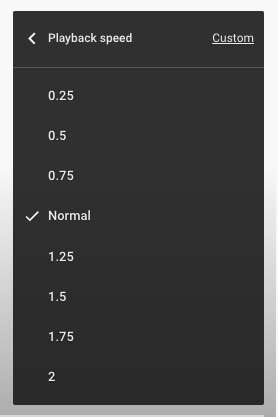
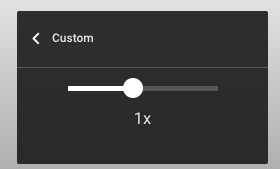
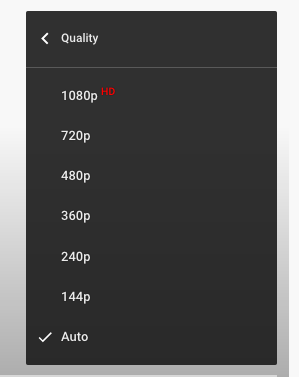
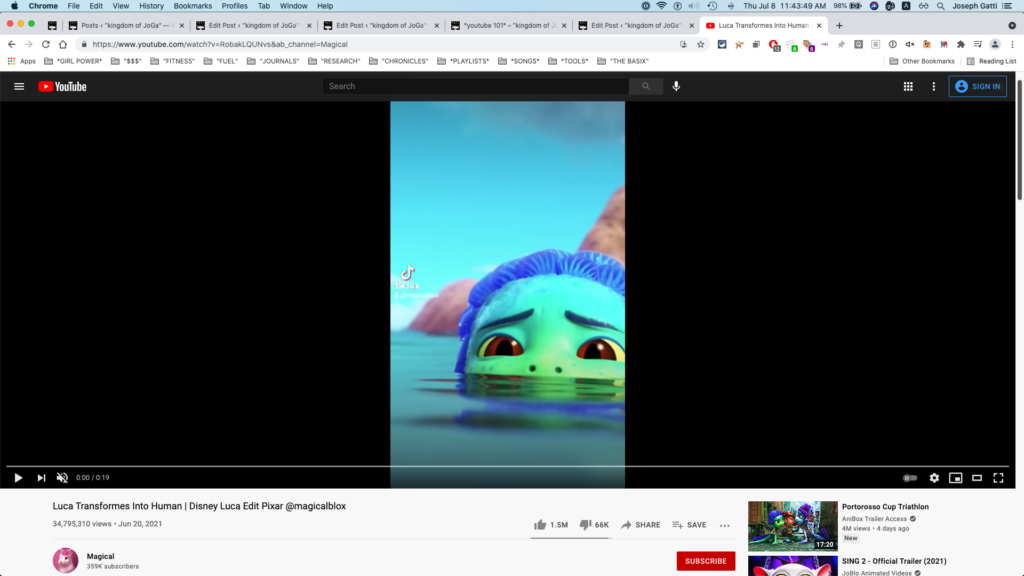
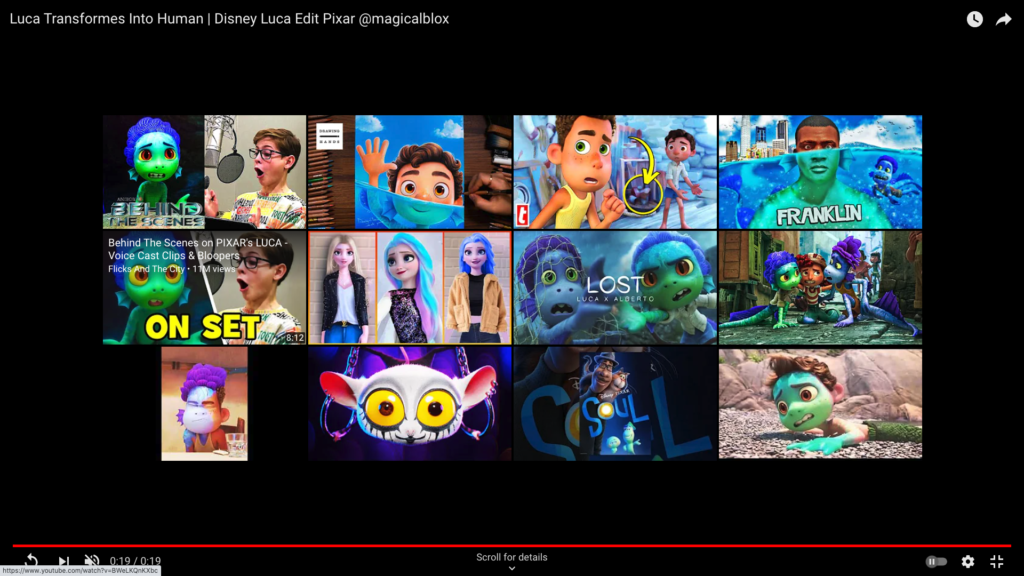
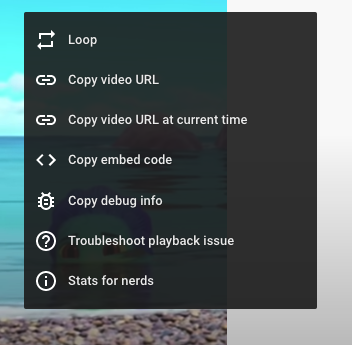
*’RIGHT-CLICK’ THE ‘VIDEO PLAYER* –>
.
.
.
*👨🔬🕵️♀️🙇♀️*SKETCHES*🙇♂️👩🔬🕵️♂️*
.
.
👈👈👈☜*-[YOUTUBE] INSTRUCTIONS-* ☞ 👉👉👉
.
.
💕💝💖💓🖤💙🖤💙🖤💙🖤❤️💚💛🧡❣️💞💔💘❣️🧡💛💚❤️🖤💜🖤💙🖤💙🖤💗💖💝💘
.
.
*🌈✨ *TABLE OF CONTENTS* ✨🌷*
.
.
🔥🔥🔥🔥🔥🔥*we won the war* 🔥🔥🔥🔥🔥🔥