
-as of [20 JULY 2026]-
.
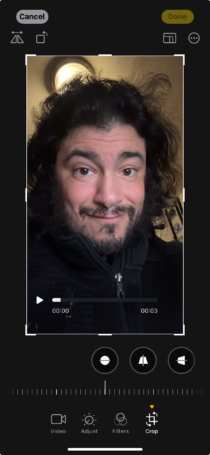
.
*top left corner* —>
-horizontal flip-

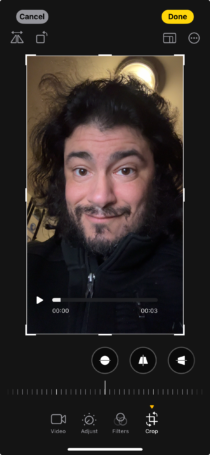
-rotate 90° [counter-clockwise]-

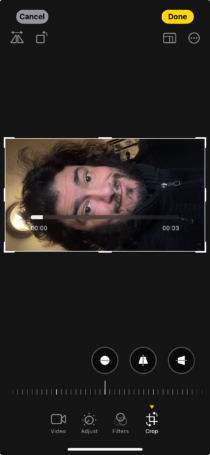
.
*top right corner* —>

-change [aspect ratio]-
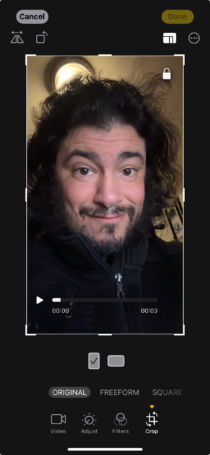
.
-[re-size] the frame by [press/dragging] from any [corner] or [midpoint]-
(8 adjustment points)
(“aspect ratio” is locked by default)
(so any manual [frame re-sizing] will maintain the aspect ratio)
-to unlock aspect ratio, choose “freeform”-
.
*options* —>
-ORIGINAL-
-FREEFORM-
-SQUARE-
-WALLPAPER-
9:16
4:5
5:7
3:4
3:5
2:3
.
*for each [aspect ratio], you can switch between [vertical] + [horizontal]* —>
.
*vertical* —>
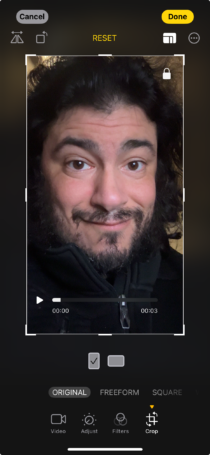
.
*horizontal* —>
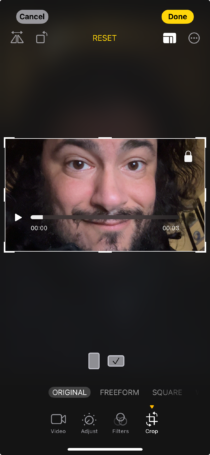
.
*any “crop edits” can be undone by tapping “reset button” in [top center] of screen* —>

.
*SQUARE* —>
-[1:1] aspect ratio-
.
*WALLPAPER* —>
-vertical rectangle-
[1772] x [3836]
*ARQ* —> [0.4619395203]
.
*3 [SLIDERS]* —>
-STRAIGHTEN-
-VERTICAL-
-HORIZONTAL-
.
1
-STRAIGHTEN–
(default setting is 0)
[-45°] – [+45°]
[-45°] is [clockwise rotation]
[+45°] is [counter-clockwise rotation]
.
2
-HORIZONTAL-
(default setting is 0)
[-30] – [+30]
[-30] —>
(top side is tilted forward)
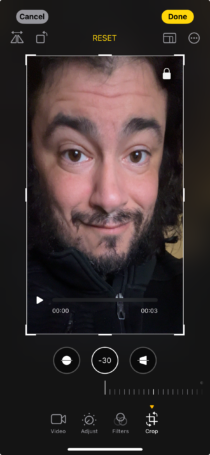
[+30] —>
(bottom side is tilted forward)
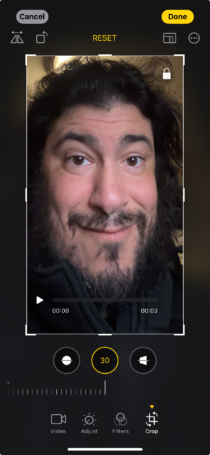
.
3
-VERTICAL-
(default setting is 0)
[-30] – [+30]
[-30] —>
(left side is tilted forward)
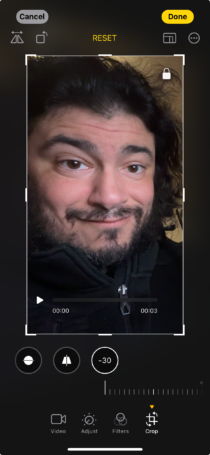
[+30] —>
(right side is tilted forward)
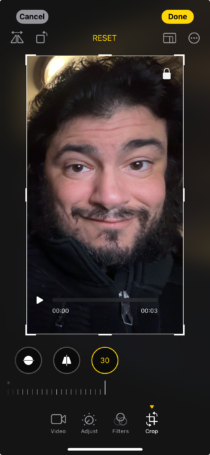
*pinch screen to zoom in/out* —>
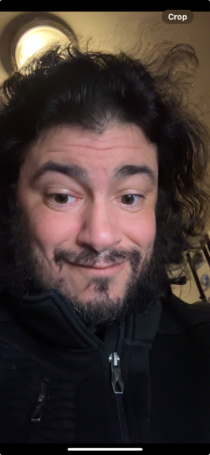
.
*tap [crop] in [top right corner]* —>

.
.
.
*👨🔬🕵️♀️🙇♀️*SKETCHES*🙇♂️👩🔬🕵️♂️*
.
.
👈👈👈☜*-EDIT MODE-* ☞ 👉👉👉
-CAMERA iOS APP-
.
.
💕💝💖💓🖤💙🖤💙🖤💙🖤❤️💚💛🧡❣️💞💔💘❣️🧡💛💚❤️🖤💜🖤💙🖤💙🖤💗💖💝💘
.
.
*🌈✨ *TABLE OF CONTENTS* ✨🌷*
.
.
🔥🔥🔥🔥🔥🔥*we won the war* 🔥🔥🔥🔥🔥🔥