
-as of [8 JULY 2026]-
.
*RIGHT PREVIEW SECTION* —>
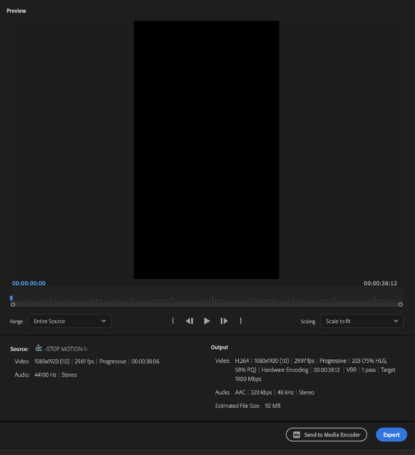
-HIT [SPACE BAR] TO [PLAY/PAUSE]-
-USE [LEFT/RIGHT ARROW KEYS] TO MOVE PLAYHEAD [BACKWARDS/FORWARDS] BY 1 FRAME-
(HOLDING DOWN [ARROW KEYS] DOES NOT SCRUB THROUGH THE VIDEO)
*TABLIST* —>
1
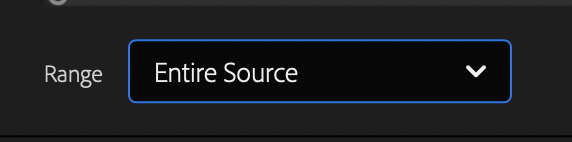
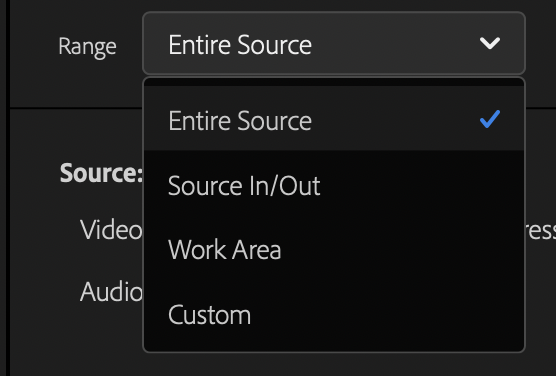
2
-HIT [RETURN] TO [SELECT / DESELECT] THE [IN POINT]-
3
-HIT [RETURN] TO MOVE PLAYHEAD BACK BY [1 FRAME]-
(HOLD [RETURN] TO SLOWLY SCRUB THROUGH [REVERSE PLAYBACK])
4
-HIT [RETURN] TO [PLAY/PAUSE]-
5
-HIT [RETURN] TO MOVE [PLAYHEAD] FORWARD BY [1 FRAME]-
-HOLD DOWN [RETURN] TO SLOWLY SCRUB THROUGH VIDEO-
6
-HIT [RETURN] TO [SELECT / DESELECT] THE [OUT POINT]-
7
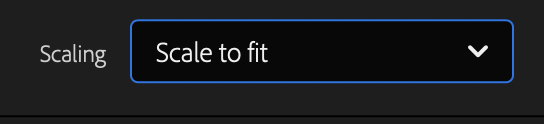
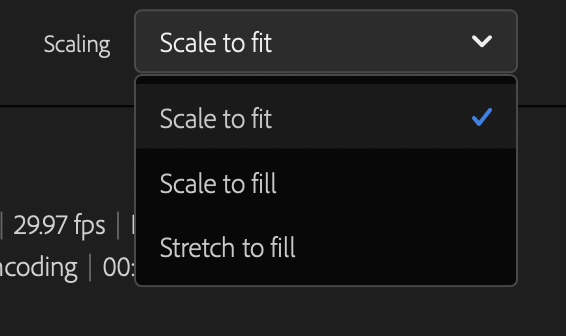
8
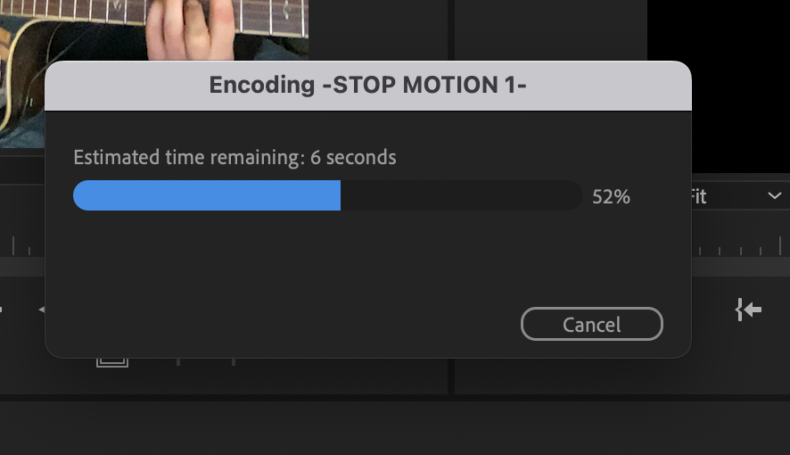
-ALLOWS YOU TO CONTINUE WORKING IN [PREMIERE PRO] AS YOUR SEQUENCES ARE BEING [PROCESSED/EXPORTED]-
9

-HIT [RETURN]-
.
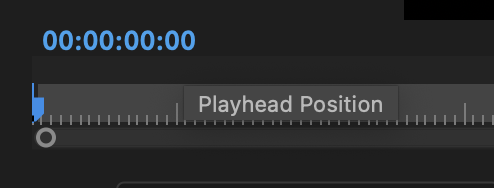
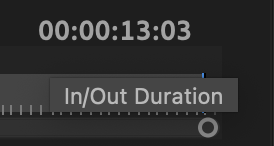
*if you ‘right-click’ on either of these timecodes, you get this menu* –>
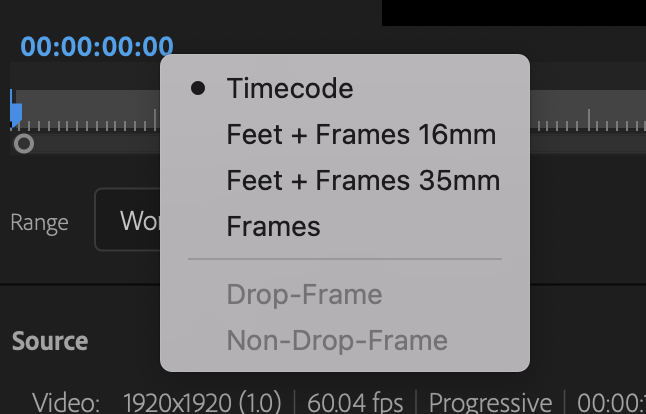
*timecode* –>
hours / minutes / seconds / milli-seconds
*feet + frames*
(16mm)
(35mm)
(for 16mm, a ‘foot’ has 40 frames)
(for 35mm, a ‘foot’ has 16 frames)
*frames*

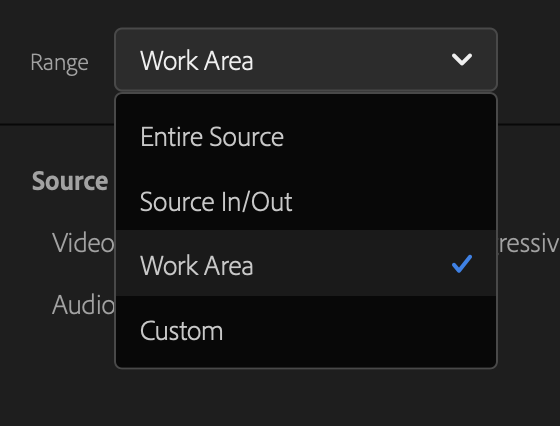
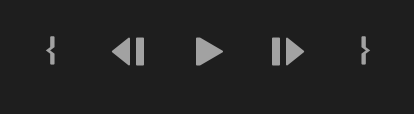
*set ‘in point’* –>

*scrub to previous frame* –>

(you can’t hold it down)
(you have to keep clicking it)
(you can also use your ‘left arrow key’)
(which you also have to keep clicking)
(holding down the key should just play the video backwards/forwards in slower motion)
(like quicktime)
*play/stop* –>

.
*scrub to next frame* –>

(you can’t hold it down)
(you have to keep clicking it)
(you can also use your ‘right arrow key’)
(which you also have to keep clicking)
(holding down the key should just play the video backwards/forwards in slower motion)
(like quicktime)
*set ‘out point’* –>

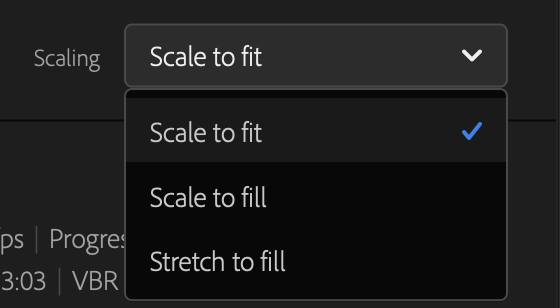
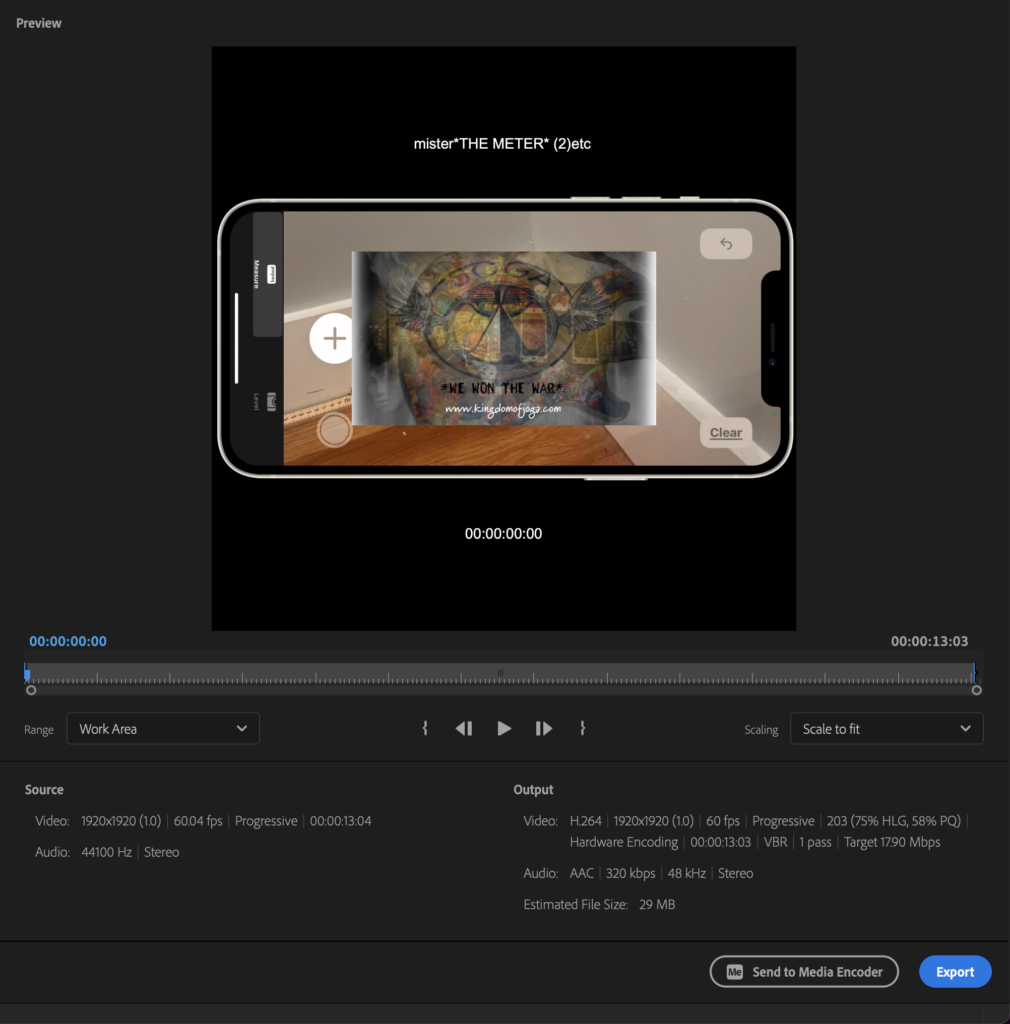
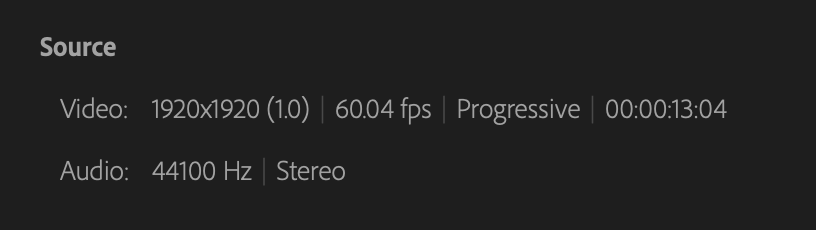
*SOURCE SPEX* –>
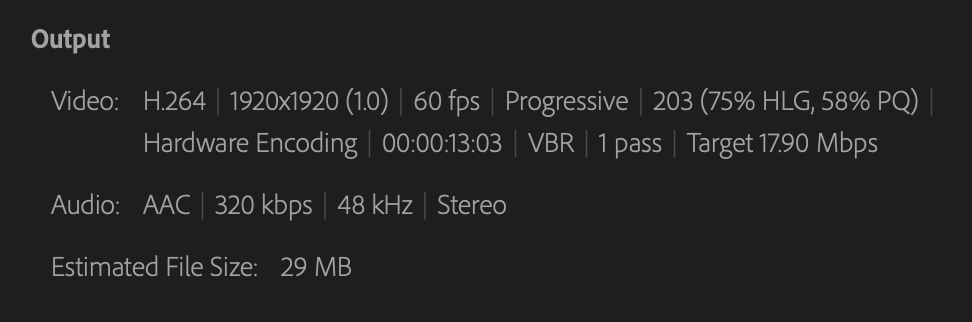
*OUTPUT SPEX* –>
.
.
.
*👨🔬🕵️♀️🙇♀️*SKETCHES*🙇♂️👩🔬🕵️♂️*
.
.
👈👈👈☜*-[PREMIERE PRO] EXPORTS-* ☞ 👉👉👉
.
.
💕💝💖💓🖤💙🖤💙🖤💙🖤❤️💚💛🧡❣️💞💔💘❣️🧡💛💚❤️🖤💜🖤💙🖤💙🖤💗💖💝💘
.
.
*🌈✨ *TABLE OF CONTENTS* ✨🌷*
.
.
🔥🔥🔥🔥🔥🔥*we won the war* 🔥🔥🔥🔥🔥🔥