
-as of [29 JULY 2026]-
.
-PREMIERE PRO-
-EXPORT MODE-
.
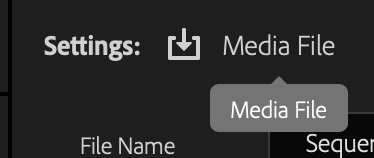
.
1
2
3
4
.
.
*7 MENUS* —>
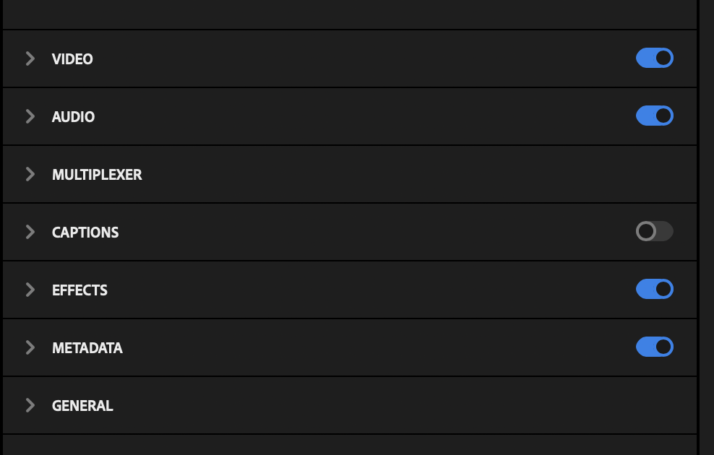
.
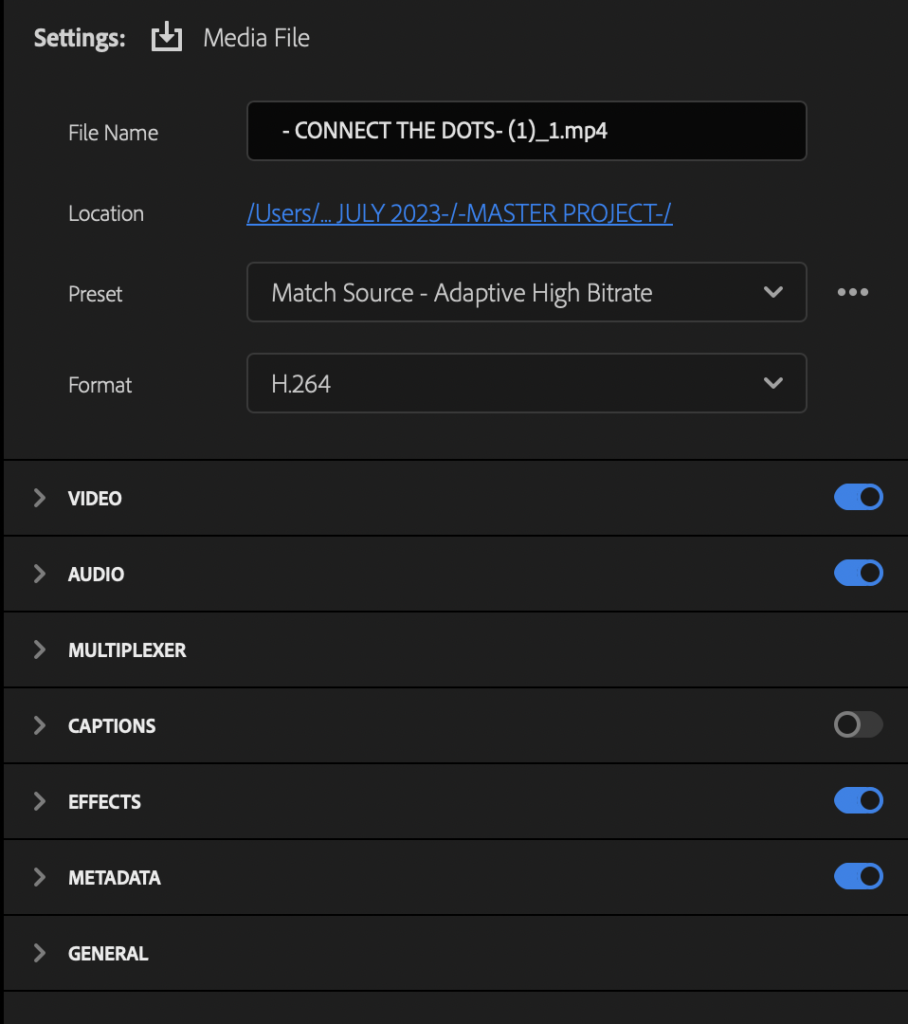
*even if the sequence only contains ‘audio’, the default export format is ‘H.264’* —>

*which means your ‘default file name’ will have an ‘.mp4 extension’* —>

*click into the box to change ‘file name’* —>

*hover over ‘file location link’ to see the ‘destination file path’* —>

*click on the ‘file location link’ to change the ‘destination file path’* —>
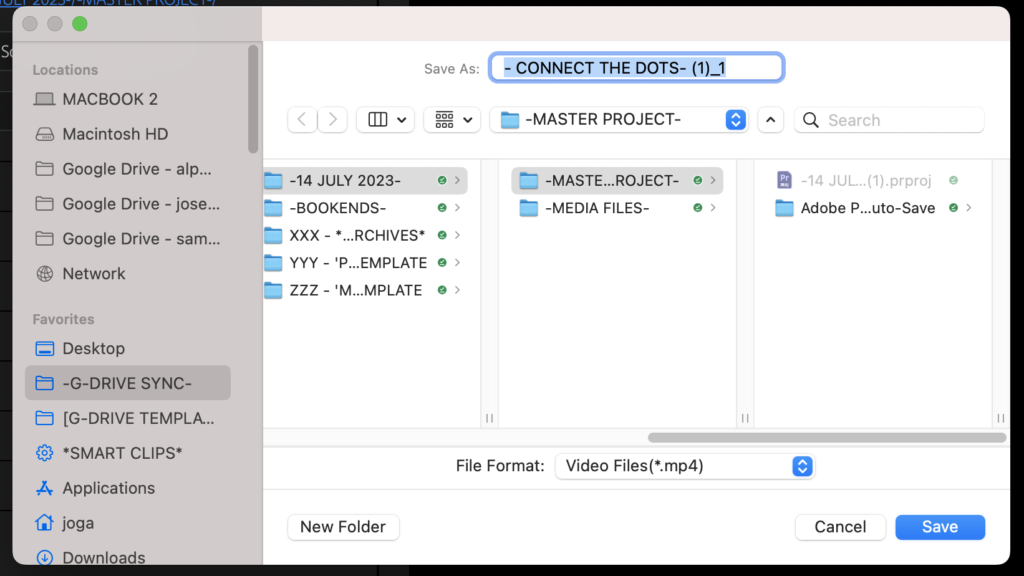
*save ‘video files’ to your ‘google drive for desktop’ [FINAL CUTS] —> [CLIPS] folder* —>
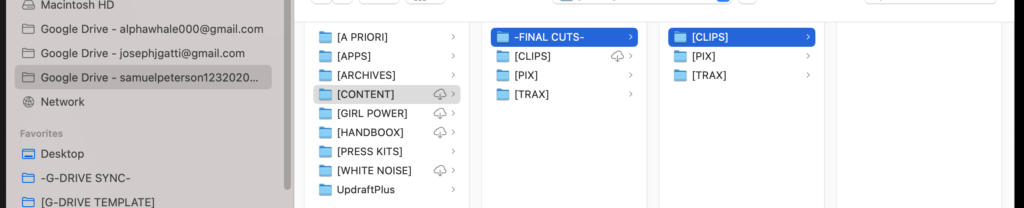
*the program doesn’t allow you to delete the ‘.mp4’ extension from the ‘file name’*
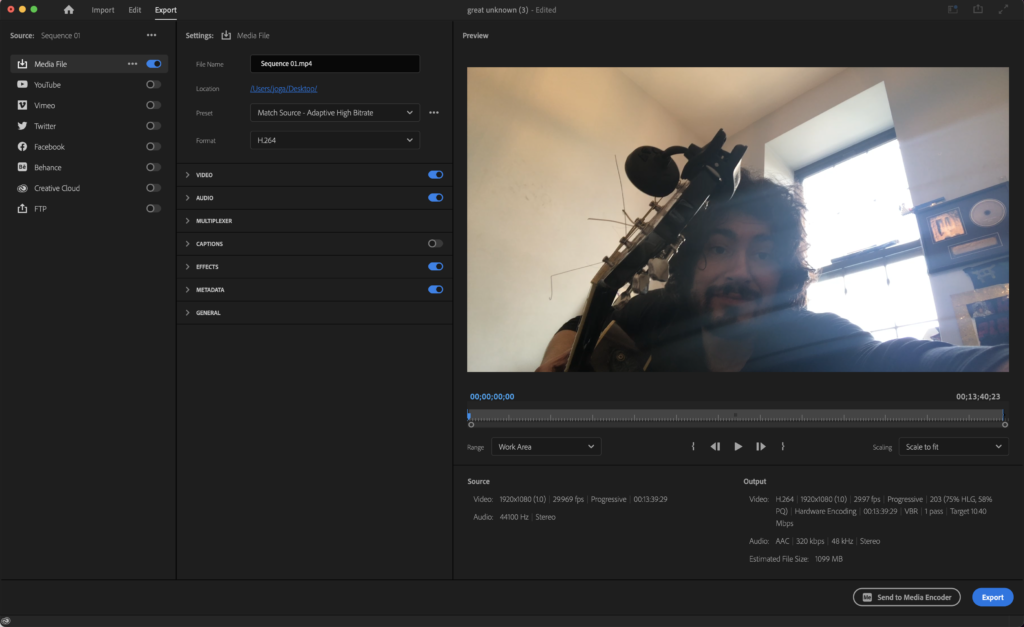
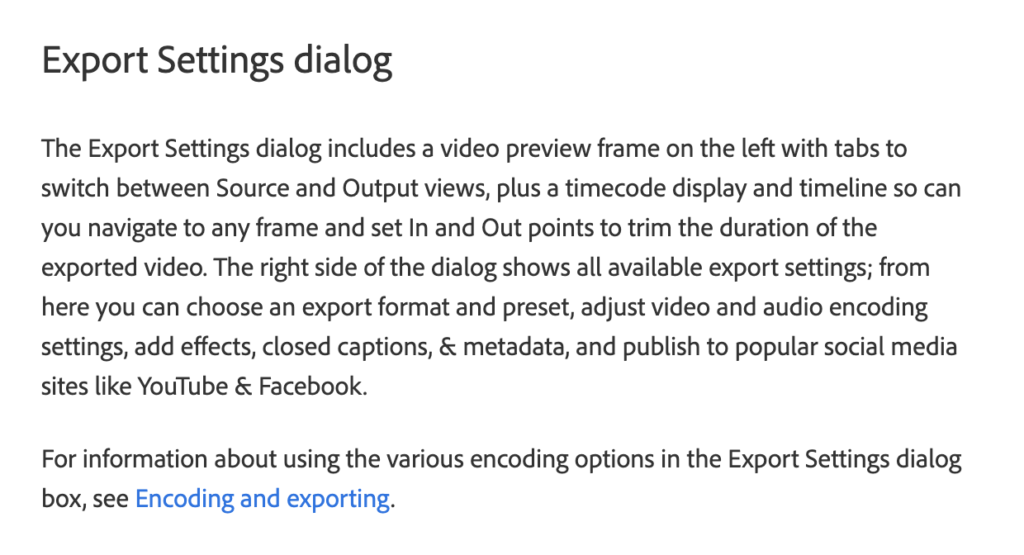
*EXPORT SETTINGS*
(official link)
(‘fixed variables’ displayed with ‘white text’…)

(‘customizable variables’ displayed with ‘denim blue text’…)

*IN THE 2ND COLUMN (FROM LEFT), YOU CAN TWEAK ‘PRE-SETS’* –>
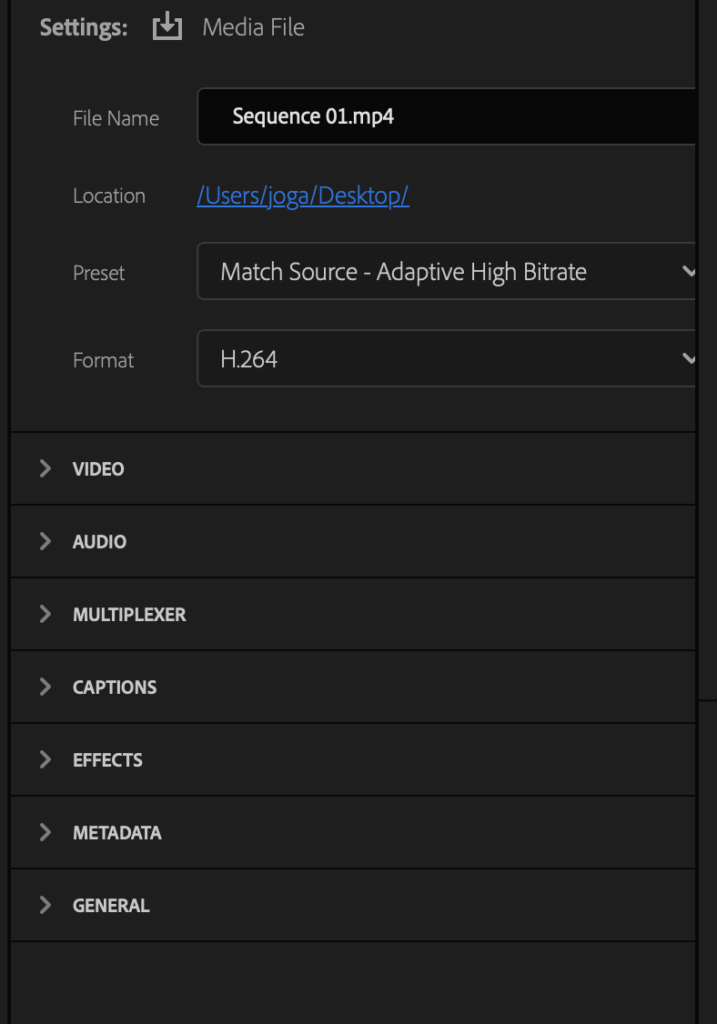
*the name of the ‘selected file’ appears at top of ‘2nd column’*
*FILE NAME*
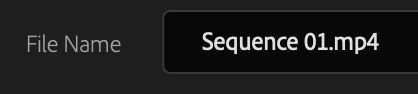
*FILE LOCATION* –>

*PRE-SET*
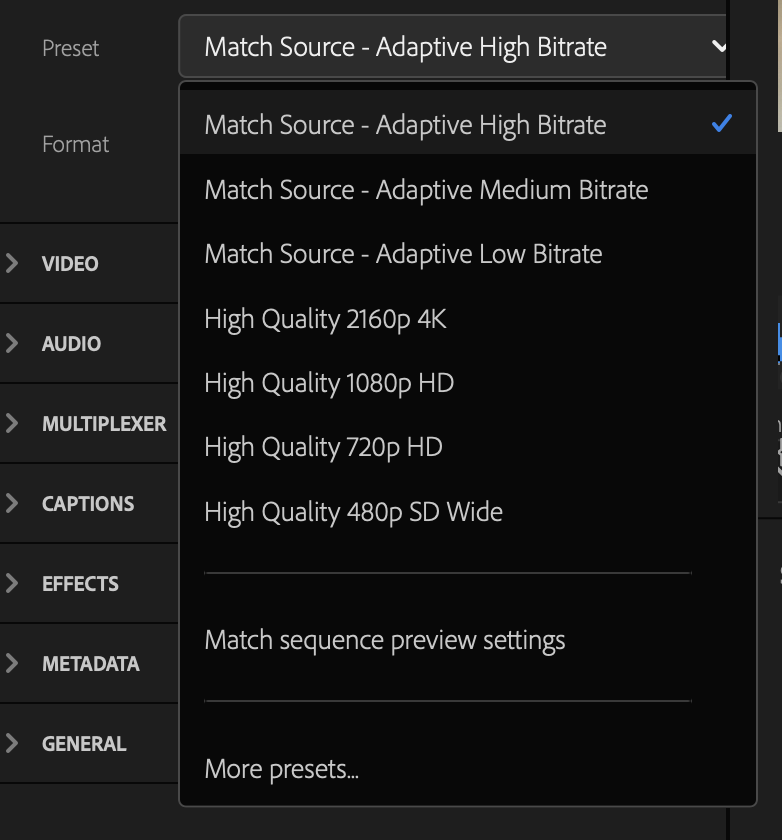
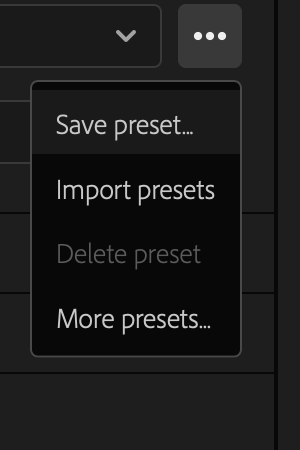
*click ‘3 vertical dots button’ in ‘top right corner’* –>
*FORMAT*
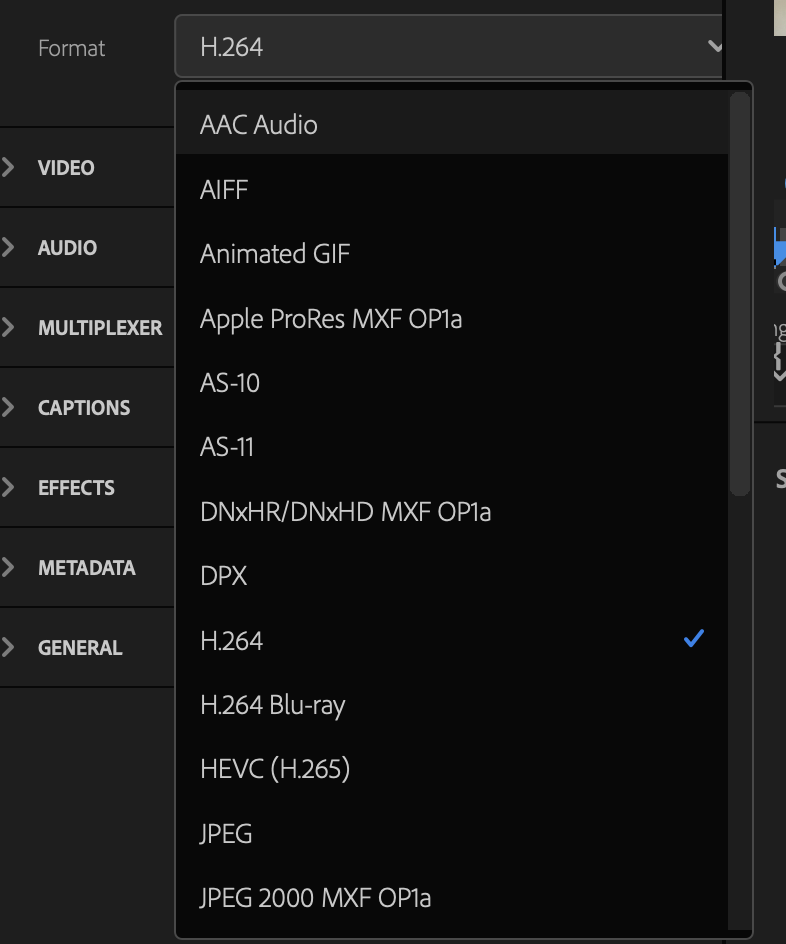
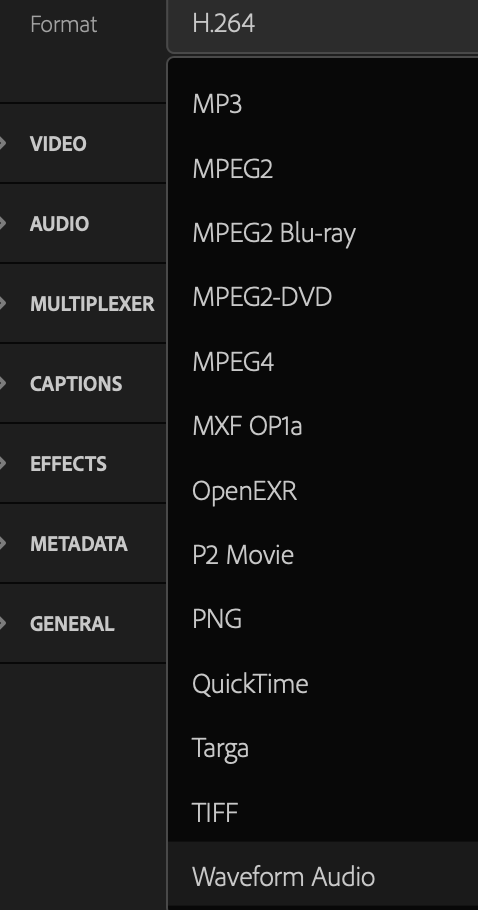

*bottom right corner* –>

.
.
.
*👨🔬🕵️♀️🙇♀️*SKETCHES*🙇♂️👩🔬🕵️♂️*
.
.
👈👈👈☜*-EXPORT MODE-* ☞ 👉👉👉
-PREMIERE PRO-
.
.
💕💝💖💓🖤💙🖤💙🖤💙🖤❤️💚💛🧡❣️💞💔💘❣️🧡💛💚❤️🖤💜🖤💙🖤💙🖤💗💖💝💘
.
.
*🌈✨ *TABLE OF CONTENTS* ✨🌷*
.
.
🔥🔥🔥🔥🔥🔥*we won the war* 🔥🔥🔥🔥🔥🔥